How Volunteer Clinton County works
Short, honest guides to the features most people never find, each with a real screenshot of the site.
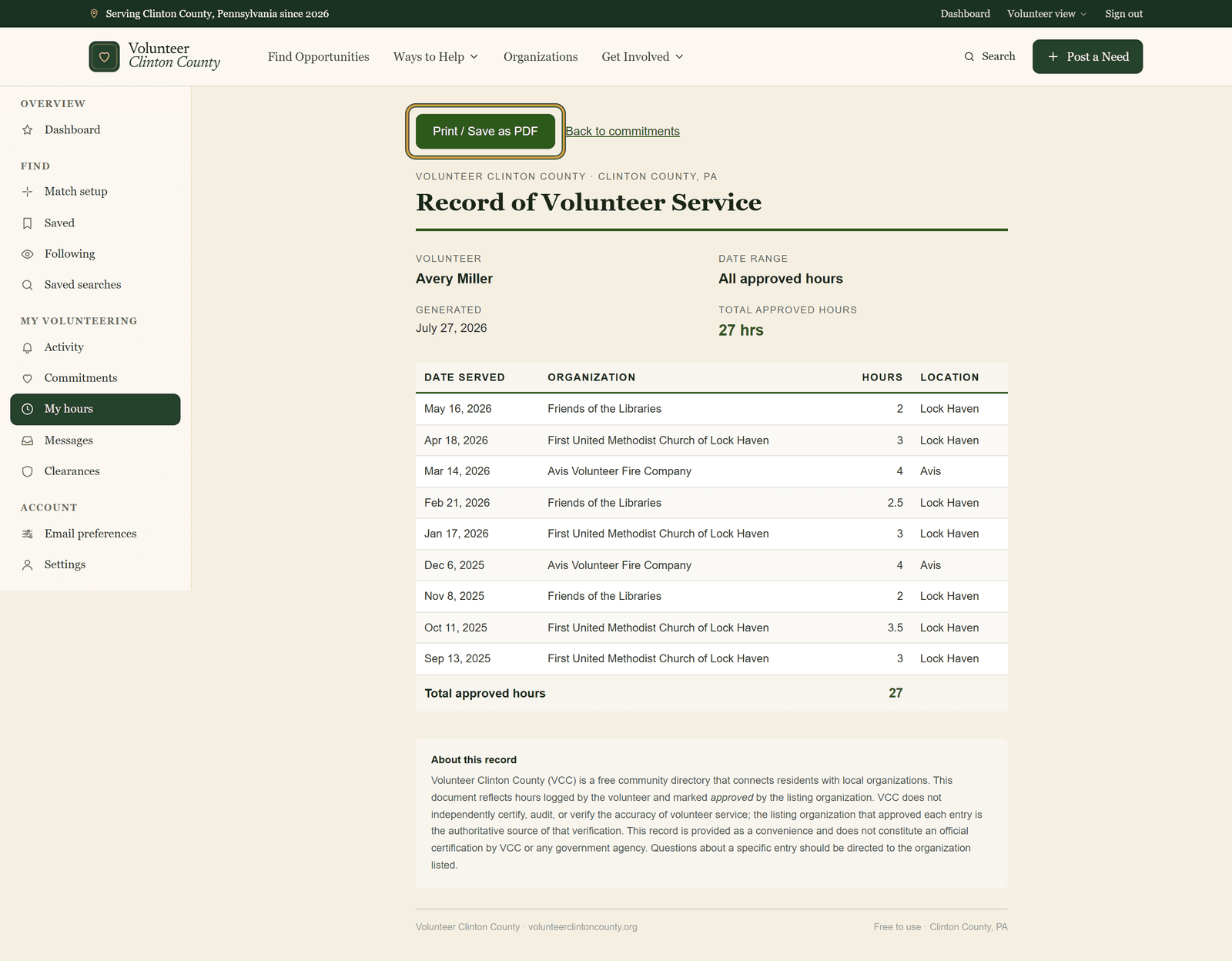
When a school or a court asks you to prove your volunteer hours, you print one dated page instead of hunting for sign-in sheets.
Read the guide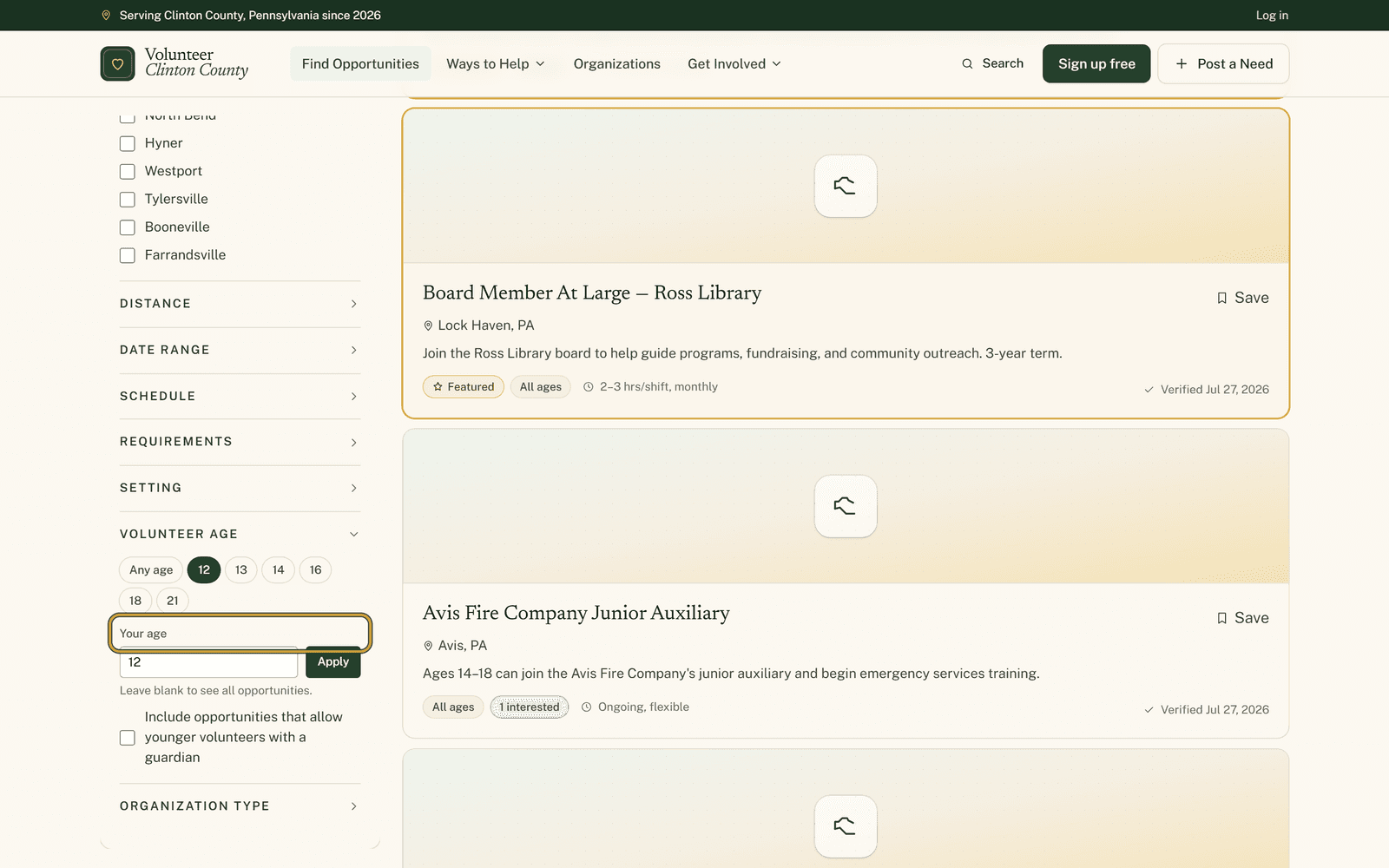
Type a single age into the opportunity filters and the list rebuilds around what that exact age is allowed to do.
Read the guide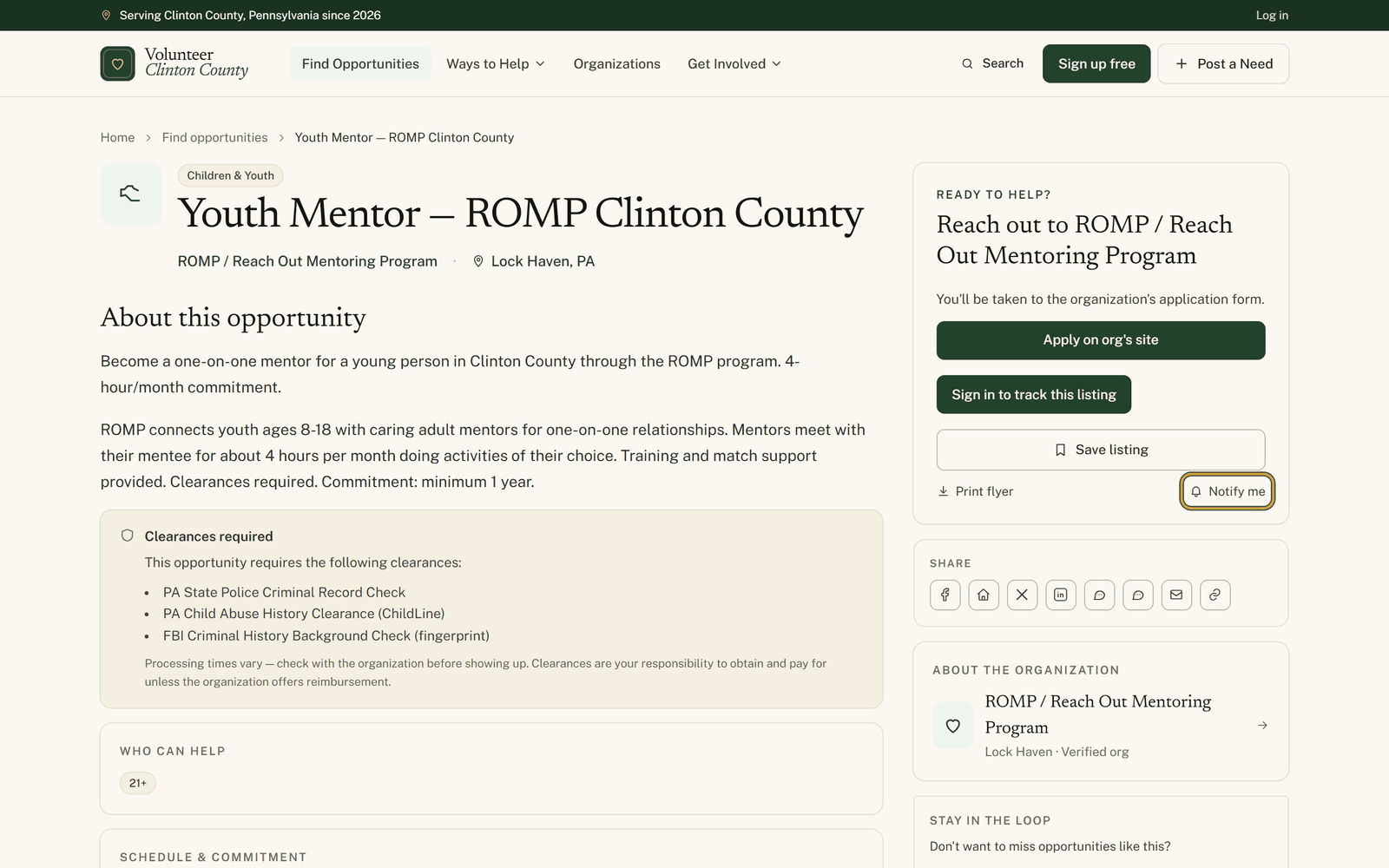
Every volunteer listing has a small Notify me link that emails you when a new one like it posts, with no account involved.
Read the guide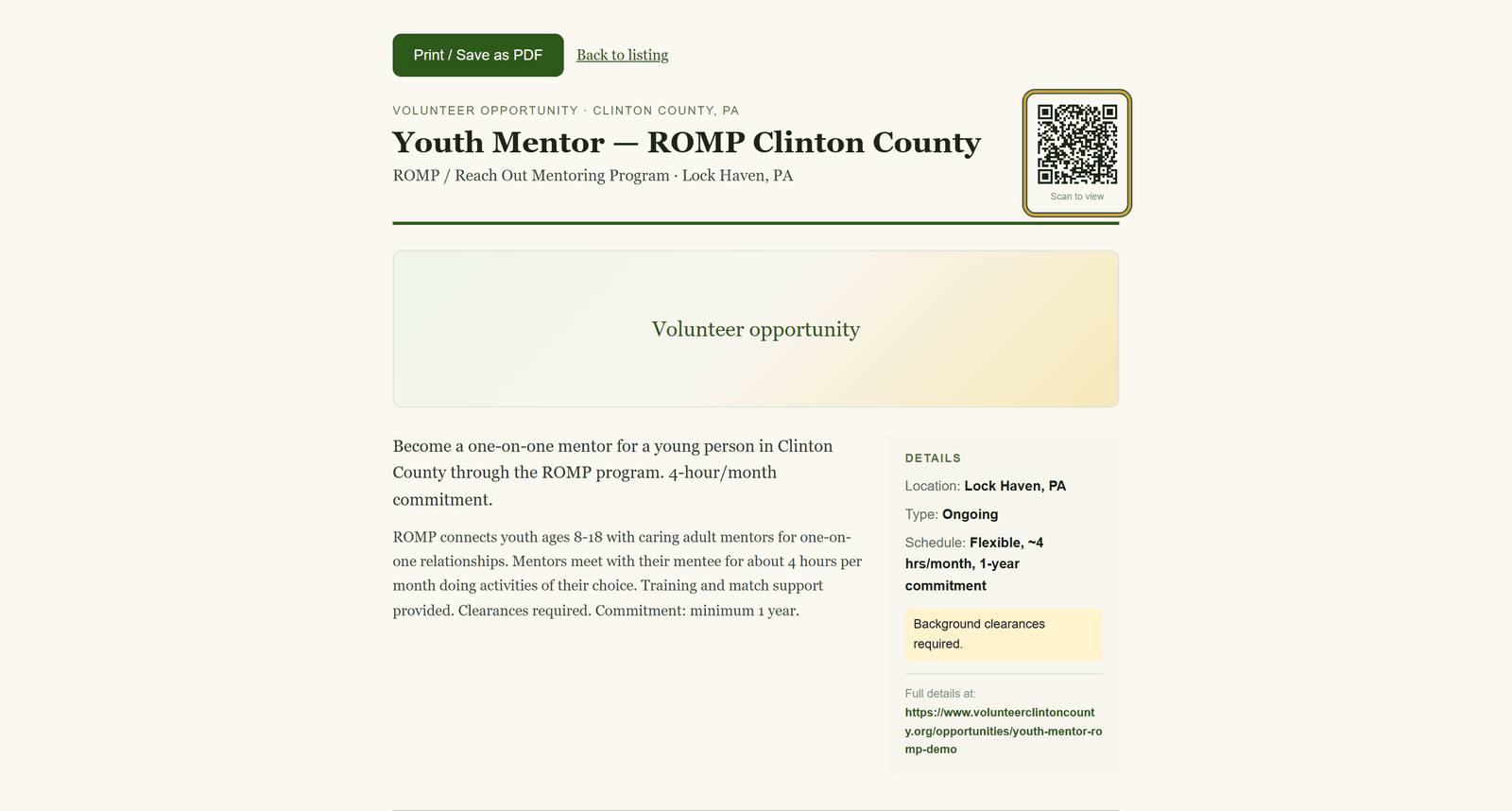
Behind every listing sits a print page: a letter-size sheet with the details and a QR code that opens the listing on a phone.
Read the guide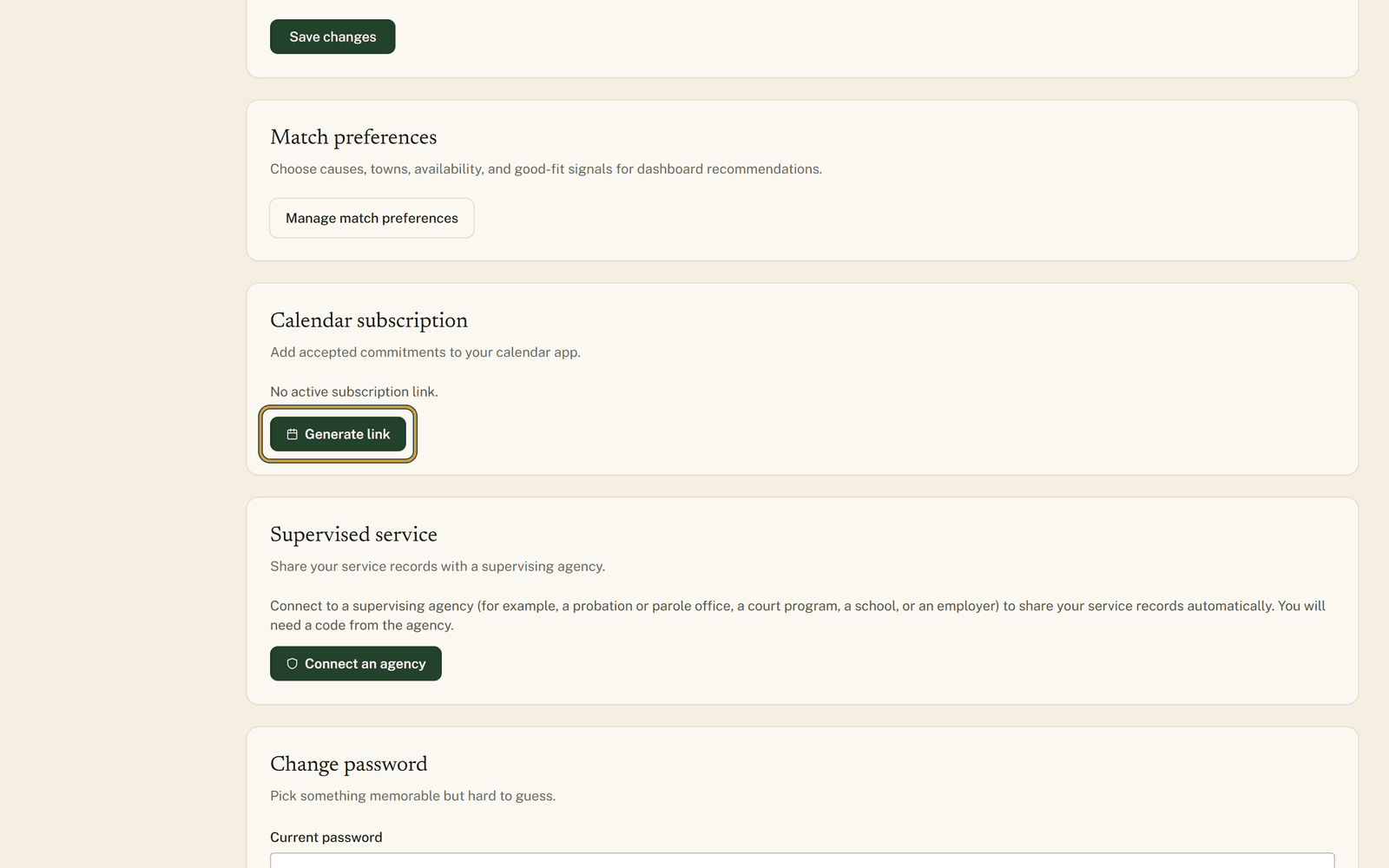
Generate one private link and everything you have marked Going shows up in Google, Apple, or Outlook Calendar on its own.
Read the guide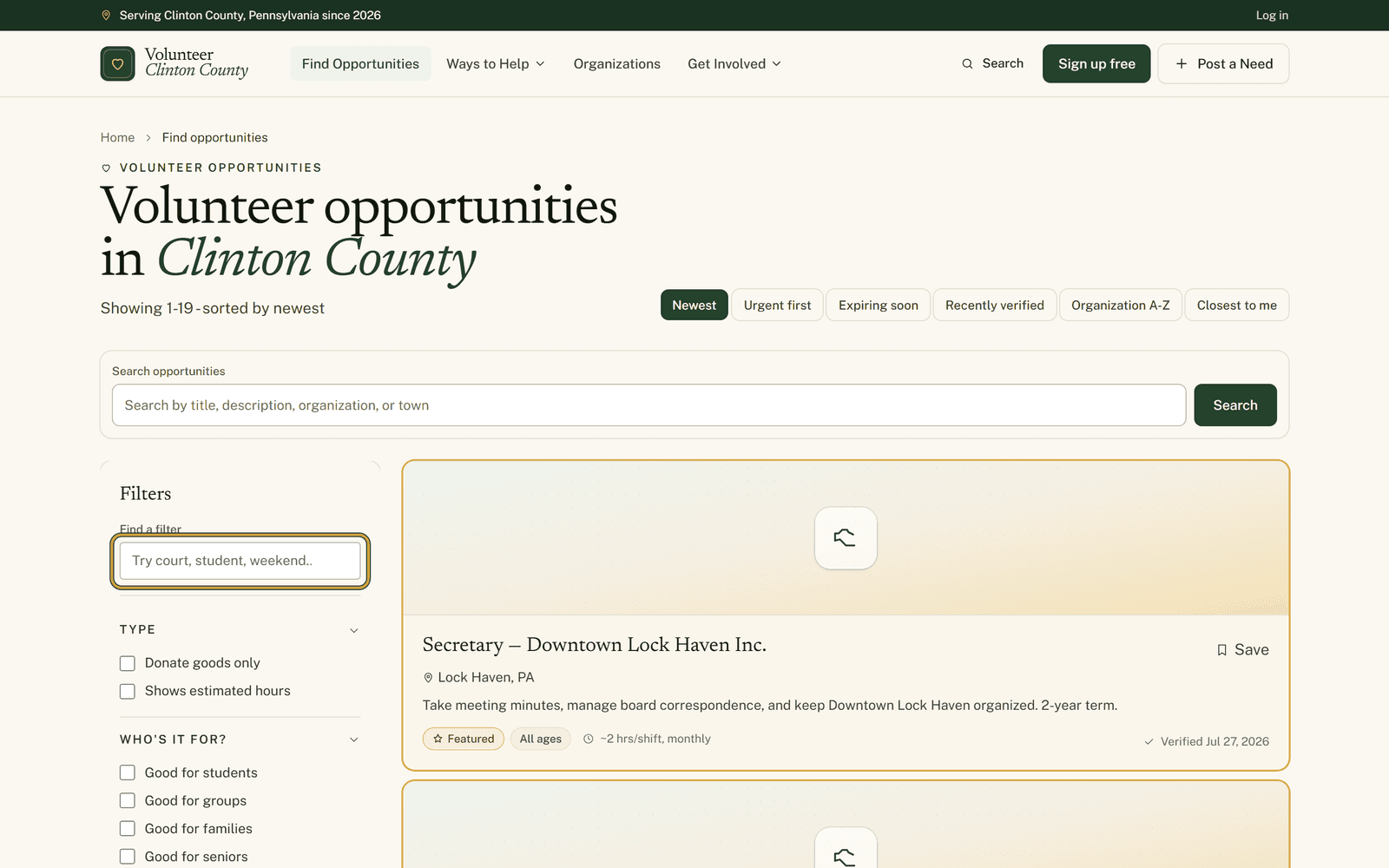
Tucked at the top of the opportunity filters is a small box that finds the filter you want when you type a word you would actually say.
Read the guide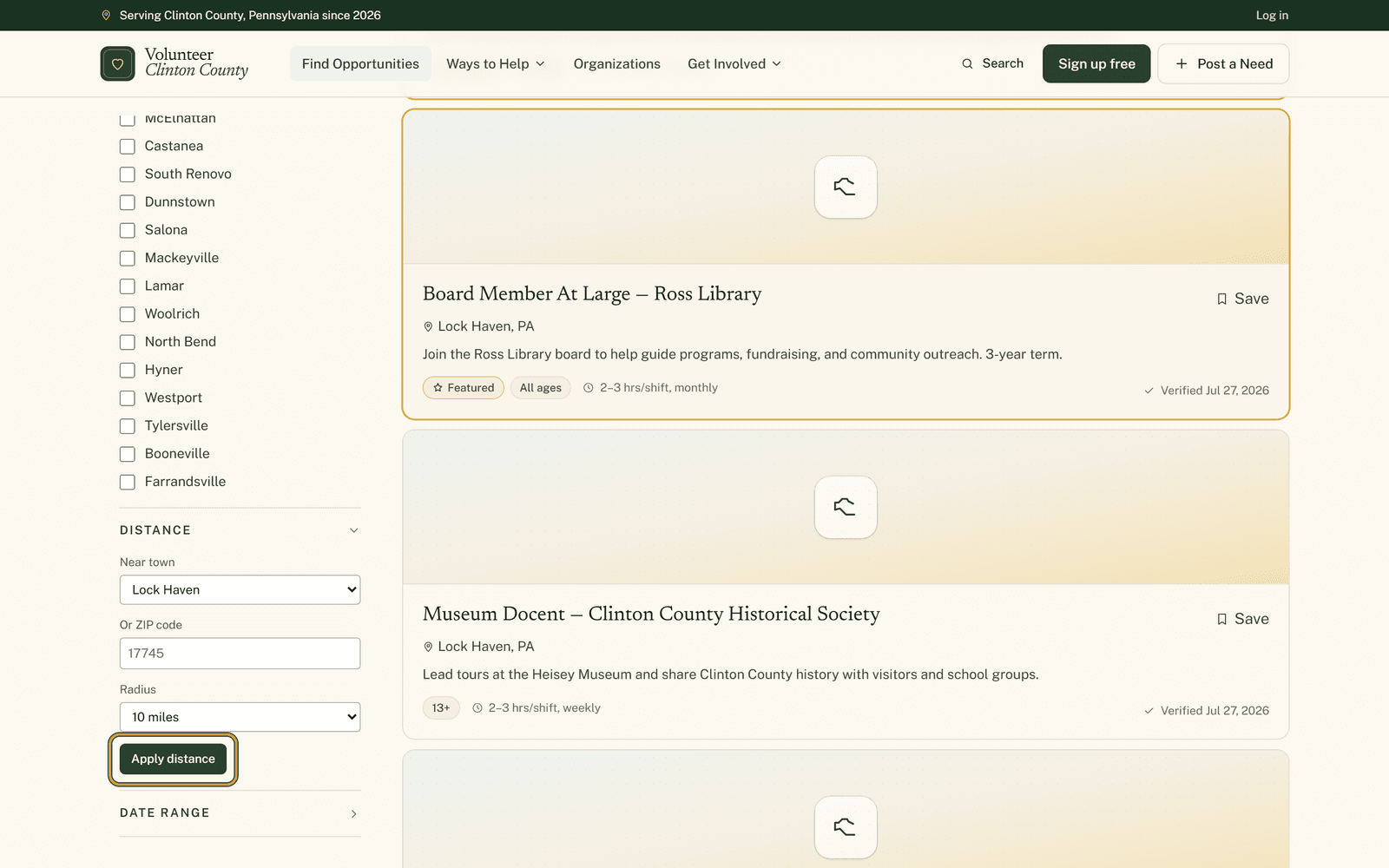
A collapsed section of the filter panel takes the town you start from and how far you will go, then drops everything outside that ring.
Read the guide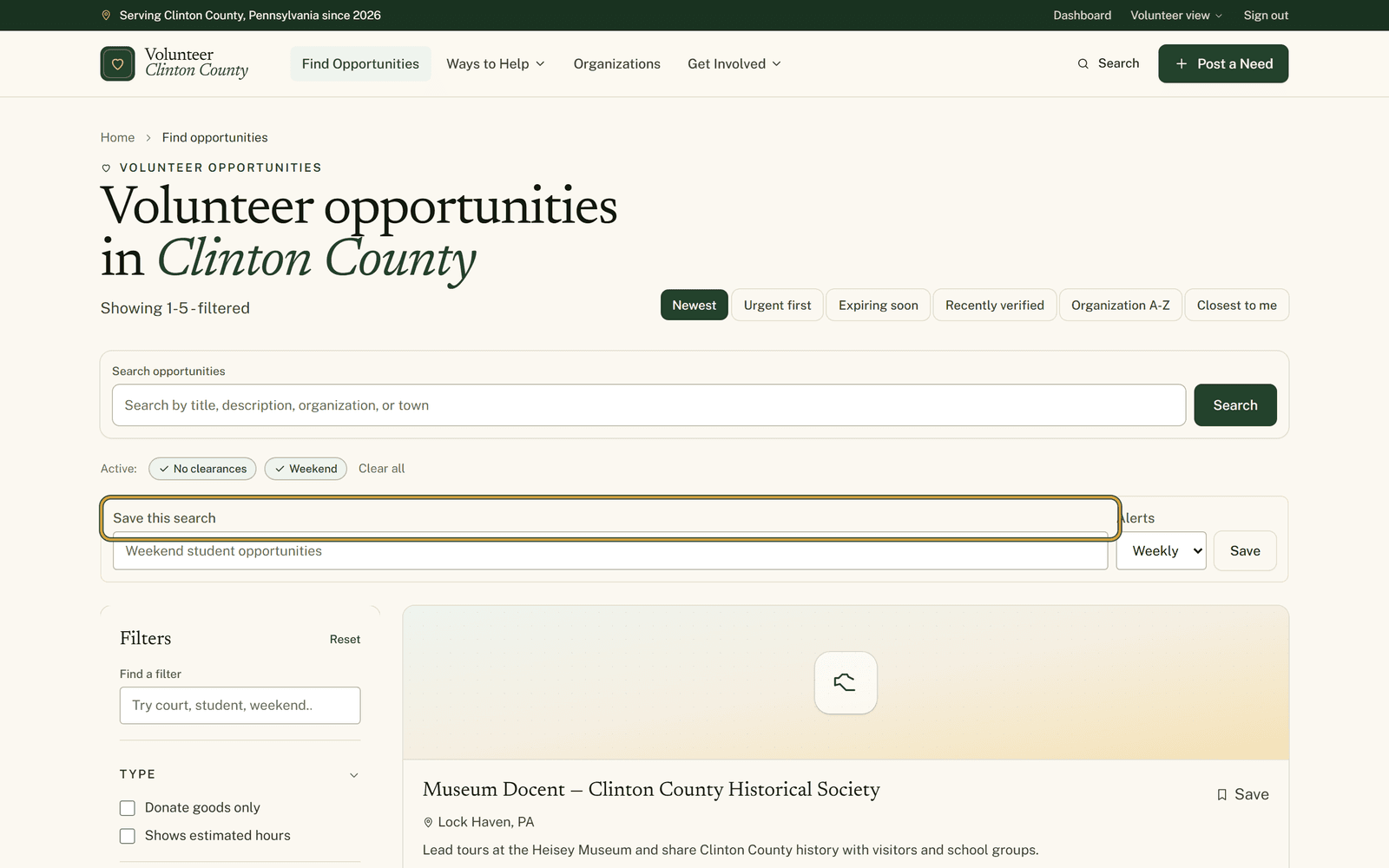
Once the filters are set the way you want them, a box under the results keeps them and mails you what posts next.
Read the guide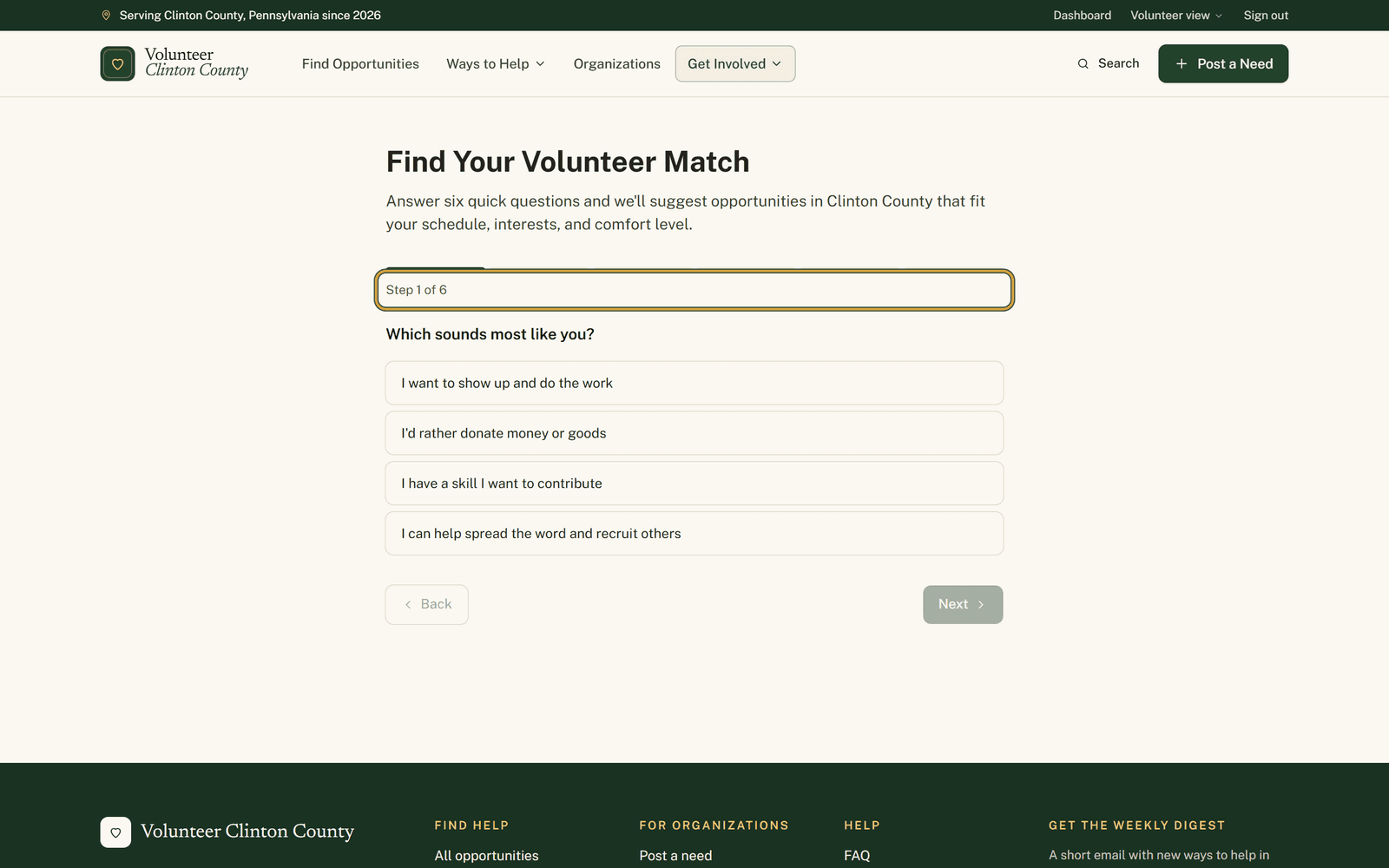
Six taps and the browse page opens with your schedule, your cause and your tolerance for heavy lifting already set.
Read the guide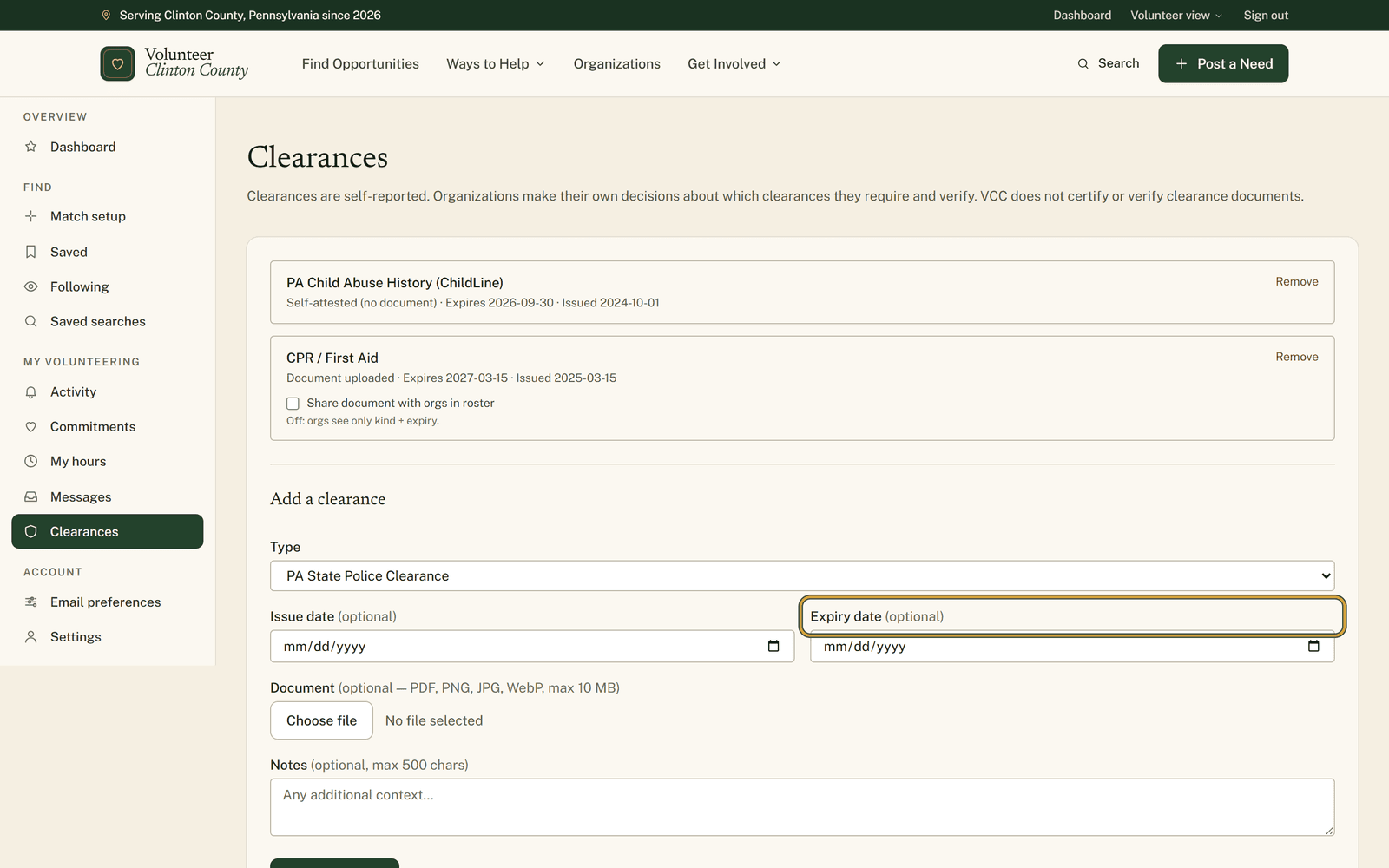
List a clearance with the date it runs out, and reminders arrive sixty, thirty and seven days before that date.
Read the guide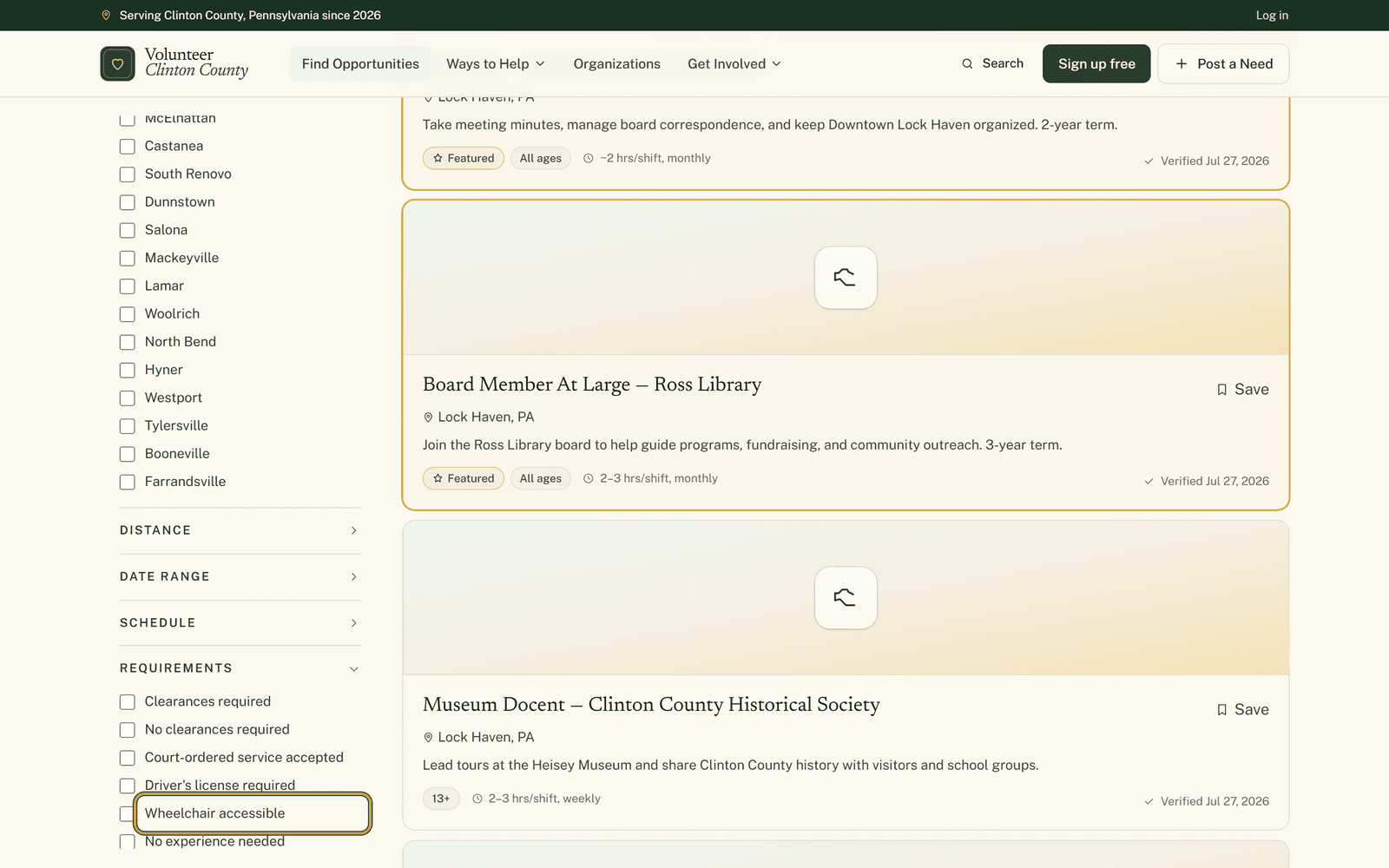
Two sections of the filter panel answer the questions people are least comfortable asking an organization out loud.
Read the guide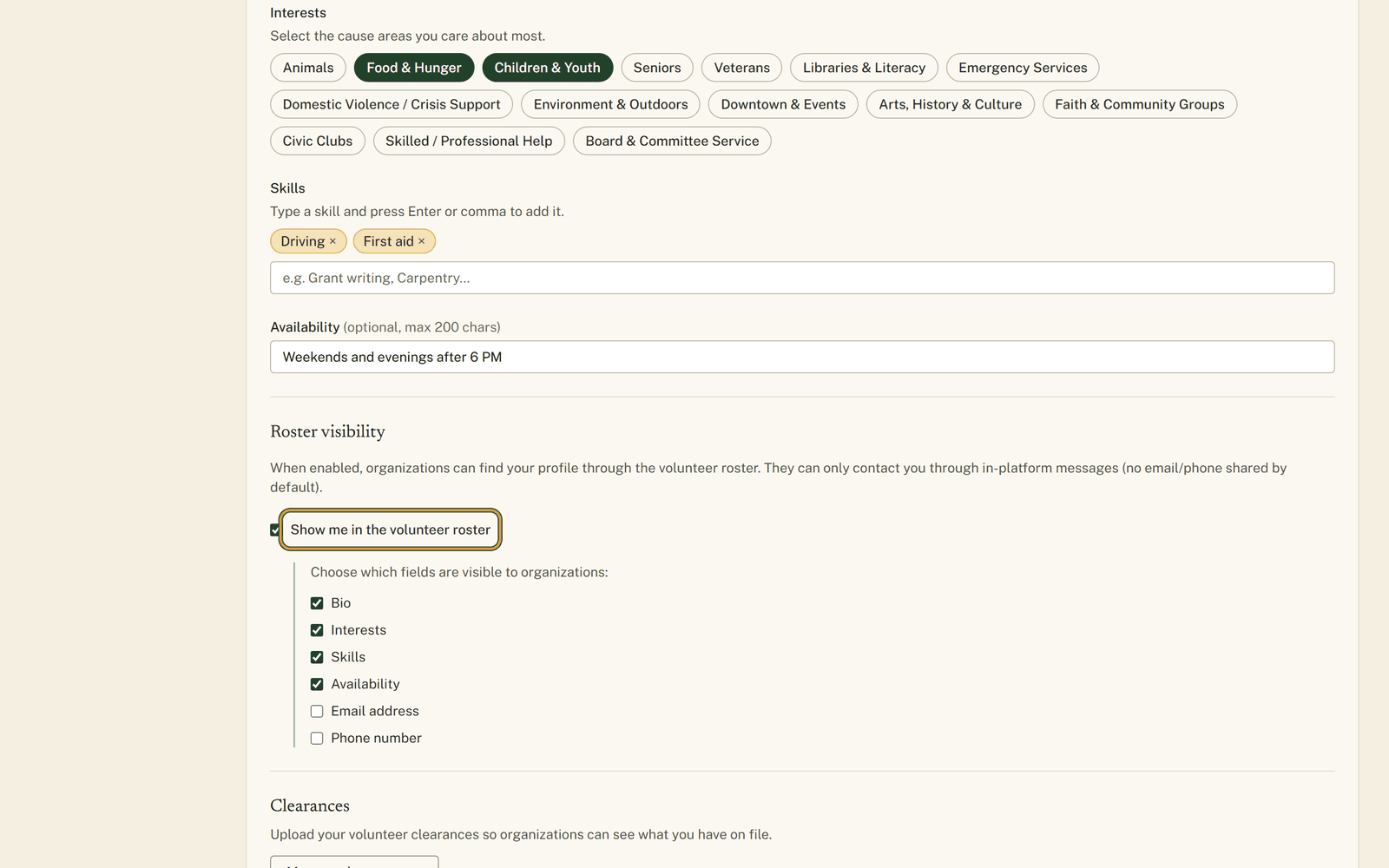
One switch puts you in the volunteer roster, and the checkboxes under it decide how much of you goes along.
Read the guide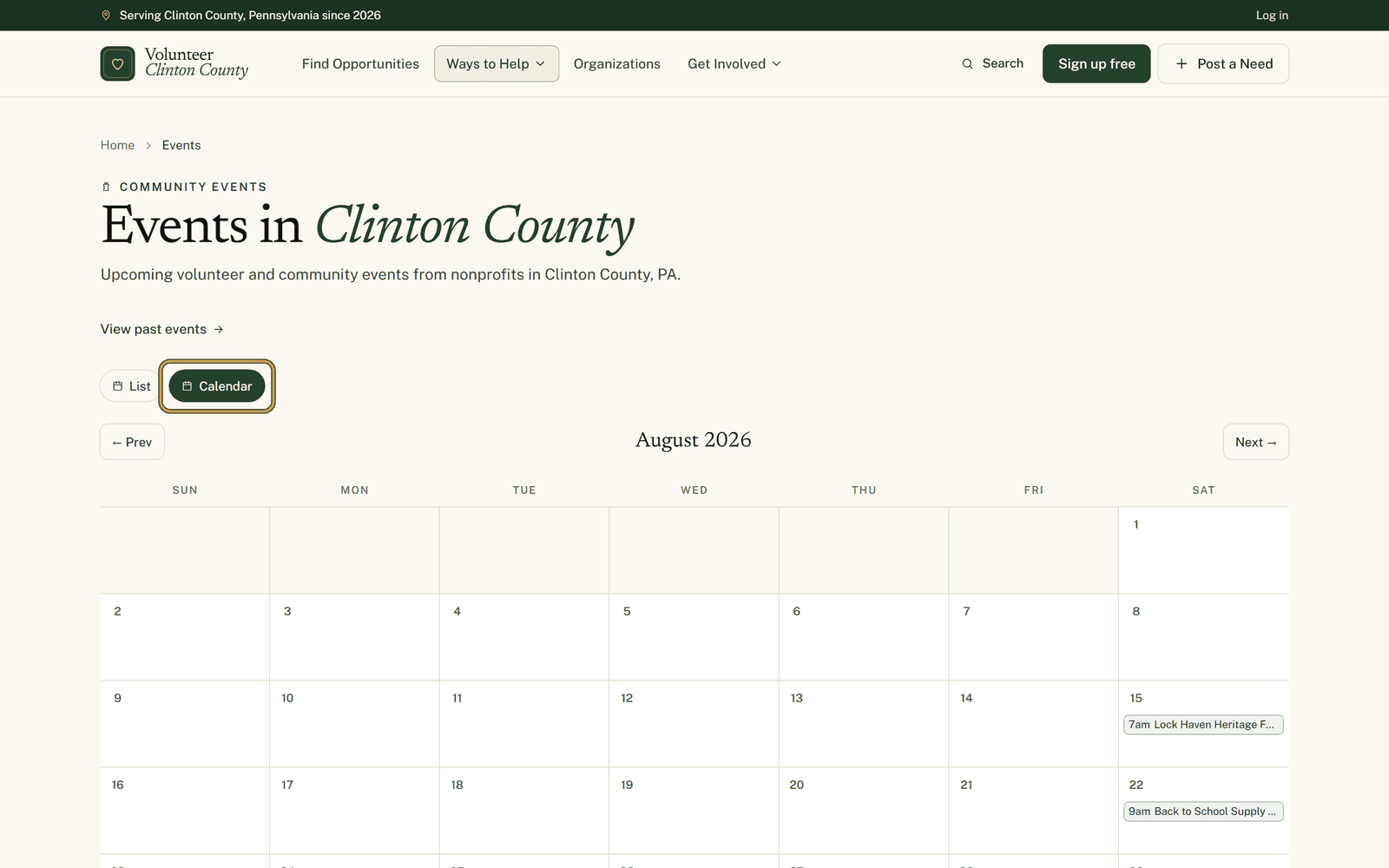
A long event day is broken into named roles with their own hours and a headcount, and you sign up for one of them.
Read the guide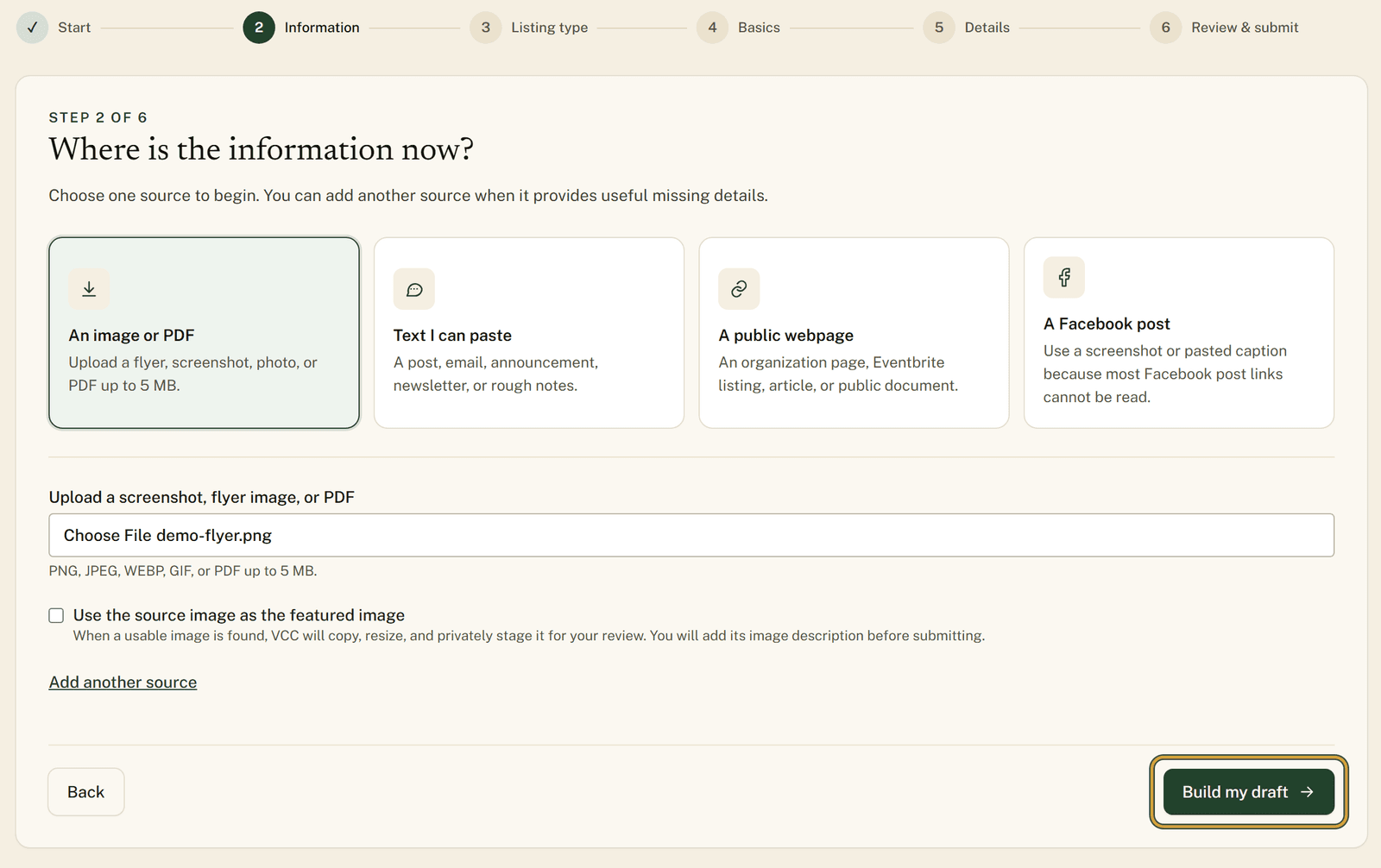
Upload a photo of your flyer or paste the text of a post you already wrote, and the listing form fills itself in.
Read the guide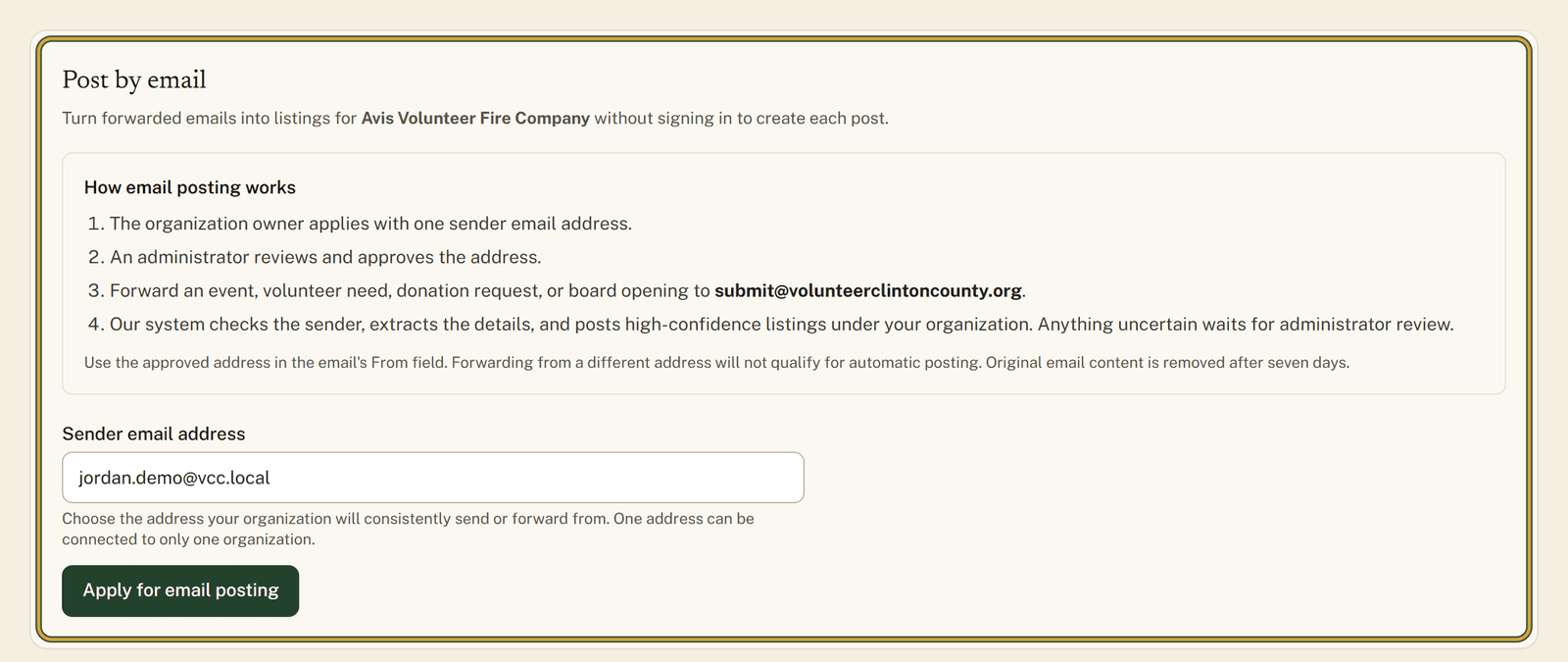
You already write these announcements in email, so forward one to the site and it becomes a listing for your organization.
Read the guide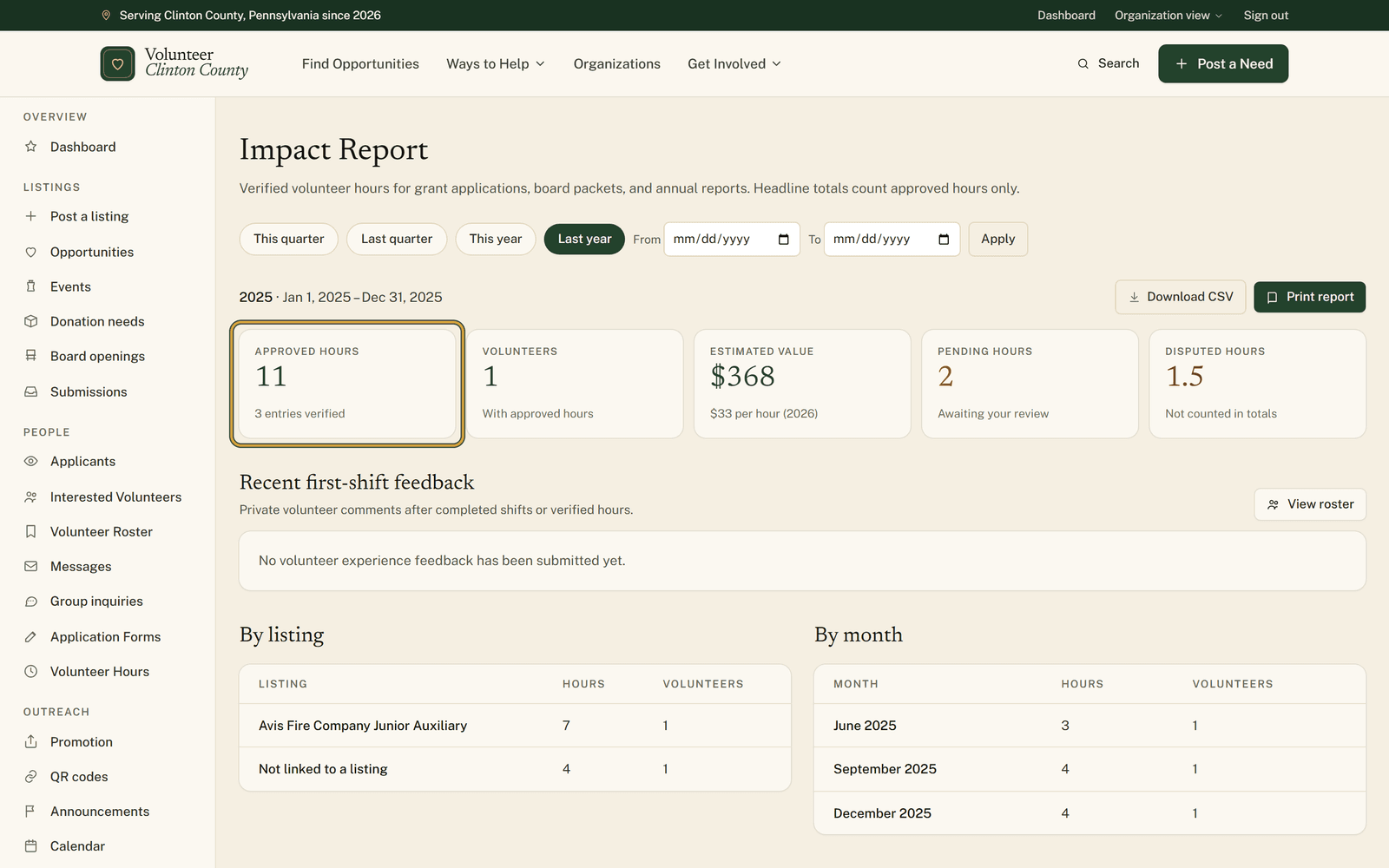
When an application asks how many volunteer hours you had last year, the total is already counted and ready to print.
Read the guide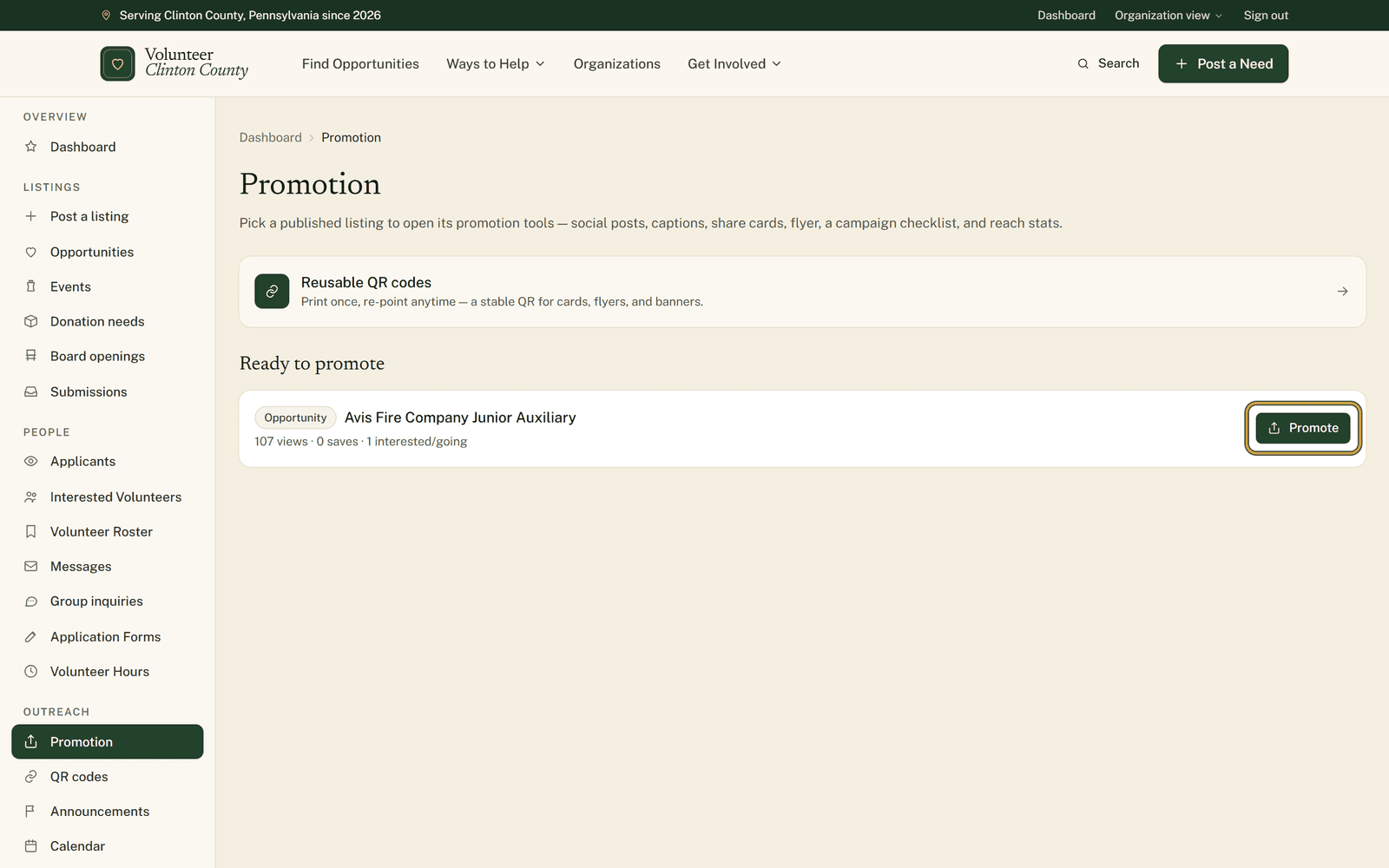
Publish a listing and the site hands you captions, share images, and a printable QR flyer to post yourself.
Read the guide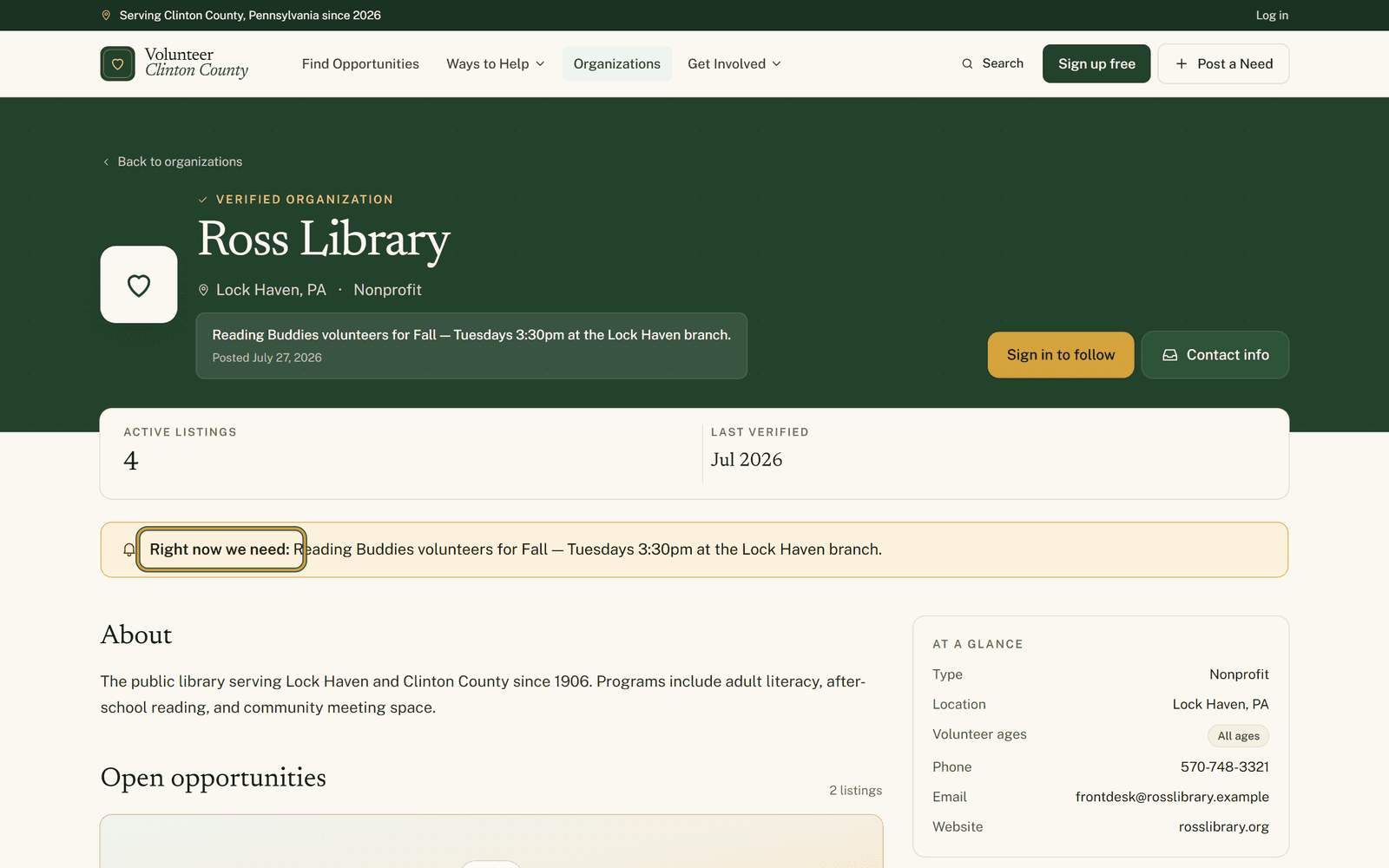
Small asks that never justify a whole posting get one line at the top of your page, and it takes itself down on the date you pick.
Read the guide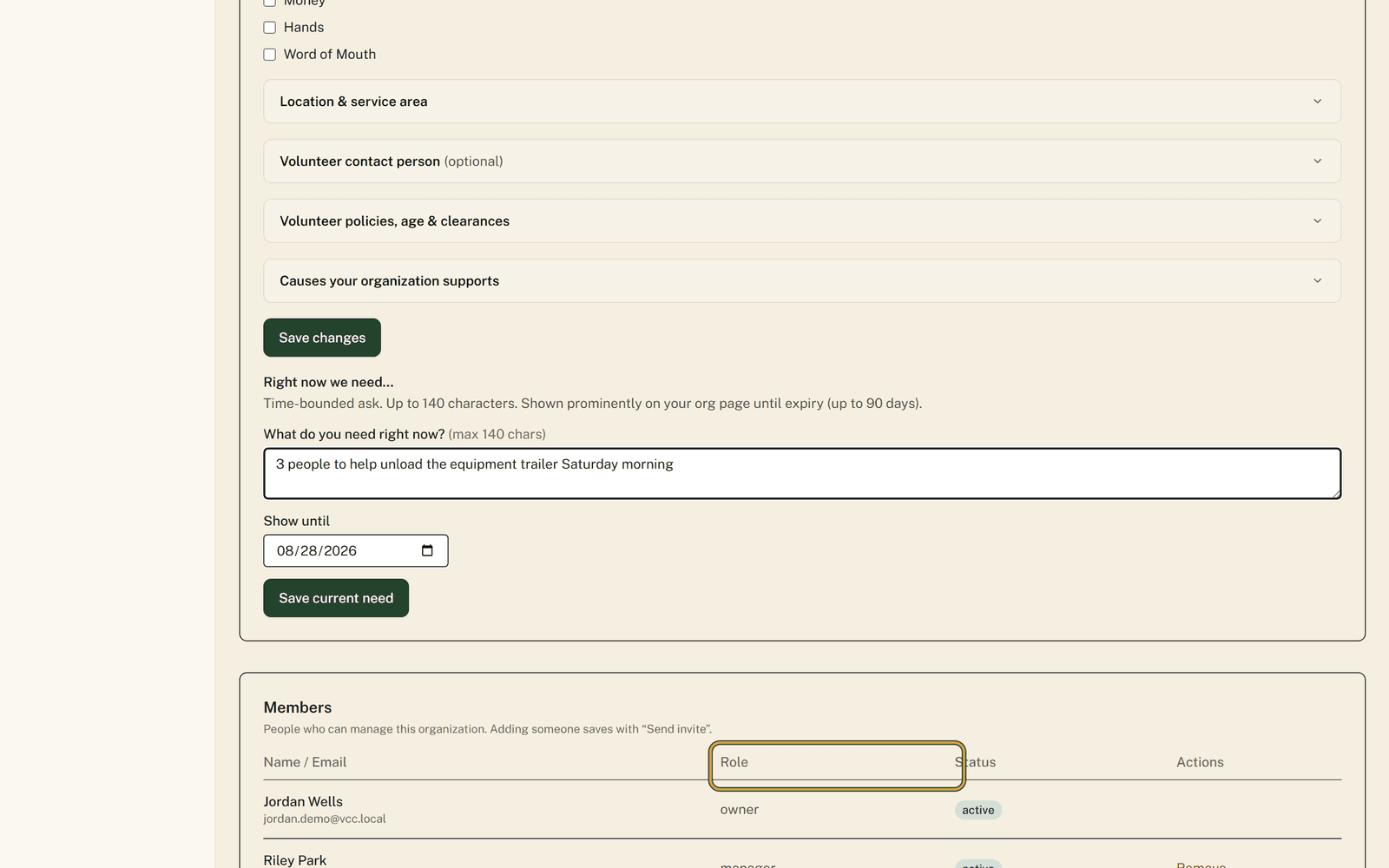
Instead of passing one password around the committee, each person who helps run your page signs in as themselves.
Read the guide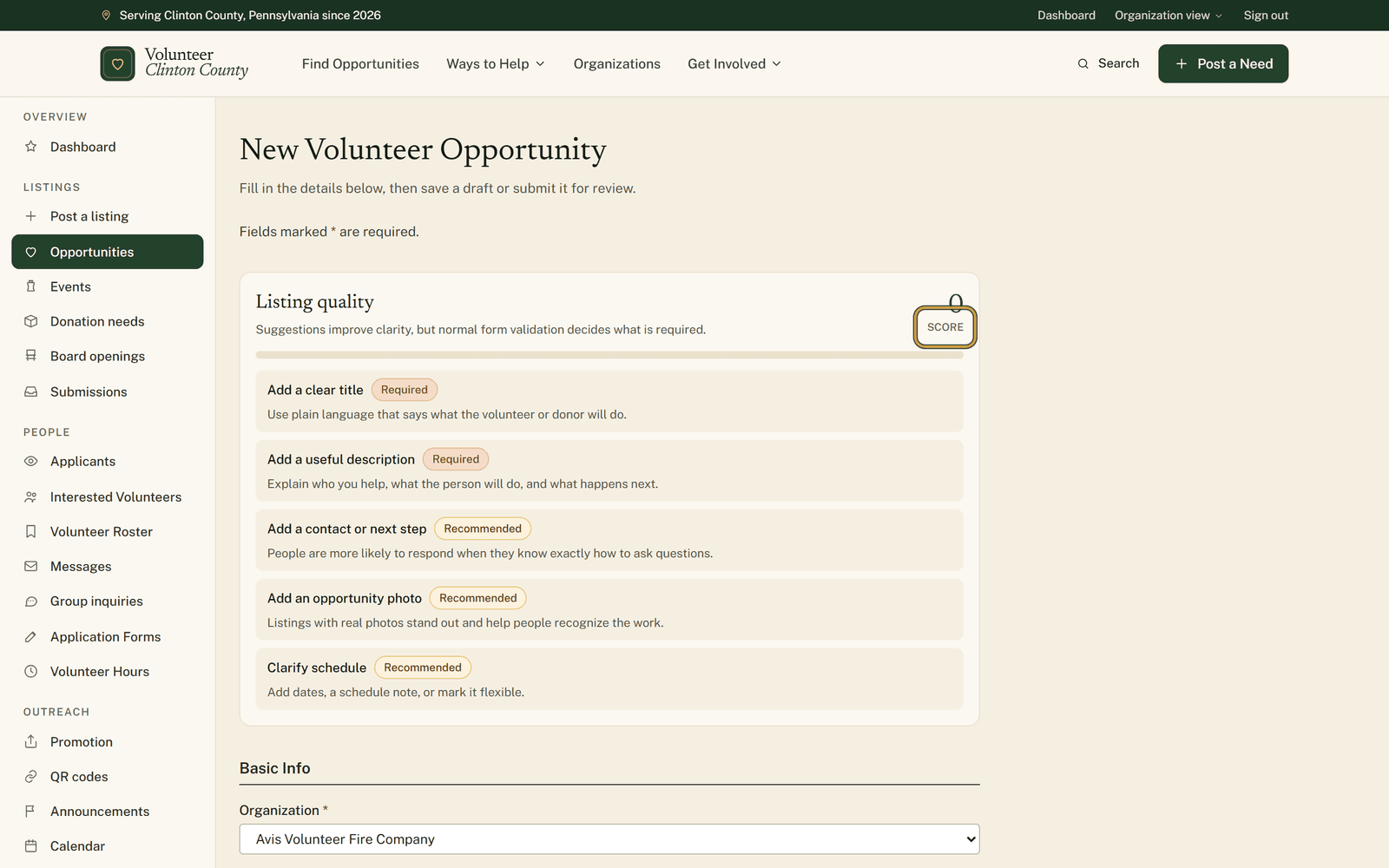
A panel above the first field scores what you have written so far and names the gaps a stranger would trip over.
Read the guide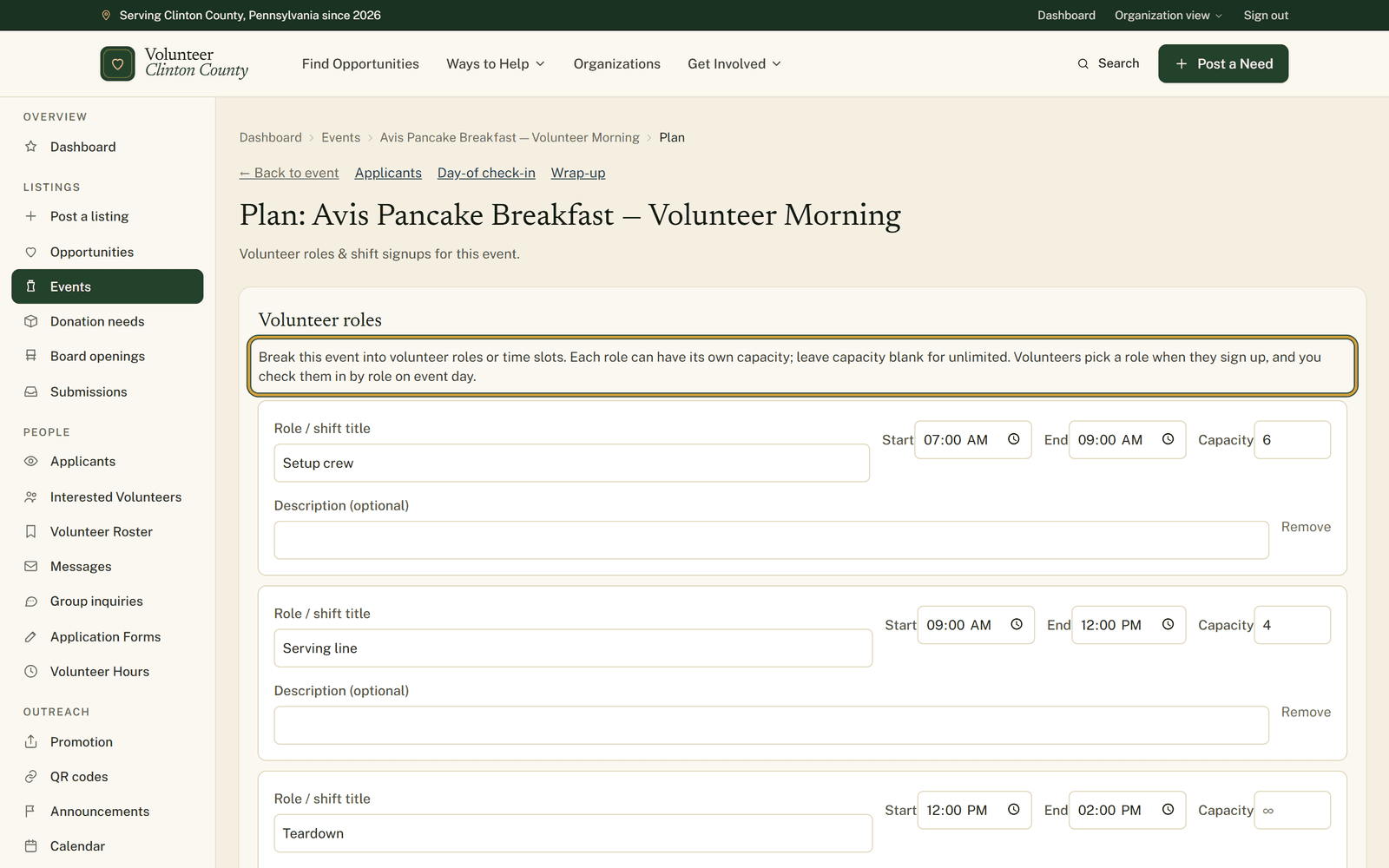
Split the event into roles with their own hours and headcounts, then check people in by role on a phone or on paper.
Read the guide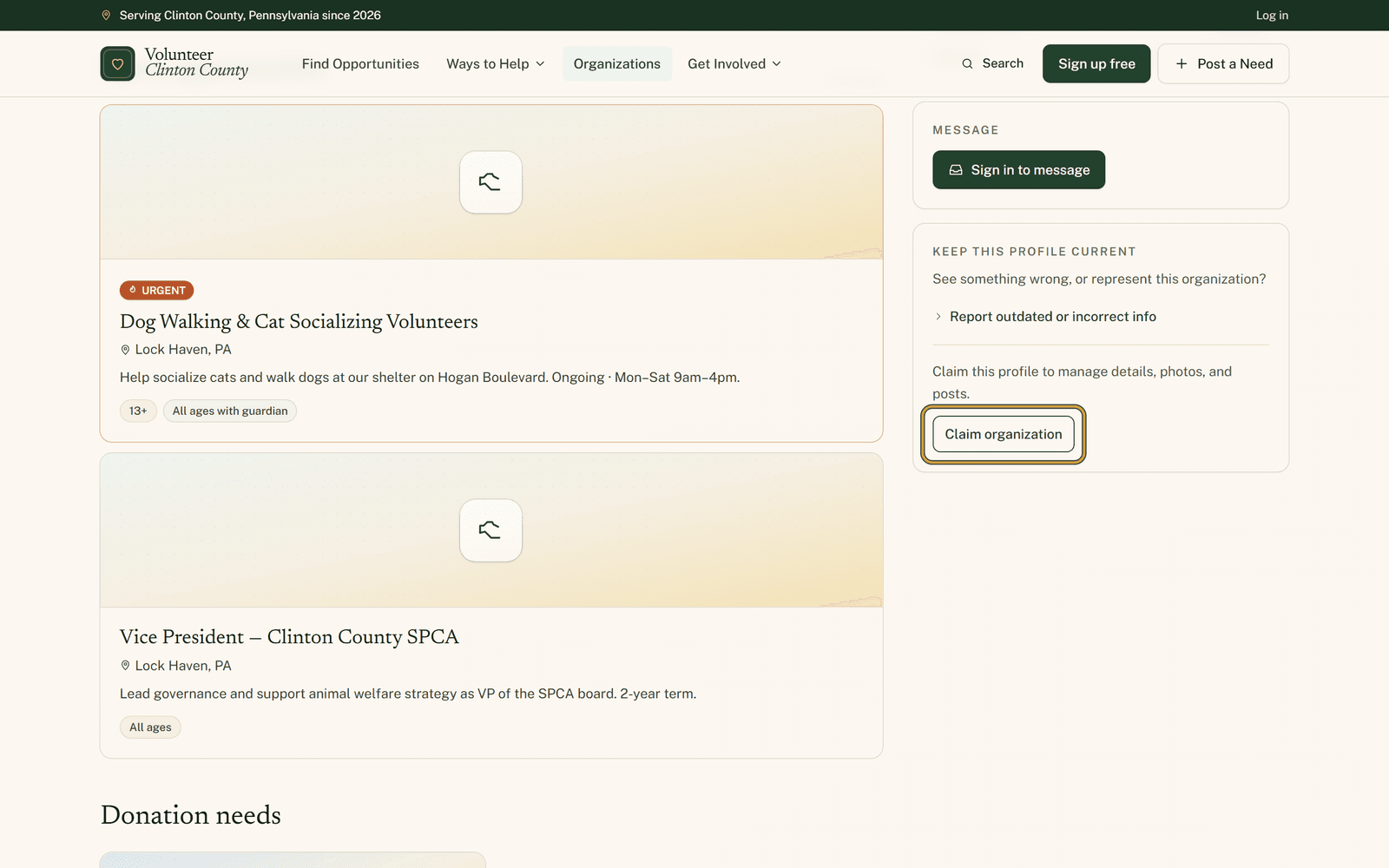
If your organization is already in the directory and nobody is looking after the page, you can ask to become the person who does.
Read the guide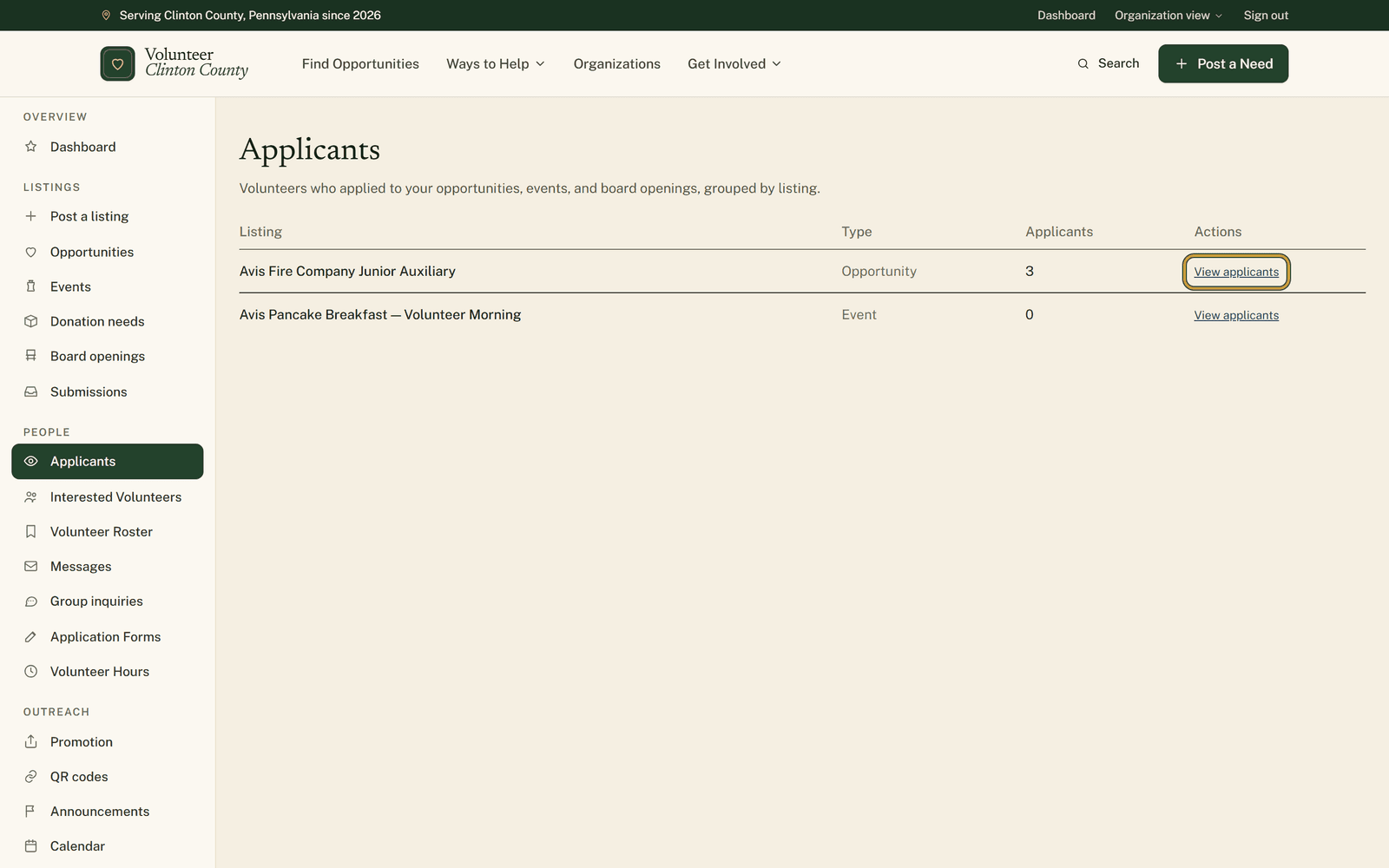
Everyone who signed up or filled in a form on your listings lands in one list, with somewhere to write down who you already called.
Read the guide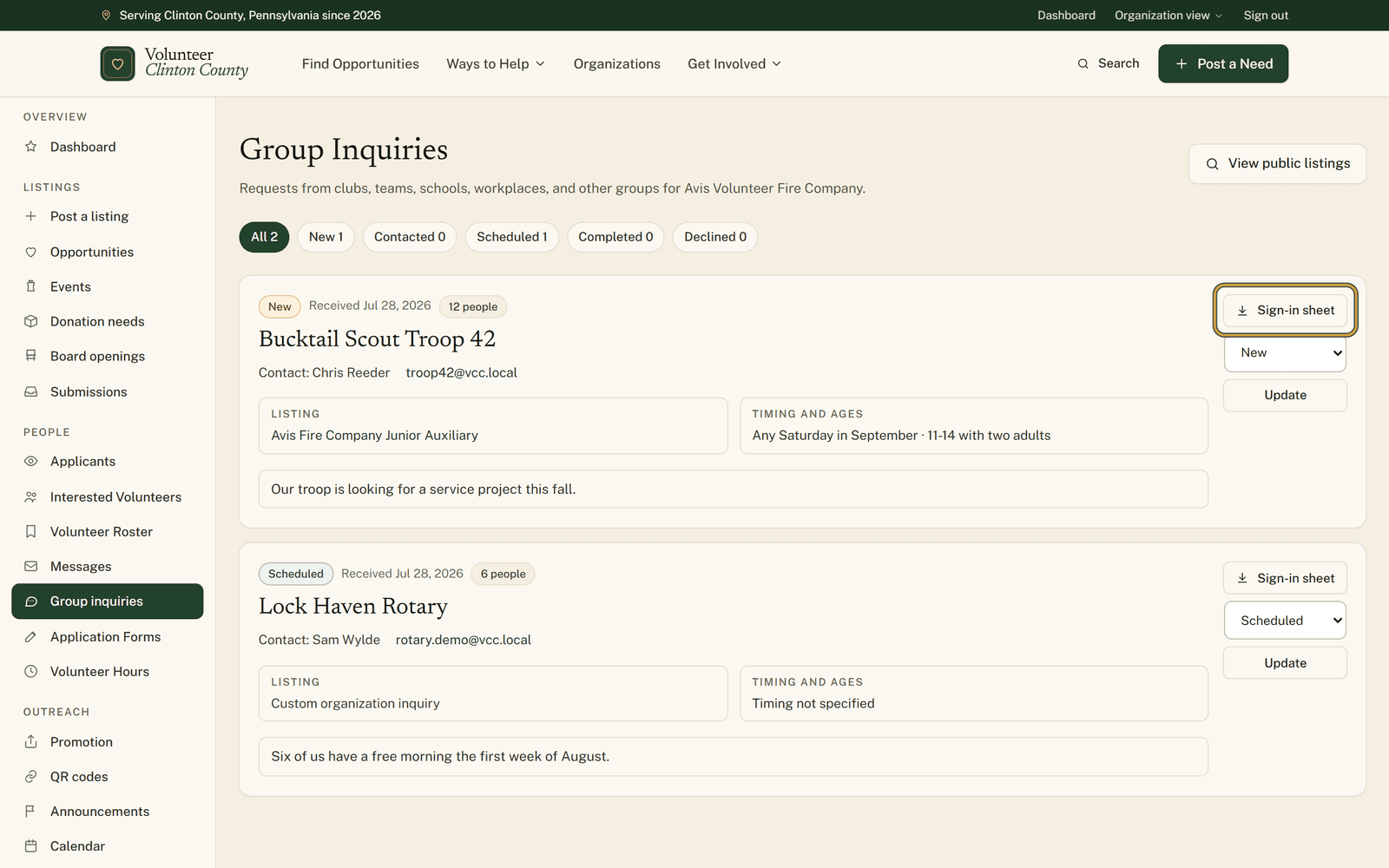
When a class or a work team wants to come as a group, their headcount, ages and possible dates arrive together in one place.
Read the guide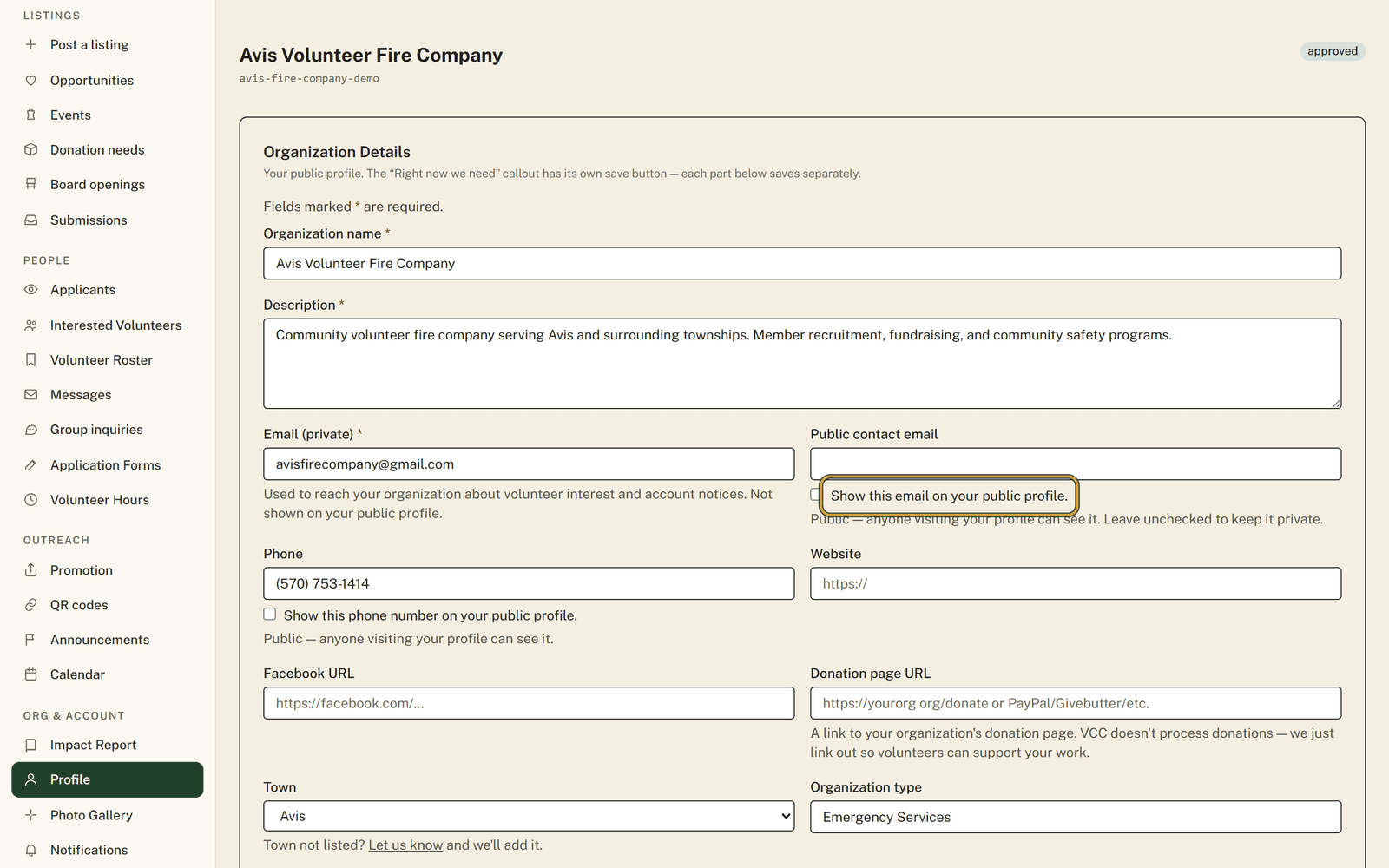
Your organization's private email never appears on your page, and the phone, address and public email each show only if you tick their box.
Read the guideLooking for the complete list instead? Every feature on the site, in one place · Questions? Read the FAQ