Print a listing as a flyer with a QR code people can scan
Behind every listing sits a print page: a letter-size sheet with the details and a QR code that opens the listing on a phone.
The flyer is a print-only version of a listing, carrying the title, the organization and town, the summary, a details box, and a QR code that opens the listing page when someone scans it. The site's menus and footer are left off, so what comes out of the printer is only the flyer. It is not a design tool: you cannot edit the wording, swap the photo, or add your own logo.
Who this is for: Anyone who wants a listing on paper for a church bulletin board, a break room, a library table, or a school hallway.
Before you start: None. The flyer opens without signing in, same as the listing page it came from.
- 1
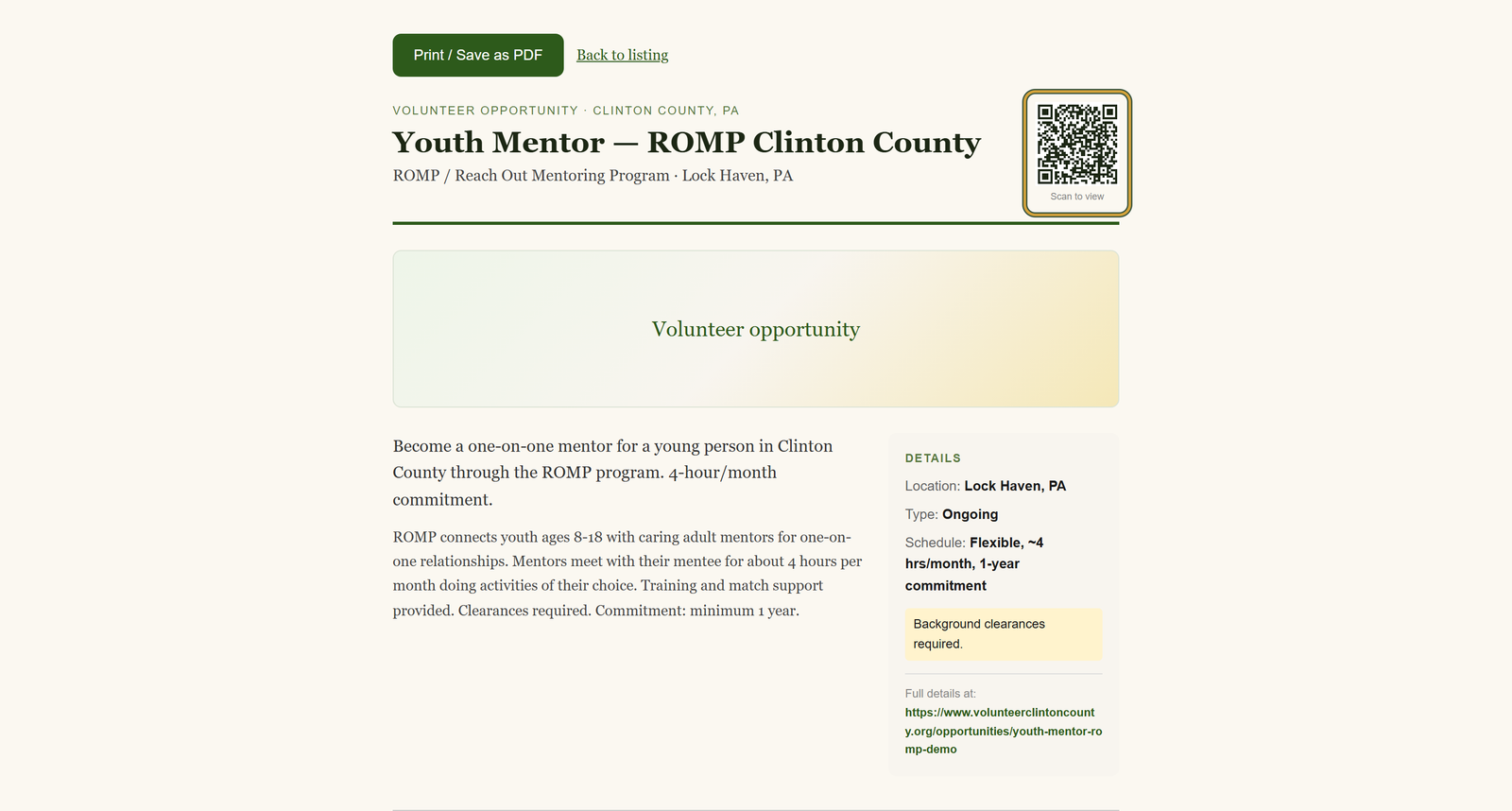
Open the volunteer opportunity you want to hang up and find the sidebar card headed "Ready to help?".
- 2
Click "Print flyer", just below the "Save listing" button, and the sheet opens as its own page with no site menus around it.
- 3
Read the "Details" box down the right side: location, schedule, and whatever contact the organization chose to publish.
- 4
Press "Print / Save as PDF" and pick your printer, or the save-to-PDF option, in the window your browser opens.
- 5
Click "Back to listing" when you are done. The printed sheet keeps the QR code and the plain web address under "Full details at:".
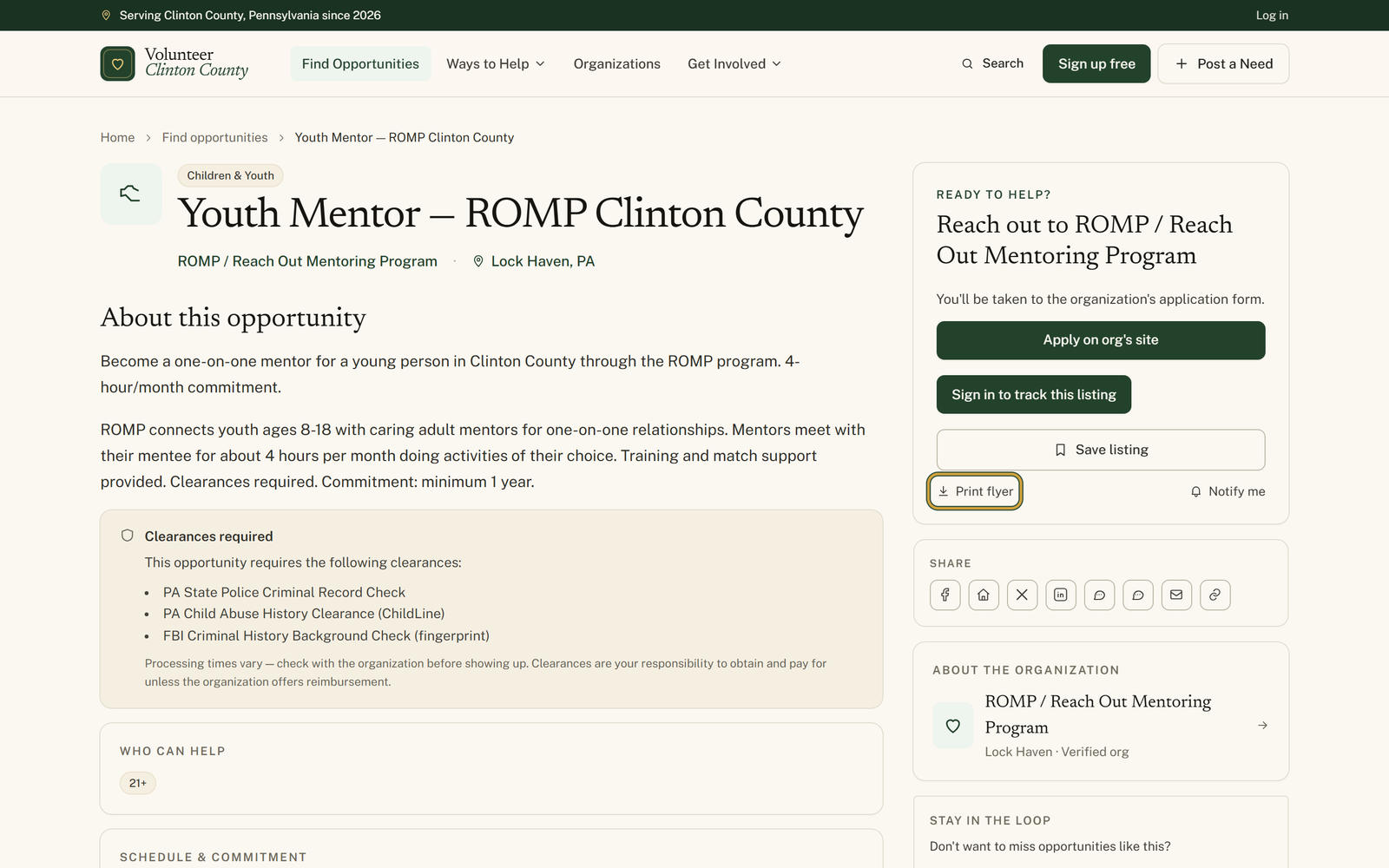
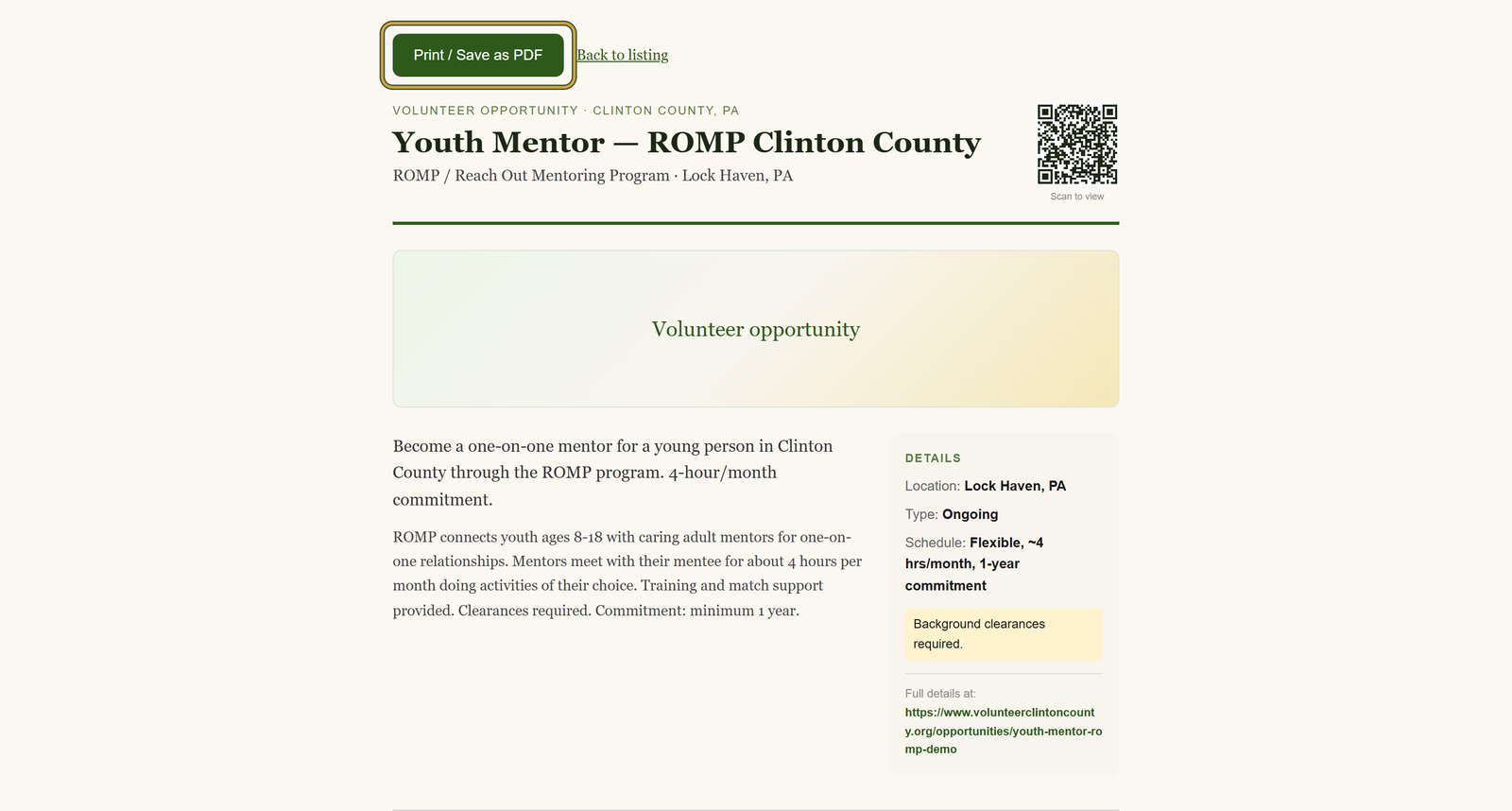
You'll know it worked when: A letter-size sheet with the title, the organization, an image band, a details box down the side, and a QR code in the top corner marked Scan to view.
Watch out for: The "Print flyer" link only appears on volunteer opportunity pages and drop-off site pages. For an event, a donation need, or a board opening, add /flyer to the end of the listing address and the same sheet comes up.
What this doesn't do: Not a poster designer and not a permanent copy. It prints what the organization published that day, and the flyer page goes away once the listing expires.
No. The flyer page opens for anyone who can open the listing, with no sign-in. If you can read the listing, you can print its flyer.
Those pages do not show a Print flyer link yet, but the sheet is there. Add /flyer to the end of the address, so an event at /events/fall-festival becomes /events/fall-festival/flyer, and the same flyer comes up.
It opens the listing's plain web address on their phone, showing whatever the organization has posted at that moment. There is no tracking tag on it, so it works the same whether they scanned your paper copy or a photo of it.
Print a fresh one. The paper is a snapshot of the day you printed it, while the QR code always points at the current listing, so even an out-of-date sheet sends people to the right details.
No. The flyer page only exists while the listing is published, so a removed or expired listing shows a not-found page, and a QR code on an old flyer lands there too. A past event is different: it stays readable in the events archive until the organization's expiry date passes.
Volunteer Clinton County is a community directory. You browse what local organizations post and contact them directly. More guides