Use the quality score while you write a listing
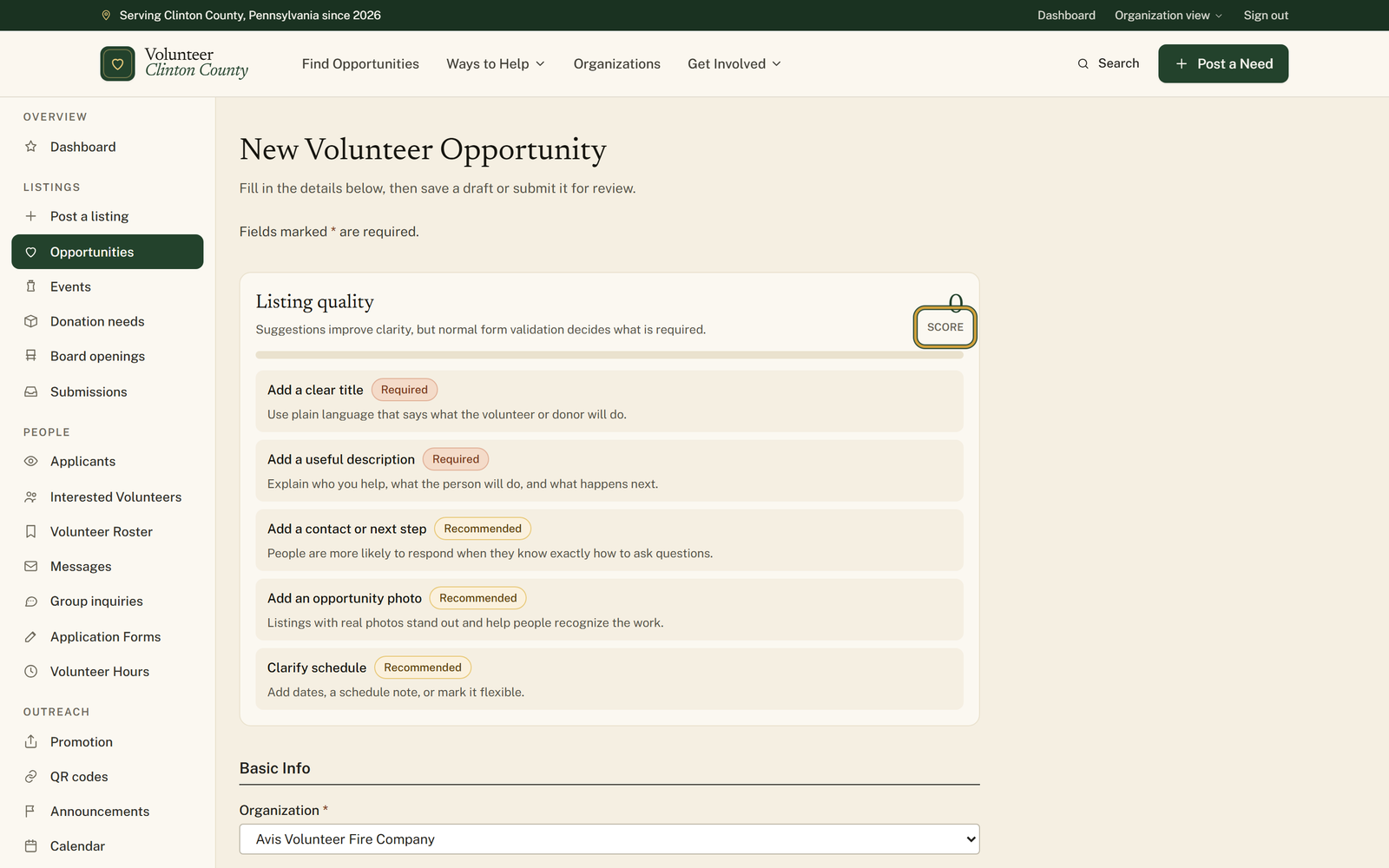
A panel above the first field scores what you have written so far and names the gaps a stranger would trip over.
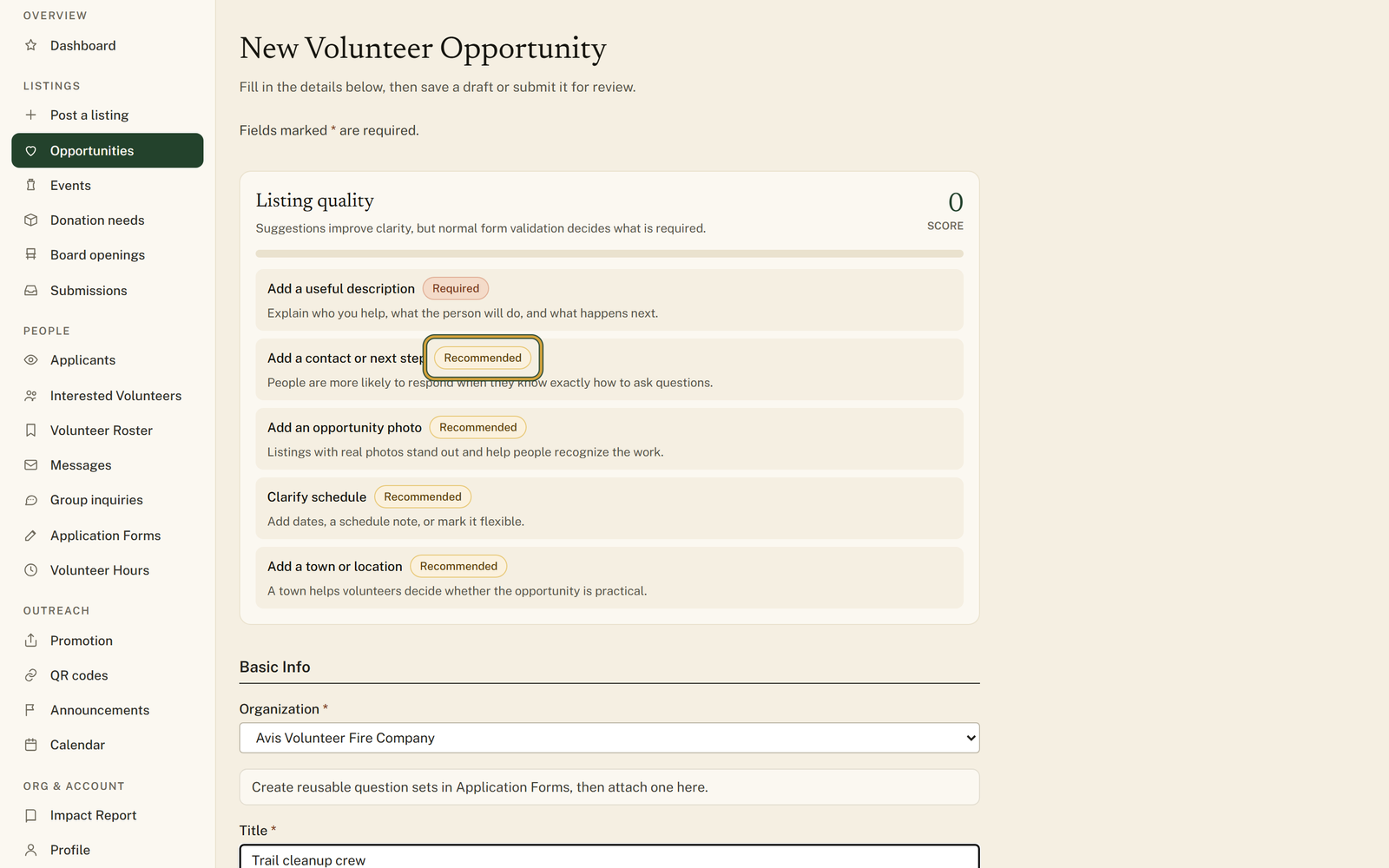
Listing quality is a panel at the top of every listing form. It scores what you have typed, updates while you type, and lists up to five gaps, each tagged Required, Recommended or Helpful with a line about why it matters. The score is a working note for you: nothing about it appears on your public listing, and it never decides whether the form will save.
Who this is for: Anyone writing a listing they have reread so many times they can no longer see what is missing.
Before you start: Owner, manager or poster access to an organization that can post.
- 1
Open "Post a listing" and start any of the four types. The "Listing quality" panel sits above the first field.
- 2
Watch the big number above the word "Score" in the panel's top corner. A blank opportunity form reads 0 and climbs as you fill things in.
- 3
Clear the tags in order of what they cost you: a "Required" gap is worth 25 points, "Recommended" 12, "Helpful" 5.
- 4
Read the line under each gap rather than just the gap. "Add first-timer details" explains that arrival, parking or first-shift notes reduce no-shows and nervous drop-off.
- 5
Keep filling until the list is replaced by "This listing has the core details volunteers expect."
- 6
Save whenever you like. The panel says so itself: "Suggestions improve clarity, but normal form validation decides what is required."
You'll know it worked when: A Listing quality panel with a full green bar and one line saying the listing has the core details volunteers expect.
Watch out for: Only five gaps show at a time. Fill one in and a sixth can take its place, so a list that is not shrinking is the panel working through a queue rather than ignoring what you just typed.
What this doesn't do: Not a grade anybody else sees and not a gate. The score never appears on your public listing, and a low one will not stop you saving a draft or submitting for review.
Whether the details a stranger needs are present, not whether your writing is any good. For an opportunity it looks for a title, a description, a way to get in touch, a photo, a schedule or a flexible marker, a town, an age answer, an hours estimate, what to bring, arrival or parking notes, a clearances answer and a capacity. Events, donation needs and board openings each get their own list.
No, and the panel says so under its own heading. Required, Recommended and Helpful are the panel's ranking of how much each gap costs a reader. What the form insists on is separate, and it tells you in the usual way with an error under the field.
It starts from 100 and subtracts for every open gap: 25 for a Required one, 12 for a Recommended one, 5 for a Helpful one. It stops at zero, which is why a blank form often reads 0 rather than something in between. Fill in a field and the points come back immediately, without saving.
The gaps get rechecked against your published listings, and the biggest one can surface on your dashboard as a Listing tip with an Edit listing button. Only Required and Recommended gaps come back that way; the Helpful ones stay in the form. Press Dismiss if you have made your peace with it.
No. Plenty of good listings sit in the seventies because the Helpful gaps genuinely do not apply. Use it as a reading of what a first-timer will not know, then decide. The line to aim for is the one that says the listing has the core details volunteers expect.
Volunteer Clinton County is a community directory. You browse what local organizations post and contact them directly. More guides