Get an email when new listings match, without an account
Every volunteer listing has a small Notify me link that emails you when a new one like it posts, with no account involved.
Notify me signs your email address up for alerts about new volunteer opportunities that share the cause and the town of the listing you are reading. Once a week, if something matched, an email arrives with up to five of them. It does not create an account, and it does not tell the organization you are interested.
Who this is for: Neighbors who check the site now and then and would rather be told when something in their corner of the county opens up.
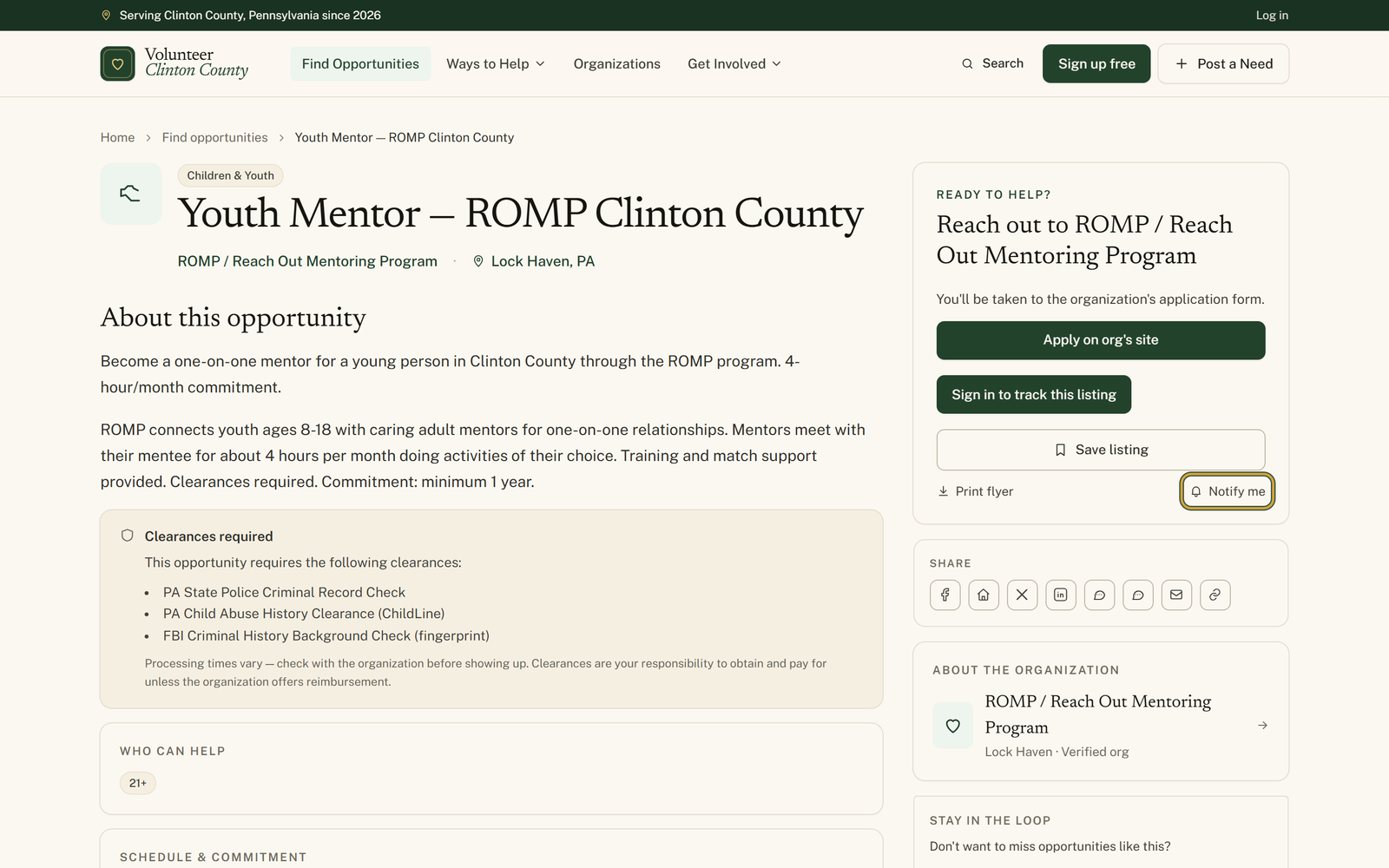
- 1
Open a listing on the opportunities page that is close to what you want, because its cause and its town are what the alert copies. Find the "Ready to help?" card beside the description.
- 2
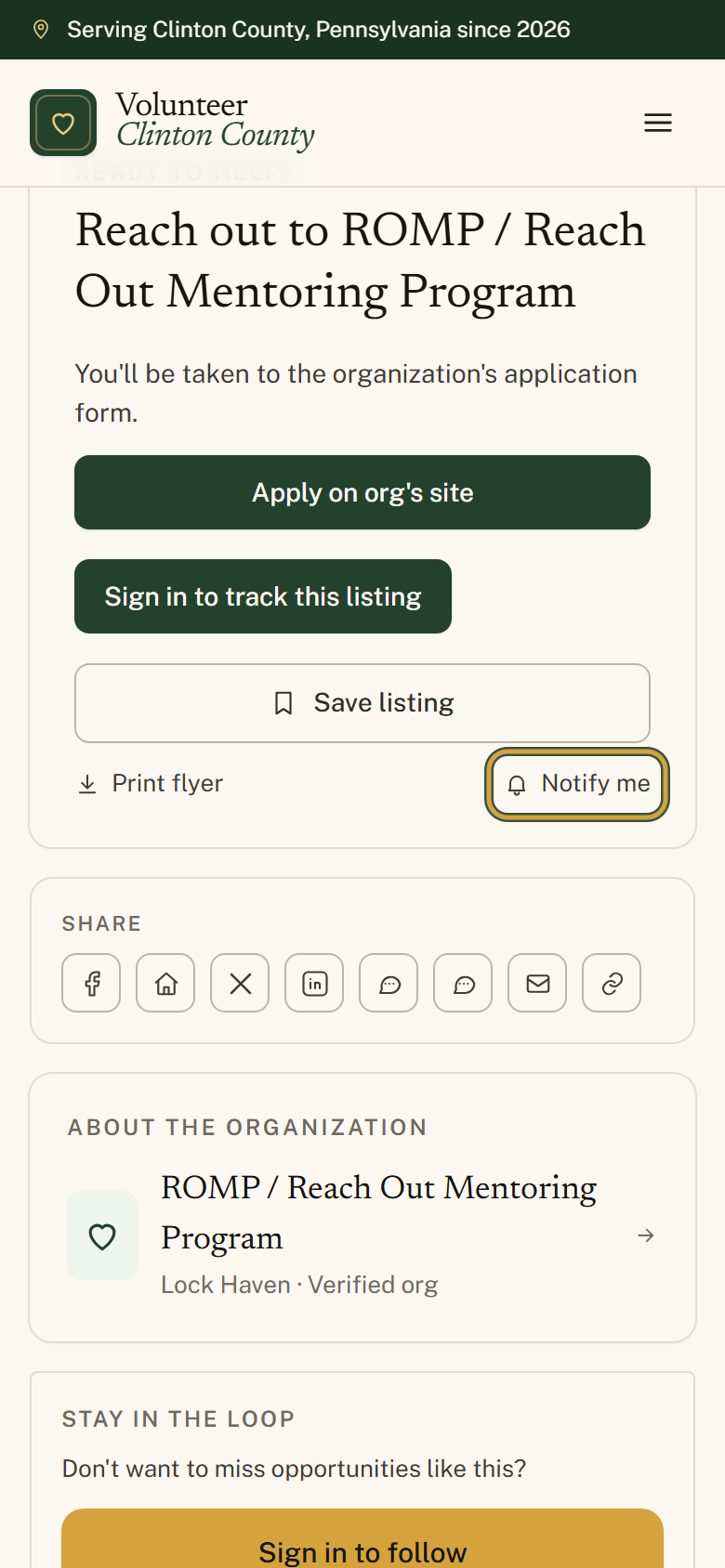
At the bottom of that card, beside "Print flyer", click the small bell link marked "Notify me".
- 3
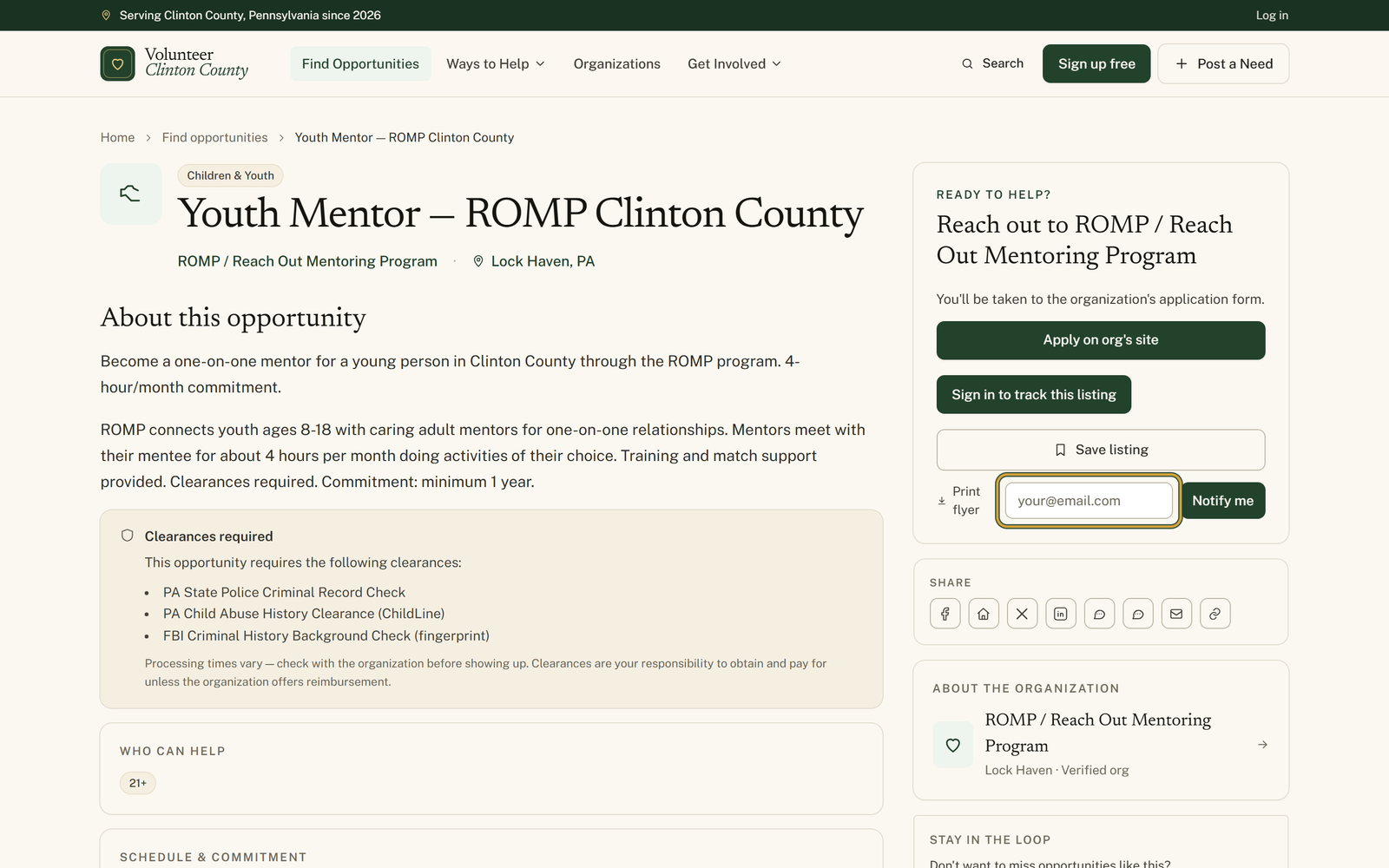
Type your address into the box reading "your@email.com" and press "Notify me" a second time to send it.
- 4
Check that the form is replaced by a green line naming that listing's cause, as in "You'll get an email when new Children & Youth listings post." A listing with no cause set shows the shorter "You'll get an email when new listings post."
- 5
Open the confirmation email headed "You're signed up for alerts." and keep it, because its "Unsubscribe" button is how you stop the alerts later.
You'll know it worked when: A confirmation email in your inbox, then a Friday email whenever a new listing matches that cause and town.
Watch out for: There is no menu of causes to pick from. The alert quietly copies the cause and the town off the listing you signed up from, and a new listing has to match both before it reaches you. If the green line does not name a cause, that listing had none set, and you will hear about every new opportunity instead of a narrower slice.
What this doesn't do: Not a notice about everything new on the site. It covers newly posted volunteer opportunities only, so events, donation drives and board openings will not turn up in it.
No. The "Notify me" link on a listing asks for an email address and nothing else. Signing in gets you saved searches instead, which are a separate thing with their own daily or weekly setting.
At most once a week, on Friday, and only when something new actually matched. On weeks when nothing fitting was posted, no email goes out at all. Each one lists up to five new opportunities.
By choosing which listing you sign up from. The form has no cause menu; it copies the cause and the town of the listing you were reading. If you care about two different kinds of work, sign up once from a listing in each.
Every alert email carries an "Unsubscribe" link at the bottom, and the confirmation email has an "Unsubscribe" button. One click removes the subscription and the page that opens says "Unsubscribed." There is nothing to sign into.
No. Signing up again from the same listing with the same address does not create a second subscription and does not send a second confirmation, even though the form still tells you it worked.
Volunteer Clinton County is a community directory. You browse what local organizations post and contact them directly. More guides