Feed your volunteer commitments into your calendar app
Generate one private link and everything you have marked Going shows up in Google, Apple, or Outlook Calendar on its own.
Your settings page can hand you one private web address that your calendar app subscribes to, so every listing sitting in your Going group appears next to the rest of your week. The link is read-only and runs one way: your calendar shows what the site knows, and nothing you type into Google or Apple Calendar comes back here or reaches the organization. You can revoke it whenever you want, and the address stops working the moment you do.
Who this is for: Anyone who runs their week out of a phone calendar and would rather not type a shift date in twice.
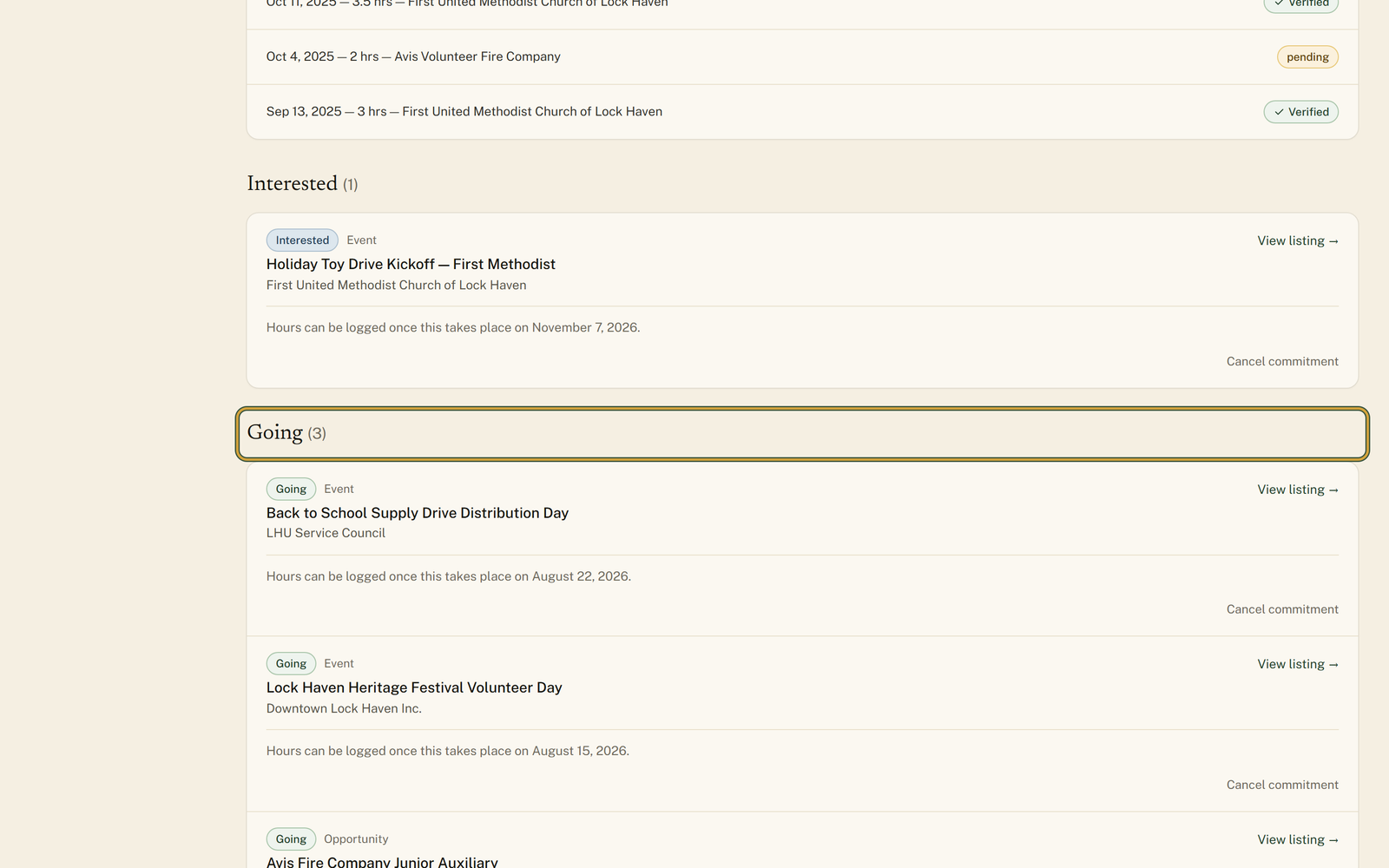
Before you start: At least one listing sitting in the Going group on your My Commitments page.
- 1
Mark what you actually plan to attend: "Mark as going" on an event, or "Track this" on an opportunity, donation need, or board opening. If you already pressed "I'm interested" there, those buttons become a switch; press "Going" on an event or "Tracking" on anything else.
- 2
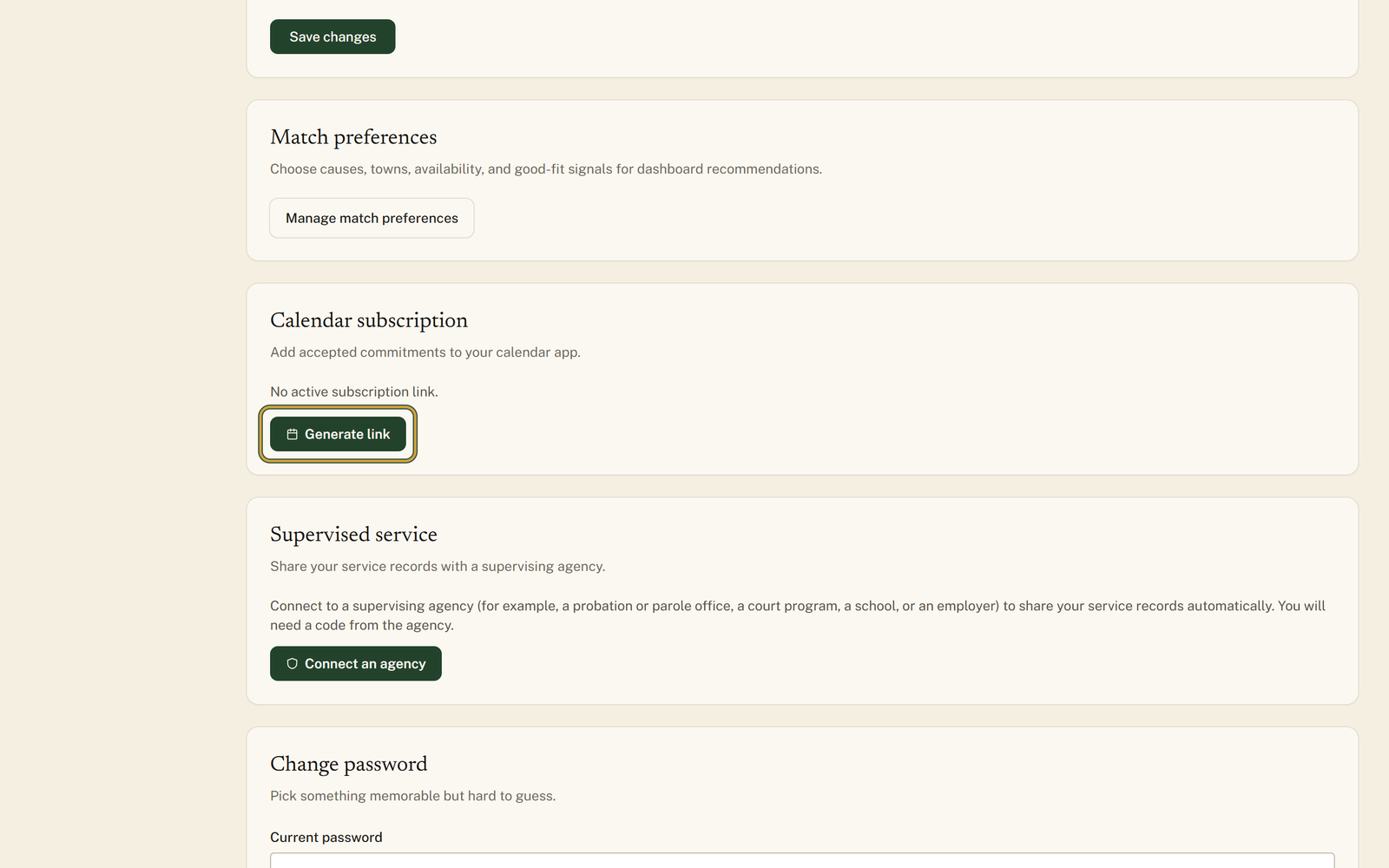
Open "Settings" from your volunteer menu and scroll down to the "Calendar subscription" card.
- 3
Press "Generate link", and a long web address appears in a box under the status line.
- 4
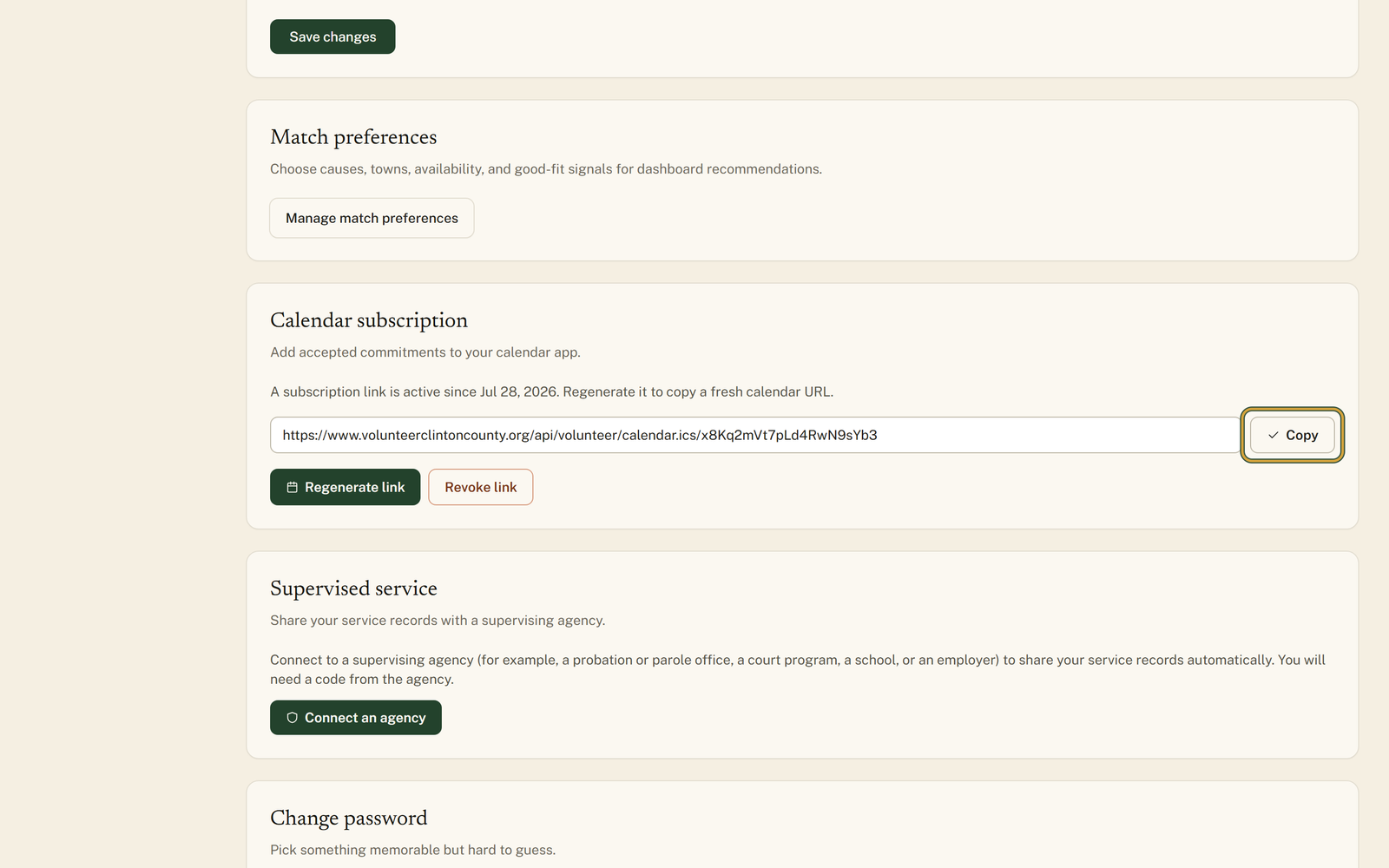
Press "Copy" right then, because the site never shows you that address again.
- 5
Add it in your calendar app as a calendar you subscribe to by web address, not as a file you import, and name it "Volunteer Clinton County" if your app asks you for a name.
- 6
Press "Revoke link" whenever you want it to stop, and that address goes dead for good.
You'll know it worked when: A calendar in your own app holding each commitment on its date, with the organization named and a link back to the listing.
Watch out for: The web address is shown once, in the moment you press "Generate link", and never again, because the site stores only a scrambled copy of it. If you lose it, "Regenerate link" is the only way back, and it replaces the old address, so any calendar still pointed at the old one quietly stops updating.
What this doesn't do: Not a two-way sync. Nothing you change in Google, Apple, or Outlook Calendar comes back to the site or reaches the organization, and cancelling a commitment is still done here.
It is gone, and that is deliberate: the site keeps only a scrambled copy of the address, so it cannot show it to you a second time. Press Regenerate link for a fresh one. Just know the old address stops working the moment you do, so if you already added it somewhere, remove that calendar and add the new address.
All three can subscribe to a calendar by web address, though each one buries the option in a different place. Look for adding a calendar from a URL rather than importing a file, and paste the address exactly as it was copied. Once it is in, it stays current on its own.
The site builds the calendar fresh every time your app asks for it, so it is right at the moment of the request. How often your app asks is up to the app, and some only check every few hours. If you need to see a change right now, look at My Commitments on the site.
Only the ones in the Going group on My Commitments. Anything marked Interested stays off, and so does anything you cancelled or already completed. Events carry whatever start and end time the organization posted, and land as all-day entries when no time was given. Opportunities, donation needs and board openings are always all-day. An opportunity that runs between two dates blocks out the whole stretch, and a board opening sits on the day its listing closes rather than on a meeting date.
Check whether the listing has a date on it. A calendar entry needs a date to sit on, so an opportunity with no start date, or a donation need with no drop-off deadline, gets skipped even though it is in your Going group. Everything else in that group should be there.
Anyone holding that address can read the list, which is why it is long and random and why you should not post it anywhere. It carries only your commitments, never your email, phone number or anything else on your profile. Press Revoke link and it stops working immediately.
Volunteer Clinton County is a community directory. You browse what local organizations post and contact them directly. More guides