Tagged
How to
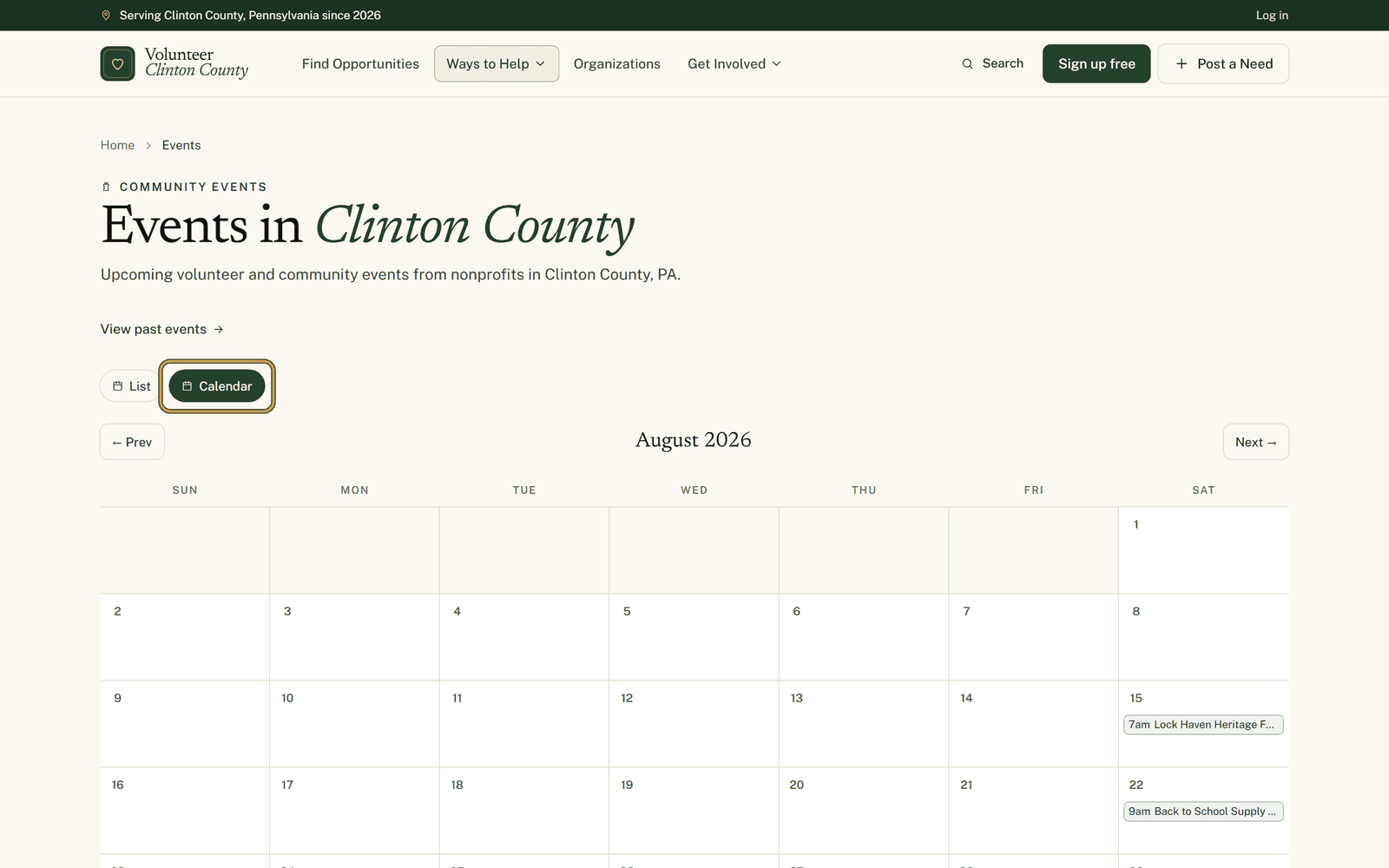 EventsPicking a shift instead of committing to a whole event dayLarger events break into named roles with their own hours and a headcount. Here is how the calendar and the role picker work, and where the filters stop applying.
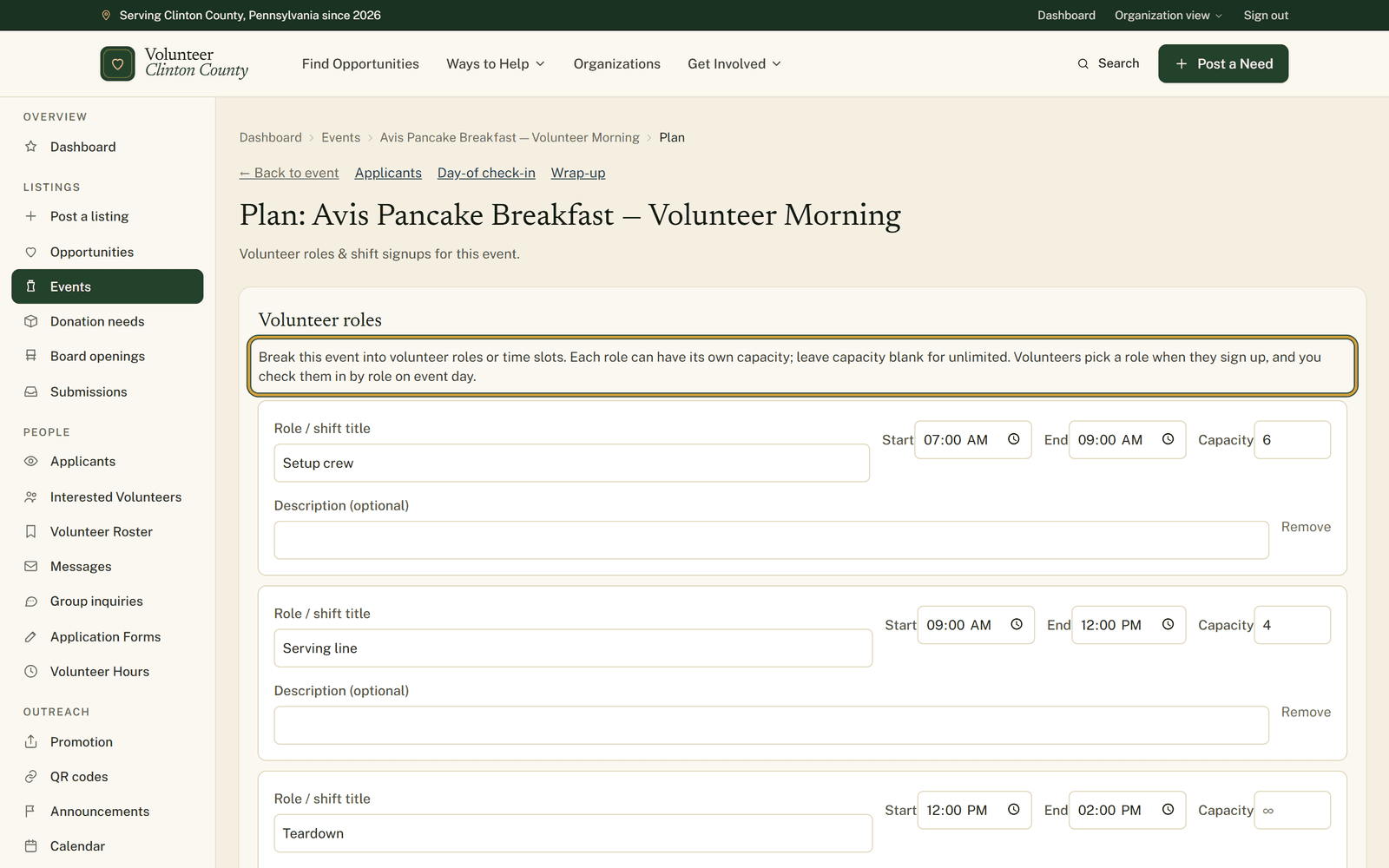 EventsEvent day: roles, check-in, walk-ins and the paper backupSix people at seven for tents, four on drinks at eleven, three at five for teardown. Here is how to split an event into roles, check people in by role, and still have paper when the signal drops.
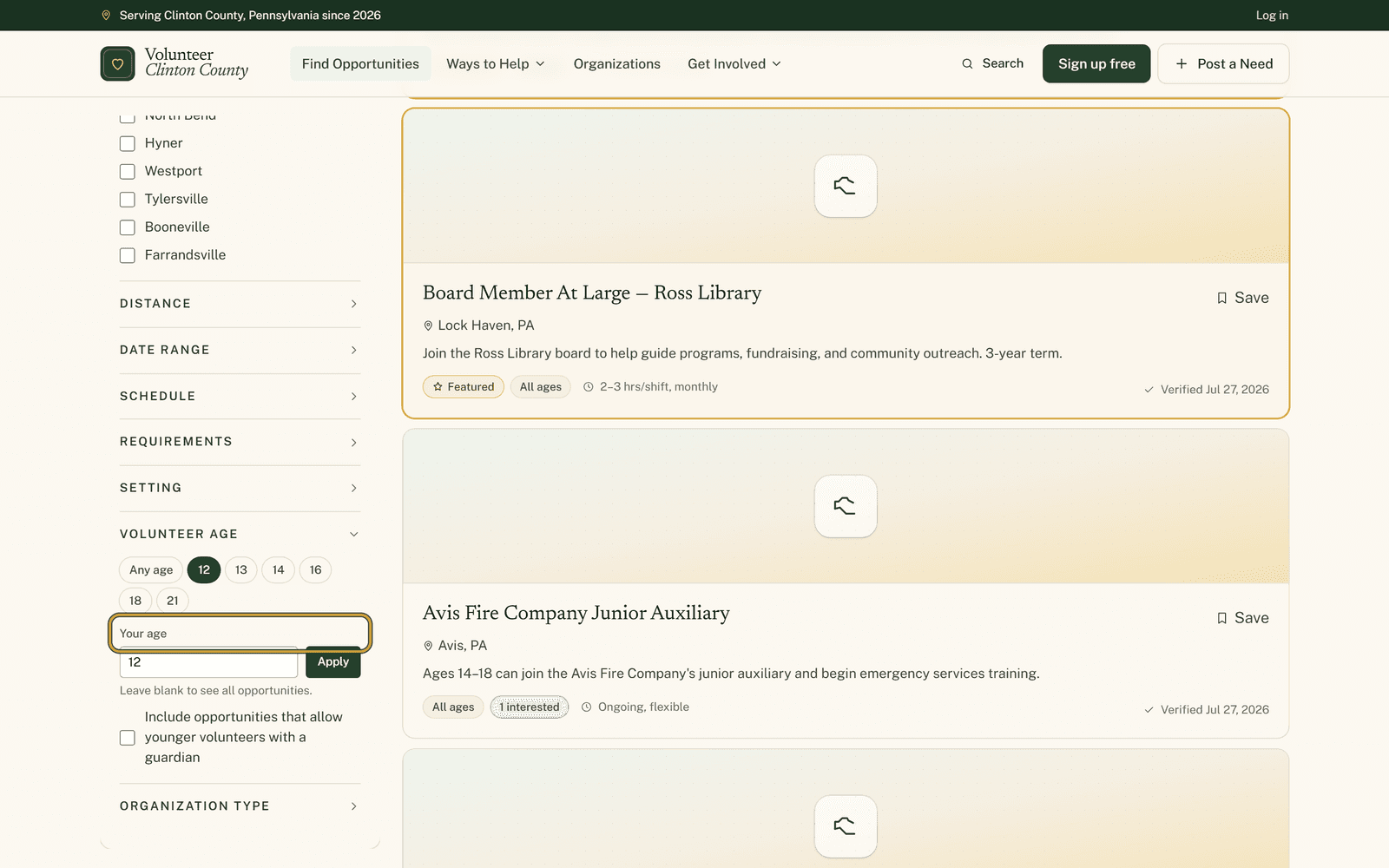 Finding your fitFilters for people the usual listings leave outA search box that finds the filter you meant, a real age instead of an age bracket, and the requirement boxes nobody likes phoning about. Three corners of the filter panel worth knowing.
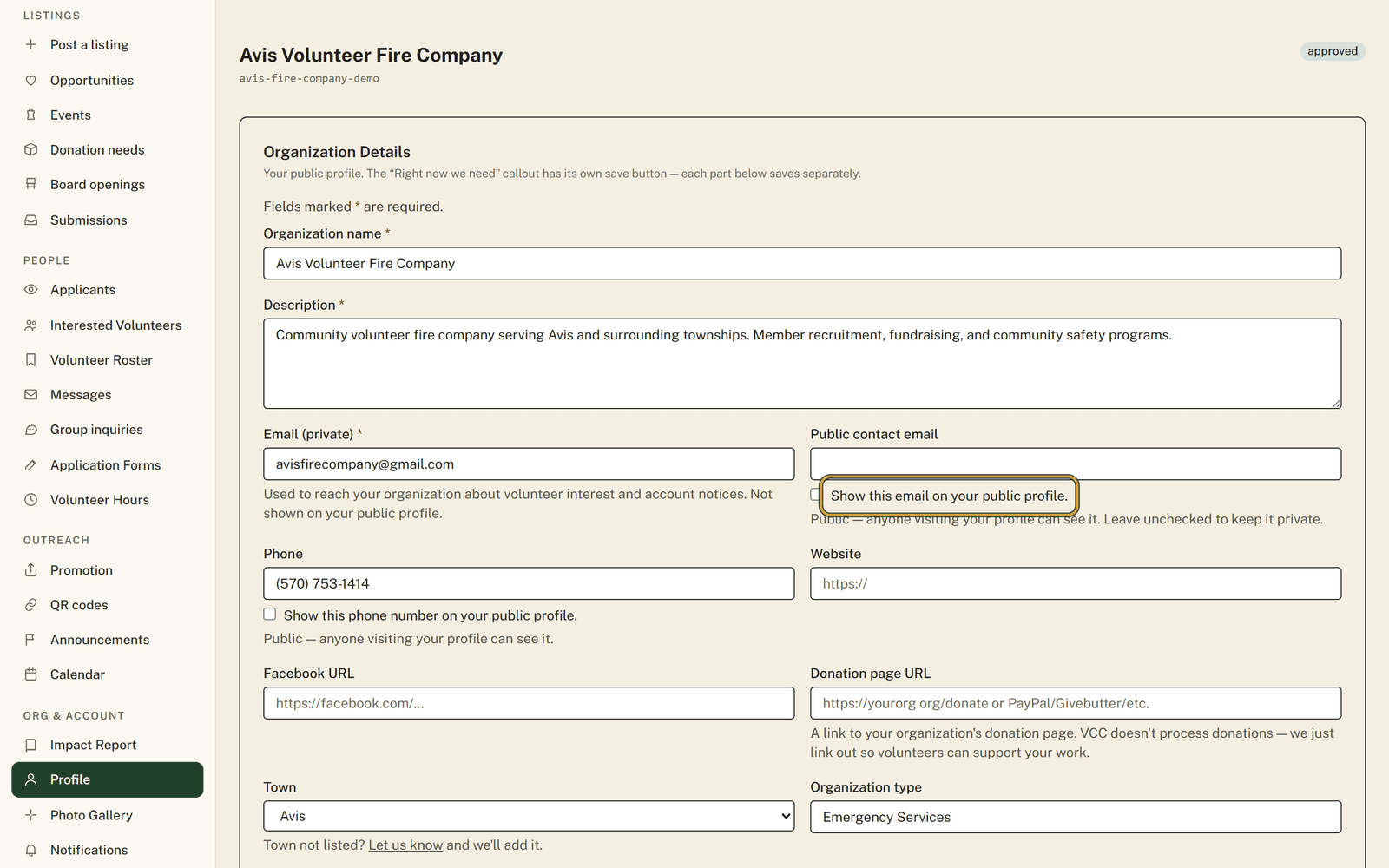 Small nonprofitsThe phone number on your page rings somebody's kitchenSmall groups run on personal numbers and home addresses. Every contact field has its own show box, the private organization email is never published, and hiding them all still leaves a way in.
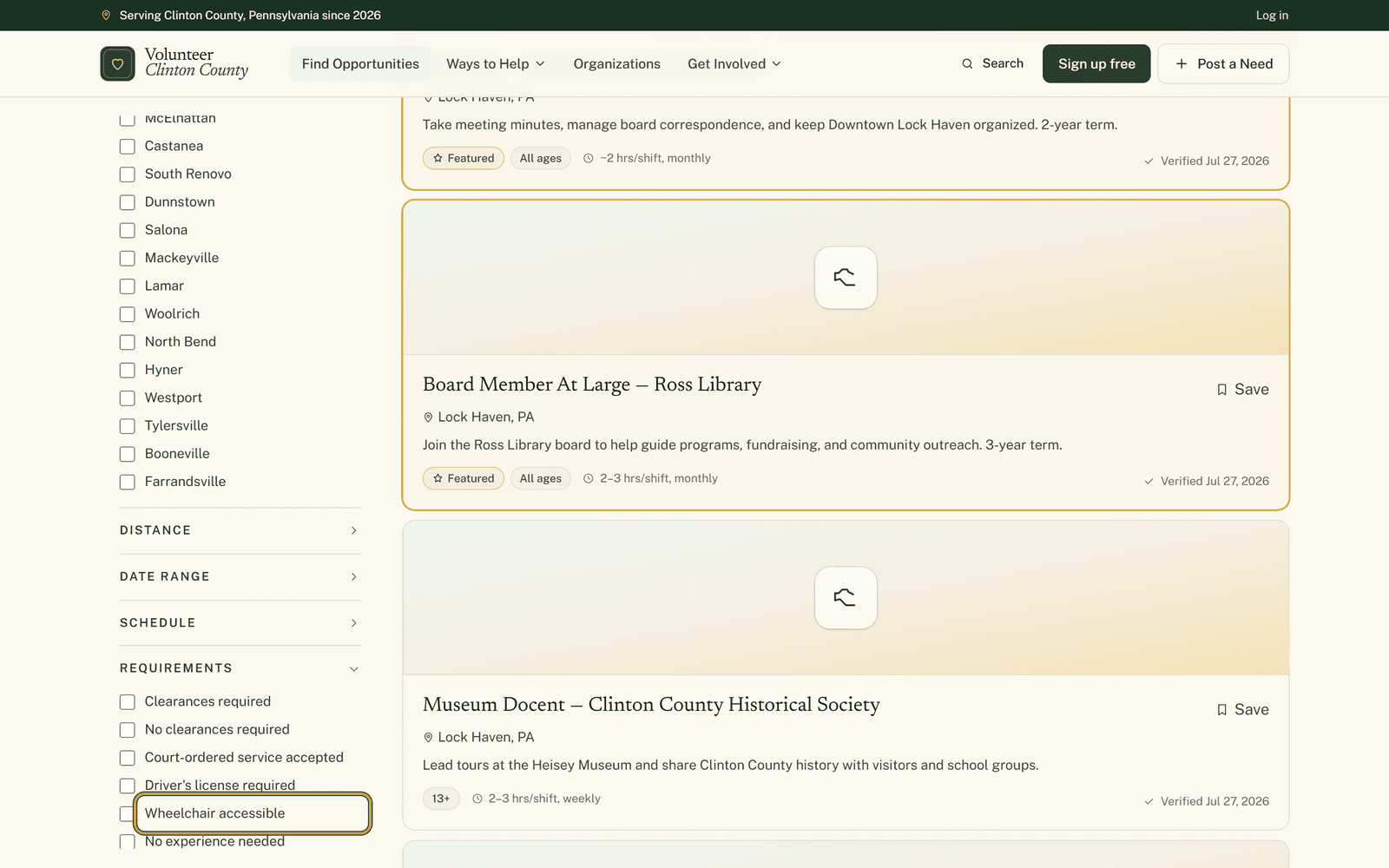 Finding your fitThe filters for access, age and who a listing actually suitsWheelchair access, no clearances, no heavy lifting, court-ordered hours, kids in tow. Where those filters live, what each one really matches, and why a blank box is not a no.
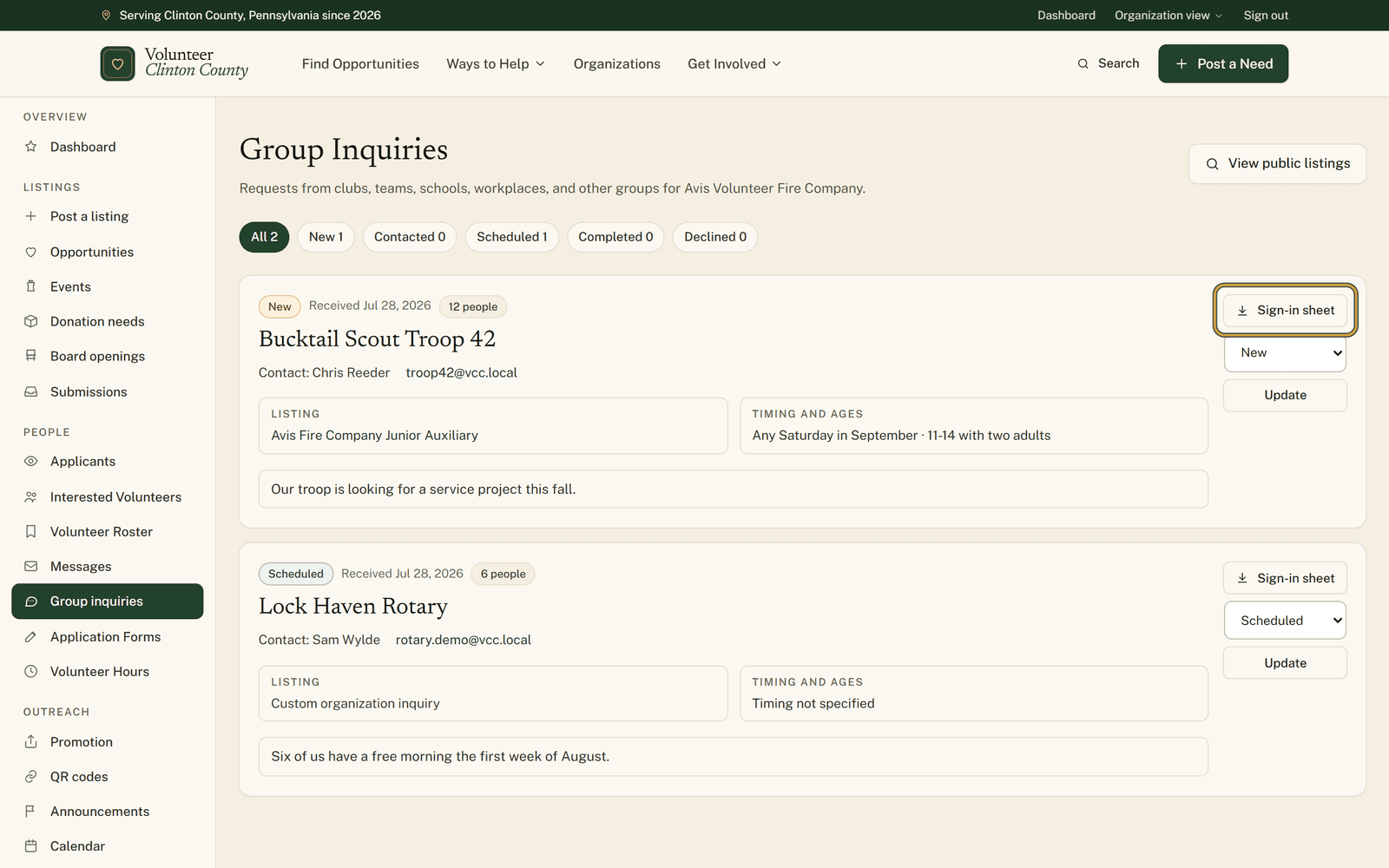 Volunteer managementGroup inquiries: one planning note instead of four phone callsEleven kids, four parents, a Saturday in October, and a question about the under-twelves. Here is where group requests land, and how to work one from New to Scheduled.
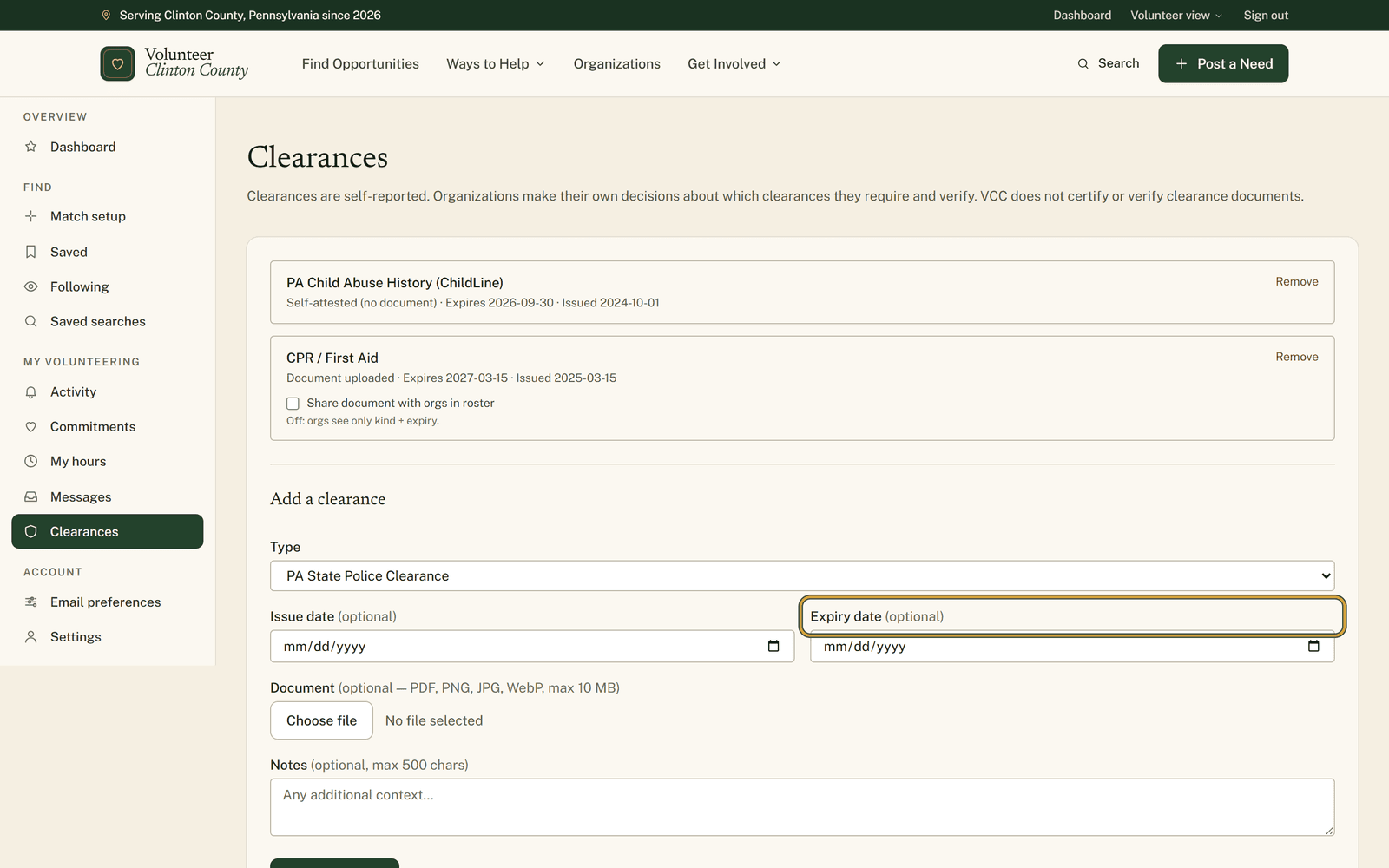 Getting ready to volunteerPut your clearance dates somewhere that will nudge youPA clearances expire quietly and always at the wrong moment. One page holds the dates and warns you sixty, thirty and seven days out. Here is what it reminds you about, and what it never will.
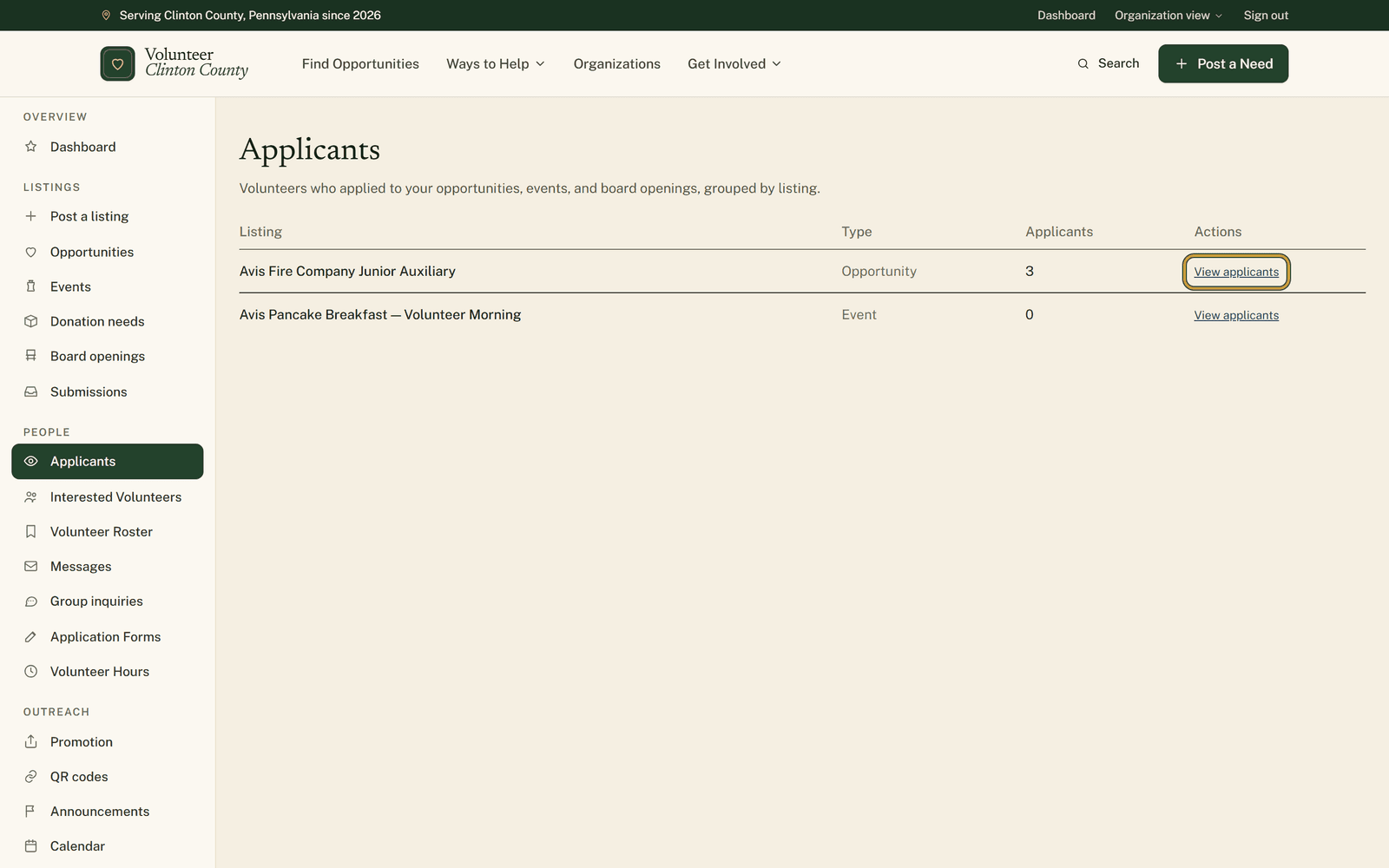 Small nonprofitsEleven replies in nine days, and nobody remembers who was calledSign-ups arrive through accounts, forms and word of mouth. Here is the one table that holds them, with a status per person, a private note, and a date that brings them back to you.
 Finding your fitThree ways to hear about new openings without checking the siteA bell link on a listing, a saved search carrying your filters, and a private calendar link for what you already said yes to. What each one sends, and who each one suits.