Filters for people the usual listings leave out
A search box that finds the filter you meant, a real age instead of an age bracket, and the requirement boxes nobody likes phoning about. Three corners of the filter panel worth knowing.
Outside. Saturday. Probation. She's twelve. A wheelchair.
Those are the words people actually arrive with. The filter panel has its own words printed on its own checkboxes, and the two do not always meet in the middle. Somebody scrolls a while, sees nothing that names their situation, and decides the site has nothing for them.
Three parts of that panel are built for exactly those people.
Type the word you would say out loud
At the top of the "Filters" panel on the opportunities page is a small box labeled "Find a filter", starting out reading "Try court, student, weekend...". On a phone you tap "Filters" to open the panel first.
Type outside and the eleven sections fall away, leaving "Outdoor opportunities" under Setting with that section already open. Type probation and you get "Court-ordered service accepted". Type saturday for "Weekend opportunities". Each filter carries a few everyday words behind it, so the word in your head usually lands even when it is not the word on the checkbox.
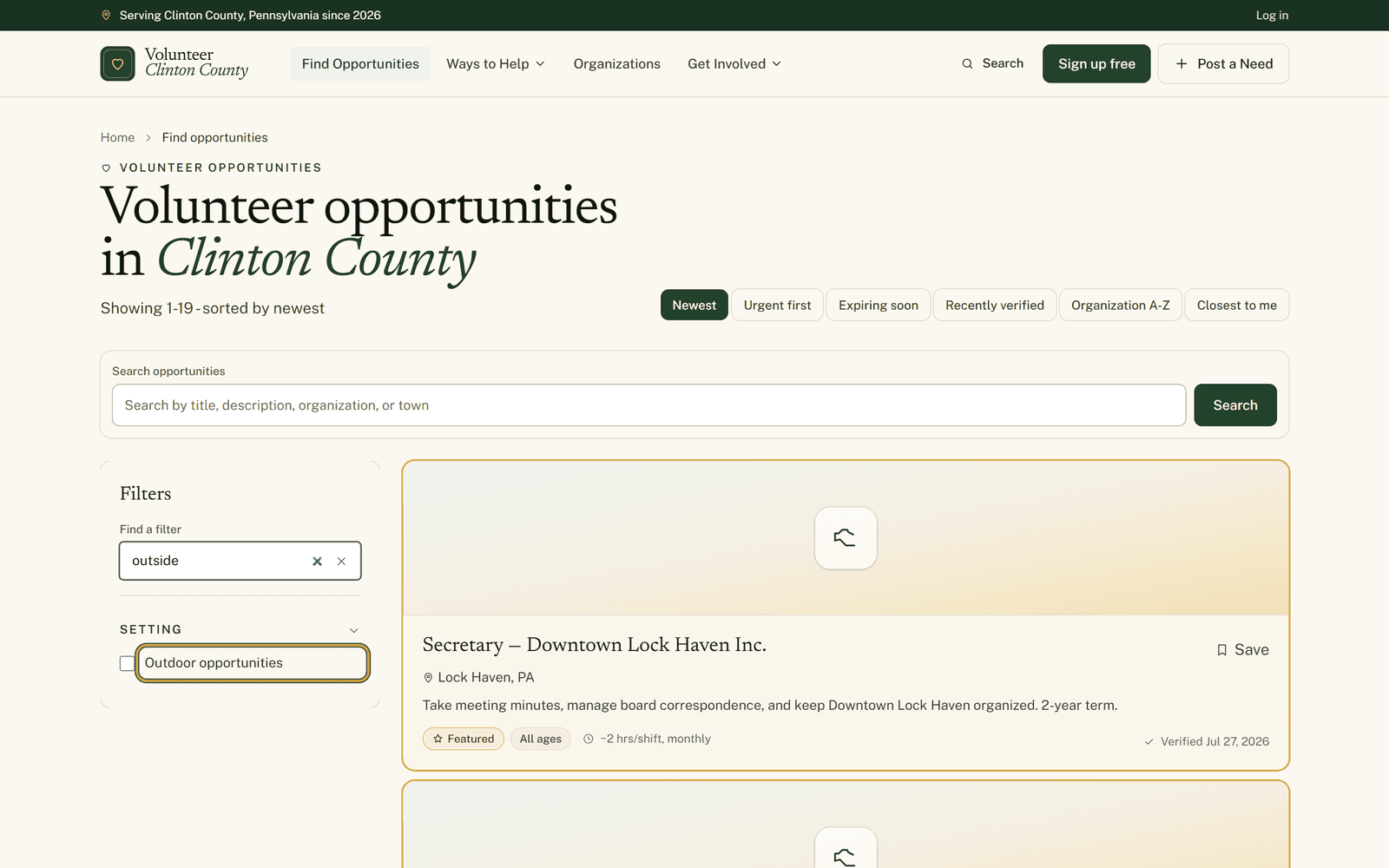
Use one word rather than two, since food finds the Food & Hunger cause where food pantry finds nothing at all. And remember that typing narrows the panel only. The listings sit still until you tick the checkbox it walked you to.
For a word that belongs to a listing rather than a filter, like pantry or Renovo, the "Search opportunities" box above the results is the one you want.
A real age, not a bracket
"Youth welcome" is the phrase that wastes everybody's Saturday. It tells a parent nothing, and the actual rule tends to be buried somewhere further in.
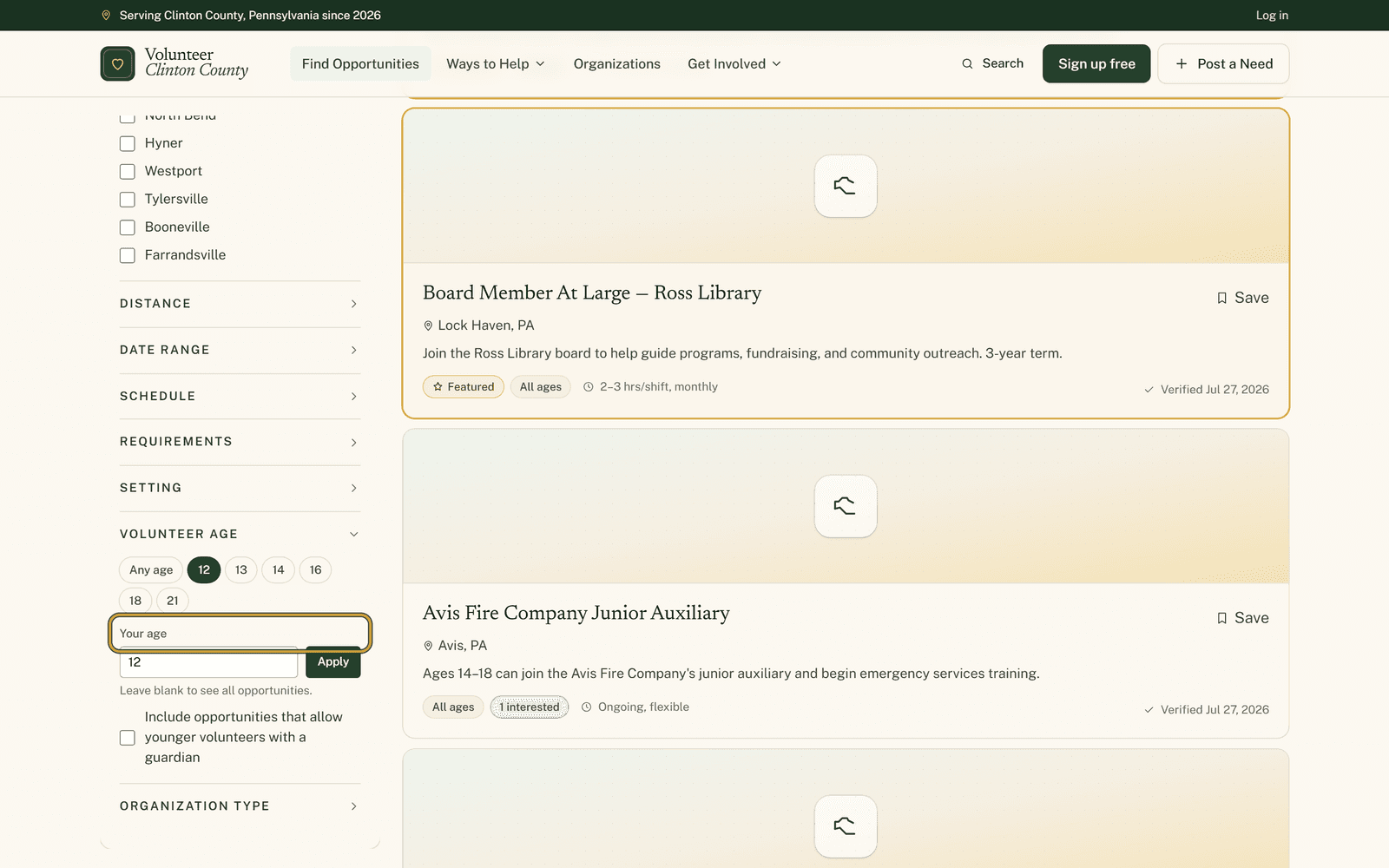
Under "Volunteer age" there is a box labeled "Your age" that takes a single number. Type 12 and the list rebuilds around what a twelve-year-old is allowed to do around here. There are age chips beside it if you would rather tap than type.
Under it sits a checkbox about younger volunteers with a guardian, which opens up the listings that allow a child when an adult comes along. It loosens the minimum age only, and any maximum stays exactly where the organization set it, so typing 70 hides listings capped below that on purpose.
Nothing is verified here and no birthdate is asked for or kept. The number simply shows what each organization said it accepts, and their intake is still their own.
The constraints nobody enjoys phoning about
"Requirements" sits collapsed in the panel until you click it, and it holds the questions that are awkward to ask cold. No clearances required. Court-ordered service accepted. Driver's license required. No experience needed. Training provided. No physical labor. Wheelchair accessible.
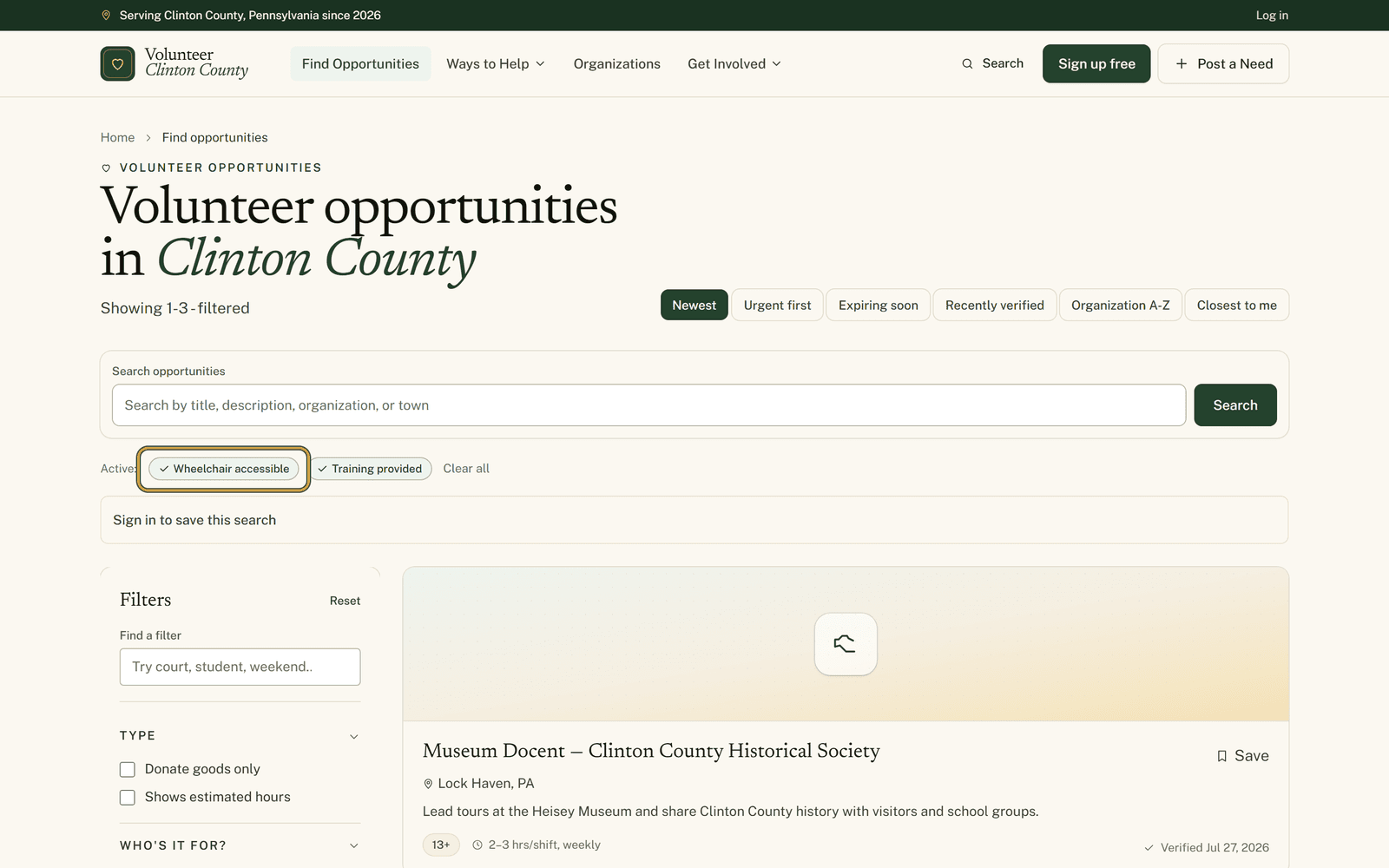
The wheelchair box deserves a word of caution. It searches for the word wheelchair in the access note somebody typed on the listing, so it cannot tell a promise from a warning, and a building with no steps at all, described in other words, never appears. Use it to shorten the list, then read the note yourself.
"Court-ordered service accepted" is looser than it sounds too, since it keeps the organizations that said yes along with the ones that said case by case. Some of those results are a maybe, and it is worth raising early rather than on the day.
Why a short list is not a verdict
All of these boxes read answers organizations gave when they posted. Plenty of listings never answered at all, and the filters cannot separate a no from a silence, so both drop out together.
That means a thin set of results often says more about how listings were filled in than about what exists in the county. When something looks right except for the one box that hid it, send the email anyway.
Two help pages go through this ground at close range: the little search box at https://www.volunteerclintoncounty.org/help/filter-finder, and the access and audience filters at https://www.volunteerclintoncounty.org/help/accessibility-filters
In Mill Hall, a mother wanted to know what her twelve-year-old could sign up for. One number in one box answered it, instead of five phone calls on a Saturday morning.