Tagged
Finding your fit
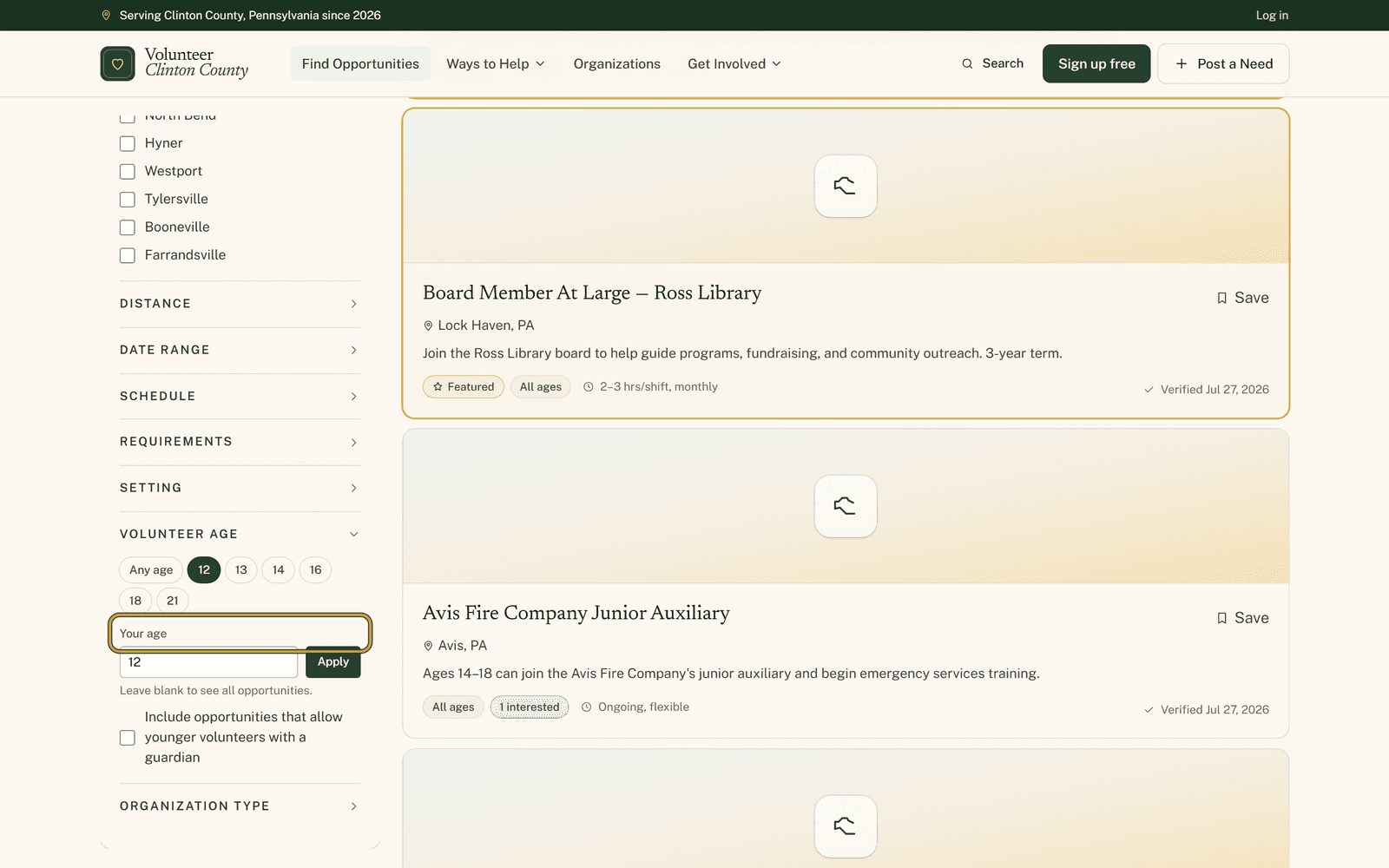 Finding your fitFilters for people the usual listings leave outA search box that finds the filter you meant, a real age instead of an age bracket, and the requirement boxes nobody likes phoning about. Three corners of the filter panel worth knowing.
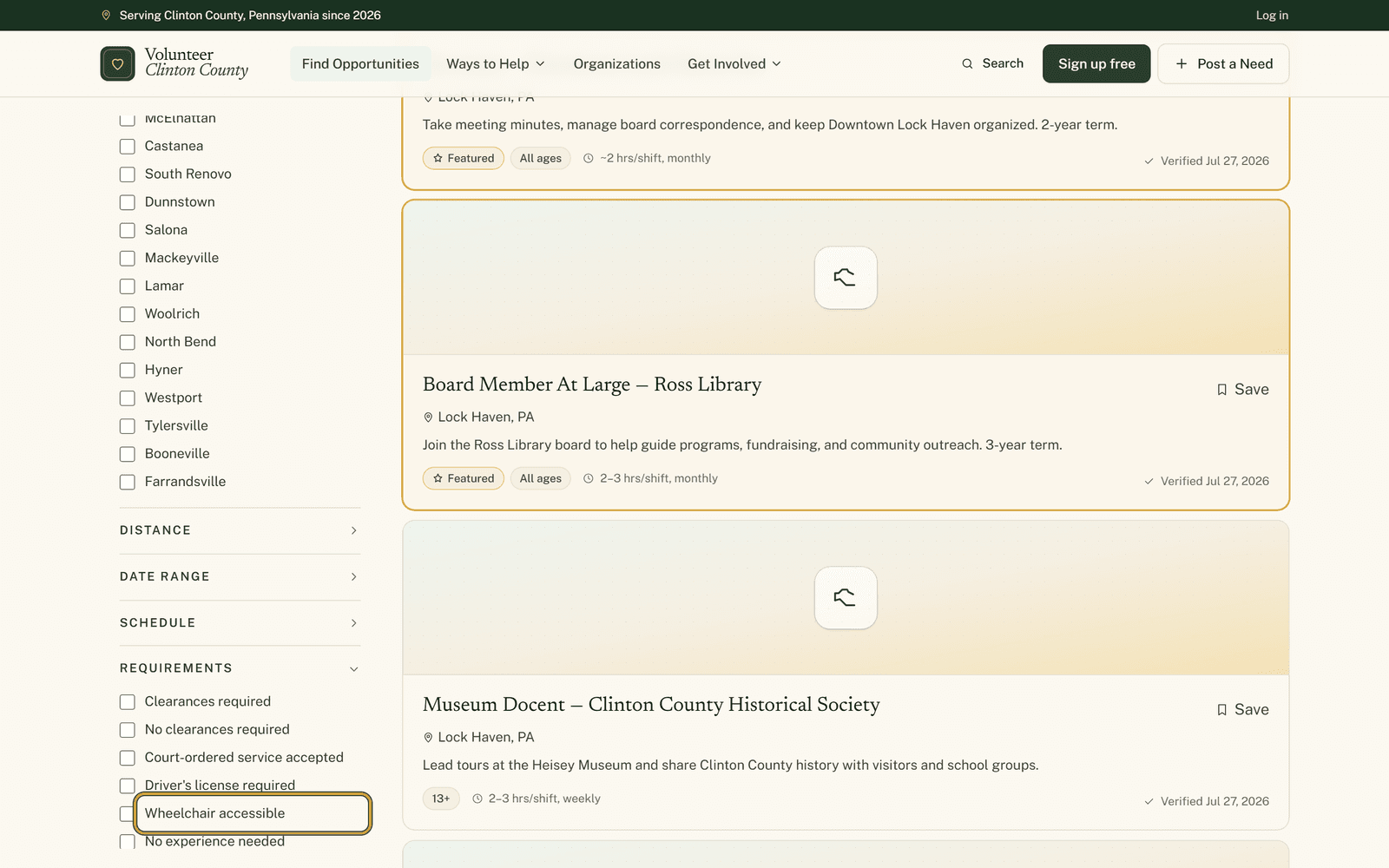 Finding your fitThe filters for access, age and who a listing actually suitsWheelchair access, no clearances, no heavy lifting, court-ordered hours, kids in tow. Where those filters live, what each one really matches, and why a blank box is not a no.
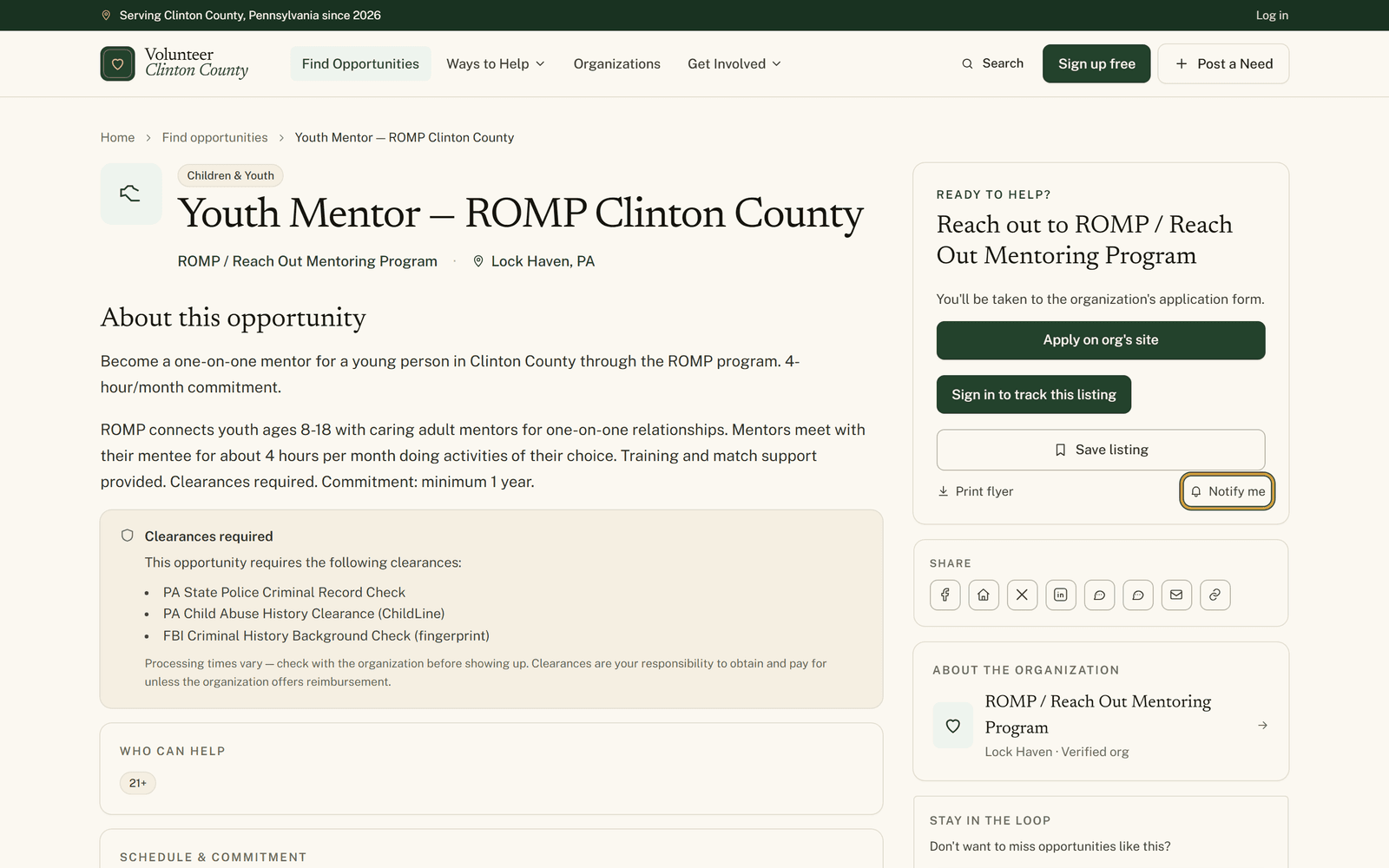 Finding your fitThree ways to hear about new openings without checking the siteA bell link on a listing, a saved search carrying your filters, and a private calendar link for what you already said yes to. What each one sends, and who each one suits.
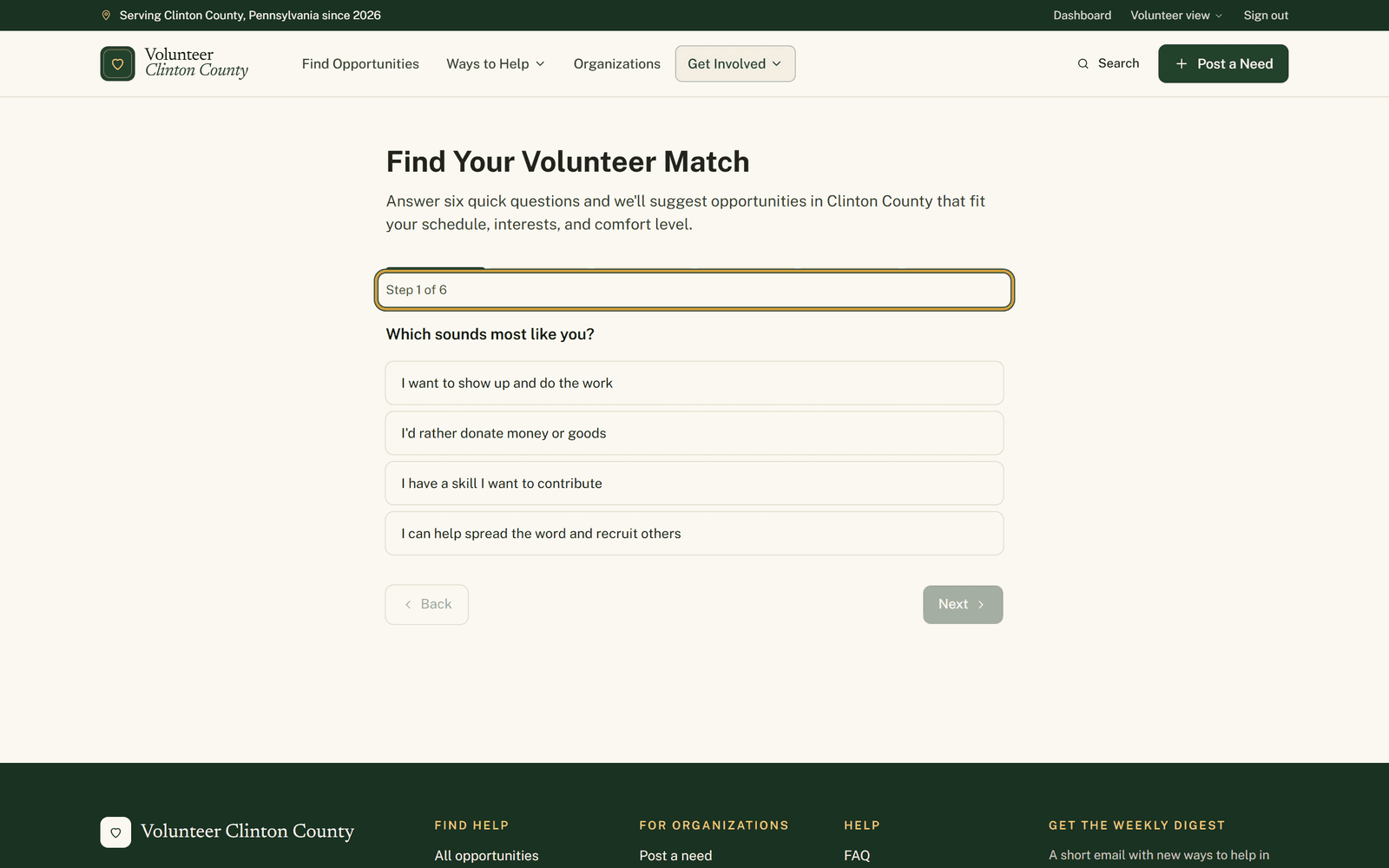 Finding your fitSix questions when you cannot say what you are looking forThe volunteer match quiz turns six taps into a filtered browse page. Here is what each question actually changes, and which answers quietly change nothing at all.
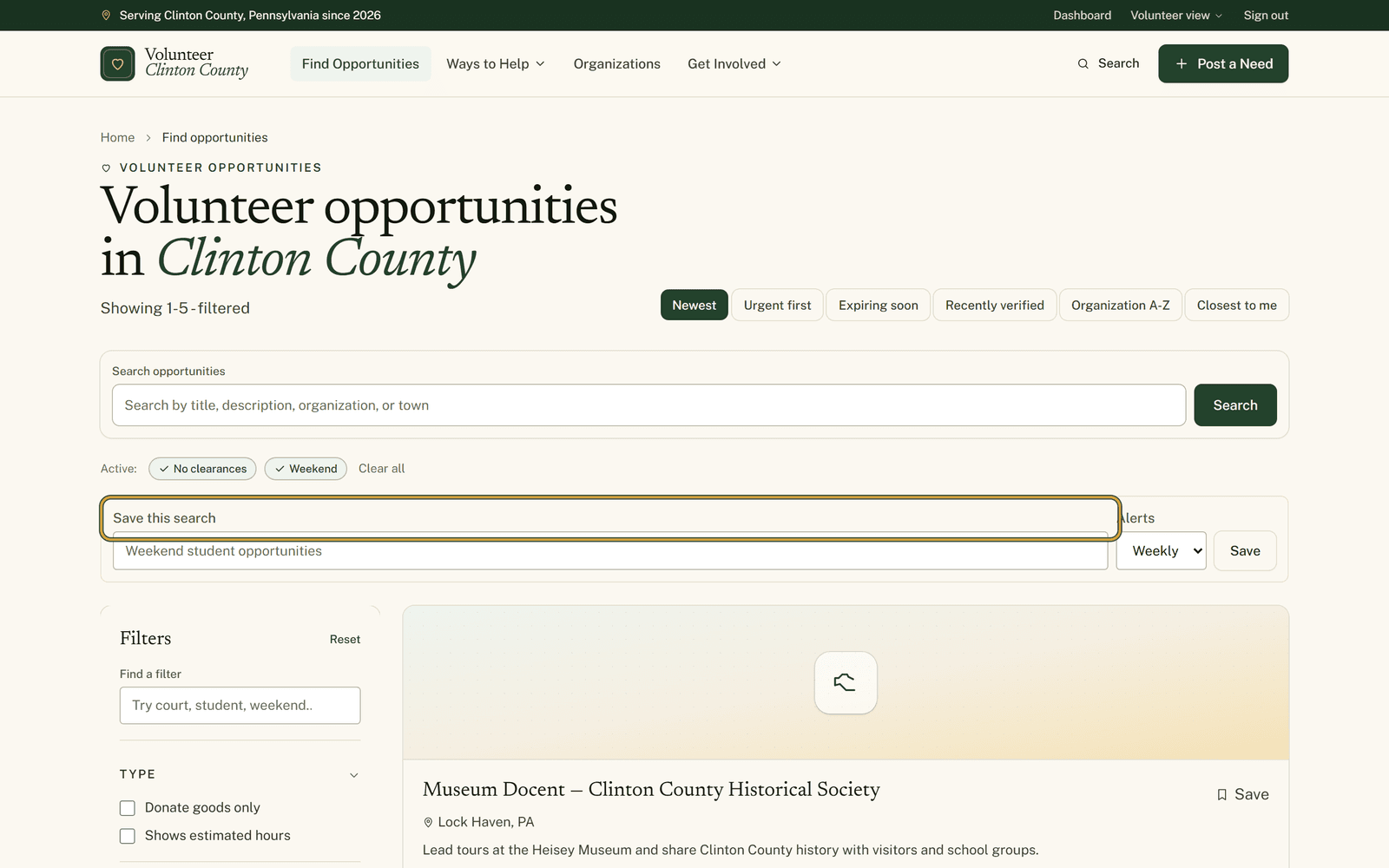 Finding your fitSave a volunteer search and stop checking backSet the filters once, name the search, choose Daily or Weekly. New matches come to you by email. What it sends, when it sends, and the one thing it never sends.
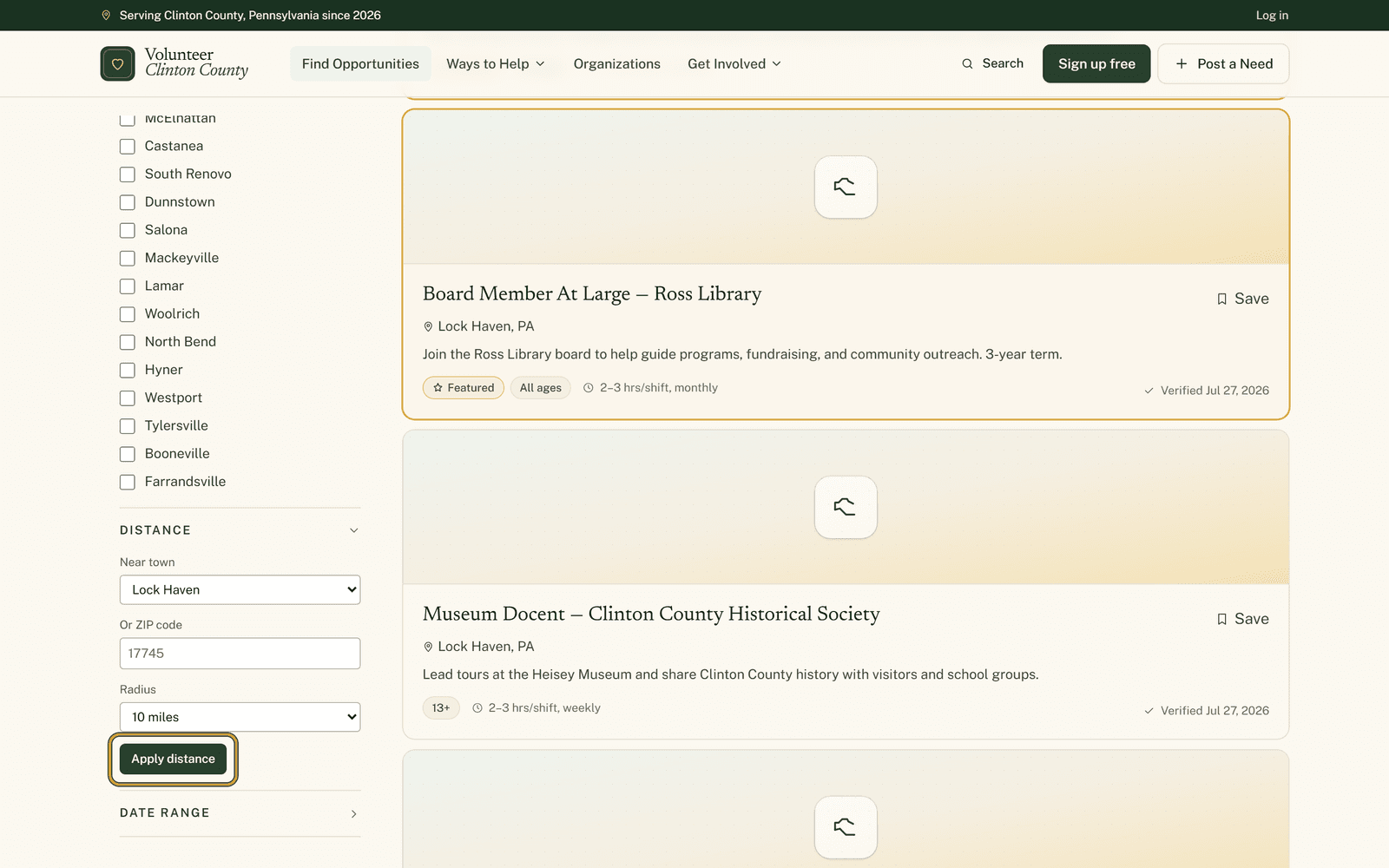 Finding your fitHow to search volunteer listings by town, ZIP and distanceClinton County is sixty miles end to end. The filter panel has a collapsed Distance section that takes your town and your mileage and hides the rest, with a couple of edges worth knowing.
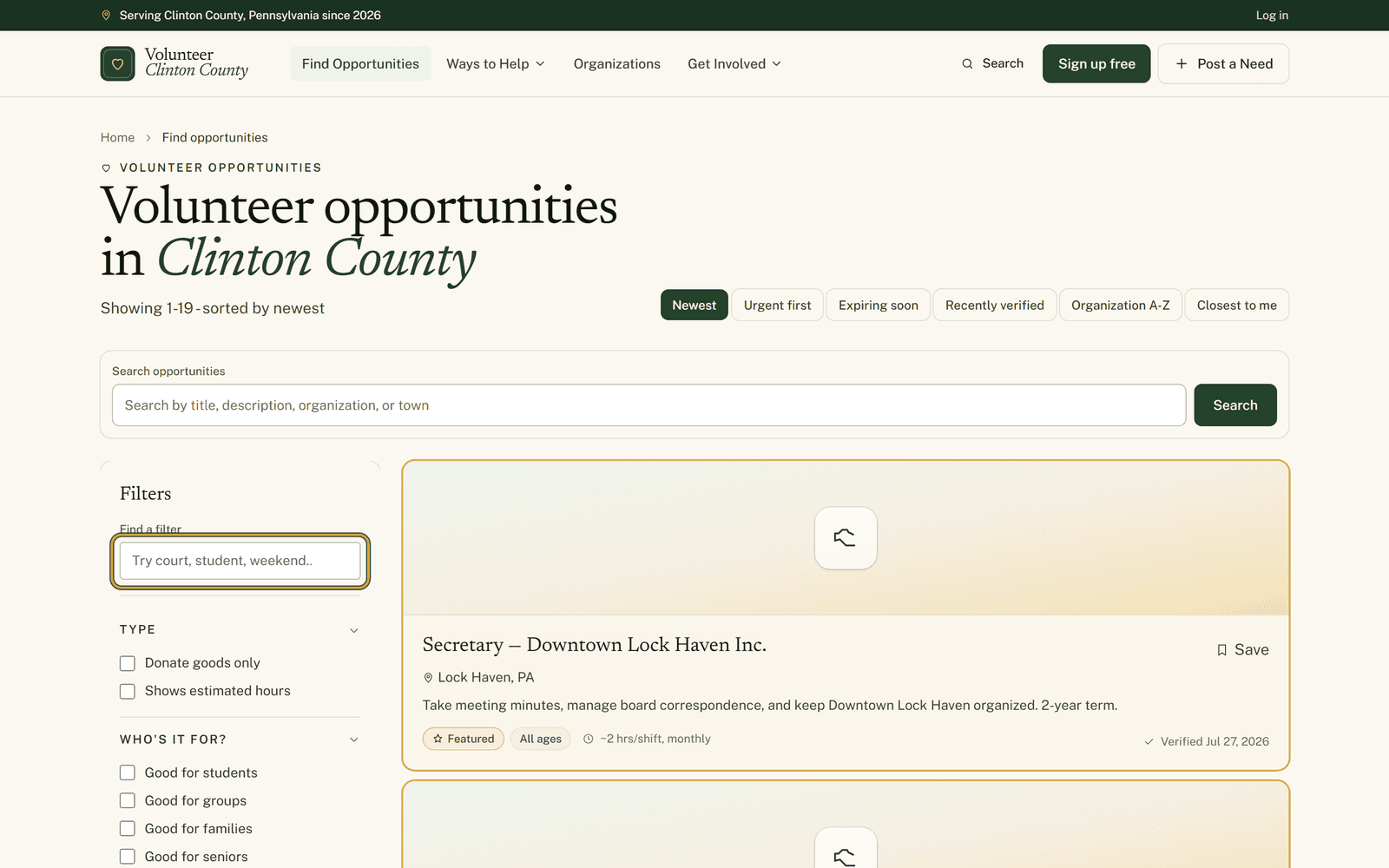 Finding your fitThe search box inside the filter panel that nobody noticesThe opportunities page carries eleven sections of filters. There is a small box at the top of them that finds the one you want when you type a word like outside, court or saturday.
- Finding your fitThe Notify me link most people scroll right pastFound a listing you liked but the day was wrong? One small link at the bottom of the card emails you when a matching one posts. Here is where it hides and what it will not cover.