Your organization is already listed. Here is how to take the page over
An old phone number, a description nobody there wrote, and no way in. Claiming asks for your name, your email and a sentence about who you are, then a person reads it.
Somebody wrote those two lines about the sportsmen's club in Loganton, and it was not anybody at the club. Listings for small organizations tend to arrive from the outside, out of public records and old announcements, which is why so many of them read like a stranger describing your group from across the room. That is exactly what happened.
The phone number on the club's page stopped working in 2019. There are no photos. The treasurer would fix both this evening and put the spring banquet up while she was in there, except she has no way in, because nobody at the club ever set up an account.
What claiming actually is
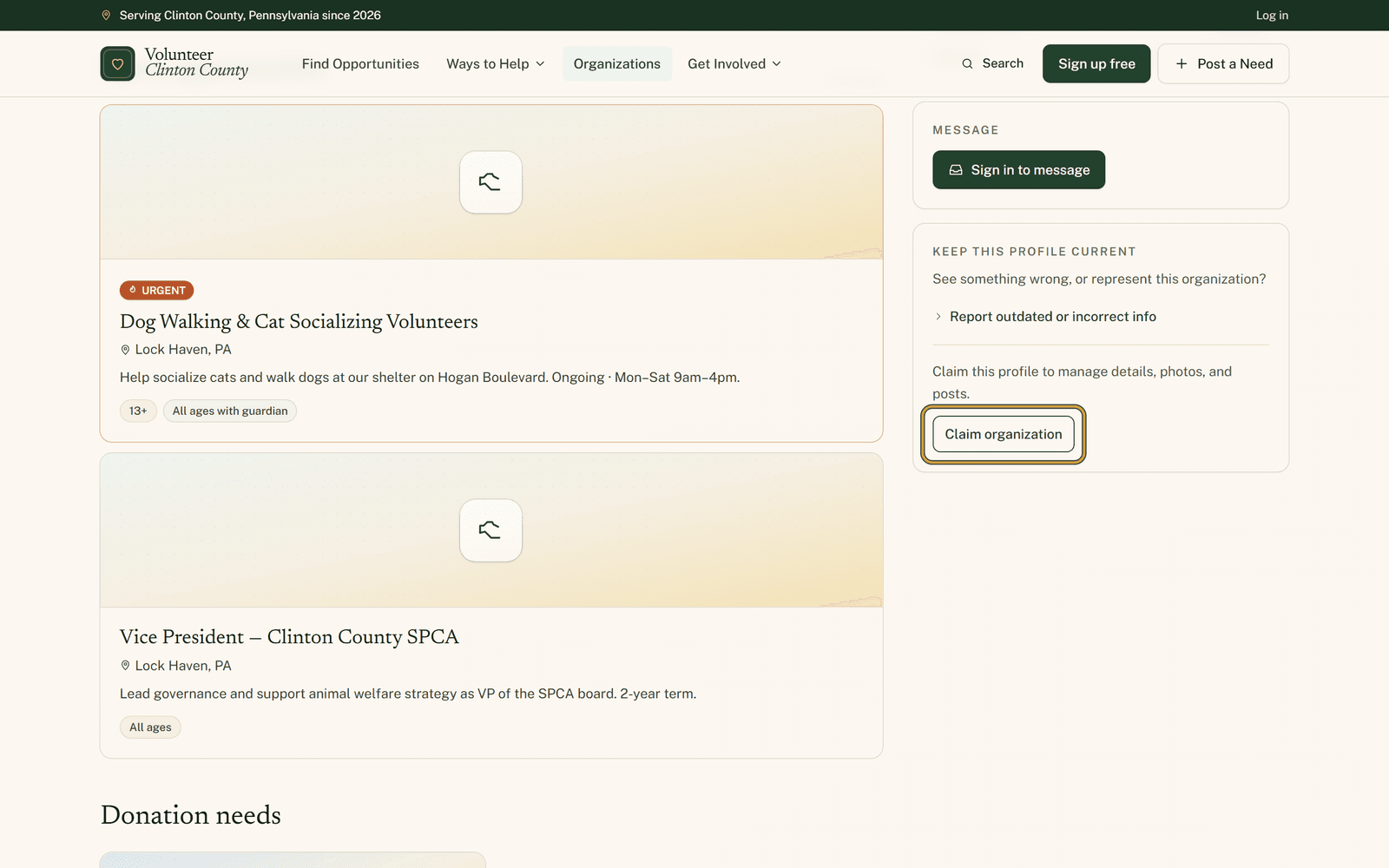
Claiming is how you become the person who runs a page that already exists. The way in sits on the page itself, down the right-hand column: a line about managing details, photos, and posts, with a "Claim organization" button under it.
That button only shows when nobody is looking after the page. If somebody already is, the claim page tells you the organization has an active administrator and asks you to contact them directly, which is the answer you want when a page is already in good hands.
The box that matters
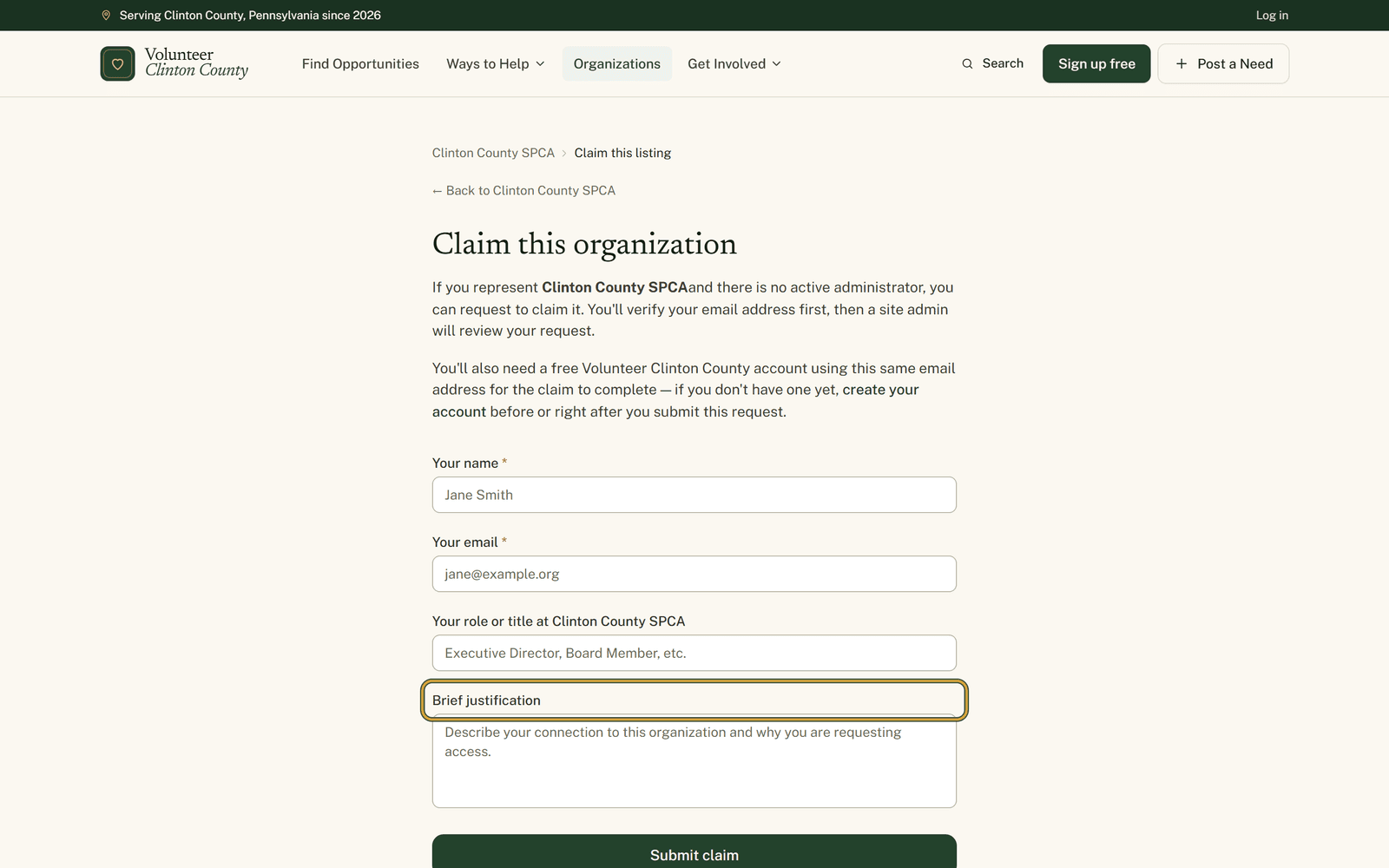
The form asks for your name, your email, your role or title at the organization, and a brief justification. Pick the email address you genuinely use for the organization, because everything that follows runs on it.
The justification is the part a reviewer reads. Somebody is deciding whether to hand your group's public page to a name they do not recognize, so two specific sentences beat a formal paragraph. Board member since 2019. The person who has run the coat drive for six years.
What happens after you send it
You get a confirmation on screen and an email carrying a verification link. That link stays good for a week; follow it and the site answers "Email verified", and leave it too long and the page tells you the link expired. Submitting again issues a fresh one.
Then a person reads your request. Nothing on the public page moves while a claim is pending, and no access is handed over without that review. You hear back by email either way.
Where claims get stuck
The claim also needs an account on this site under the same address you claimed with. Claim from the church's shared inbox, then sign up with your personal one, and the approval cannot finish. You get an email asking you to register on the matching address, and the claim waits until you do.
Submitting twice by accident breaks nothing. A second attempt tells you either that a verification link was already sent, and to check your spam or junk folder, or that your claim is already verified and waiting for review. Neither creates a duplicate.
Once you are in
The organization shows up in your portal when you sign in. The description, the contact details and the photos become yours to fix, and you can post opportunities, events, donation needs and board openings under your own name.
The thing worth doing on the first day is inviting two other people from your group. A page with a single administrator is one job change away from being stranded again, which is how the club ended up in this position to begin with.
From the button to the decision email, the whole path is set out at https://www.volunteerclintoncounty.org/help/claim-your-organization
That wrong phone number has been sitting there since 2019 because nobody at the club could reach the page to change it. Fixing that starts with one short form. Find your organization.